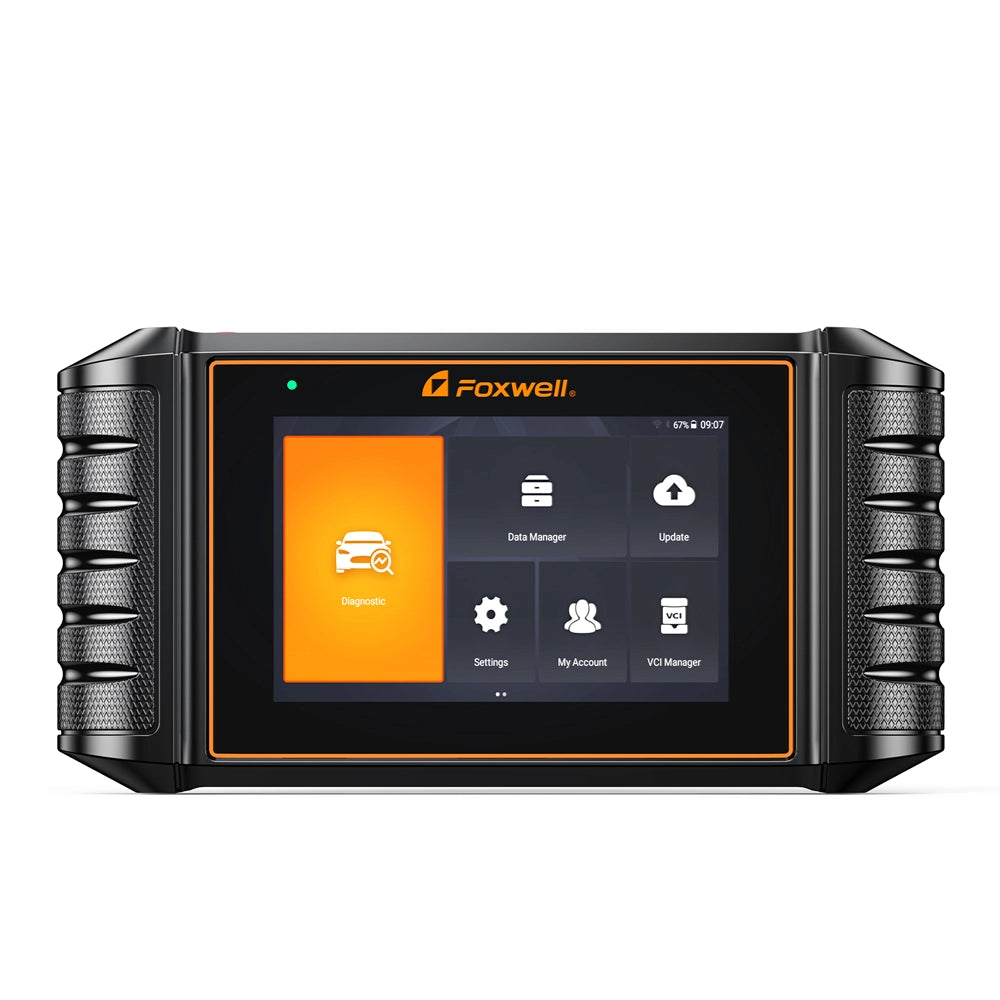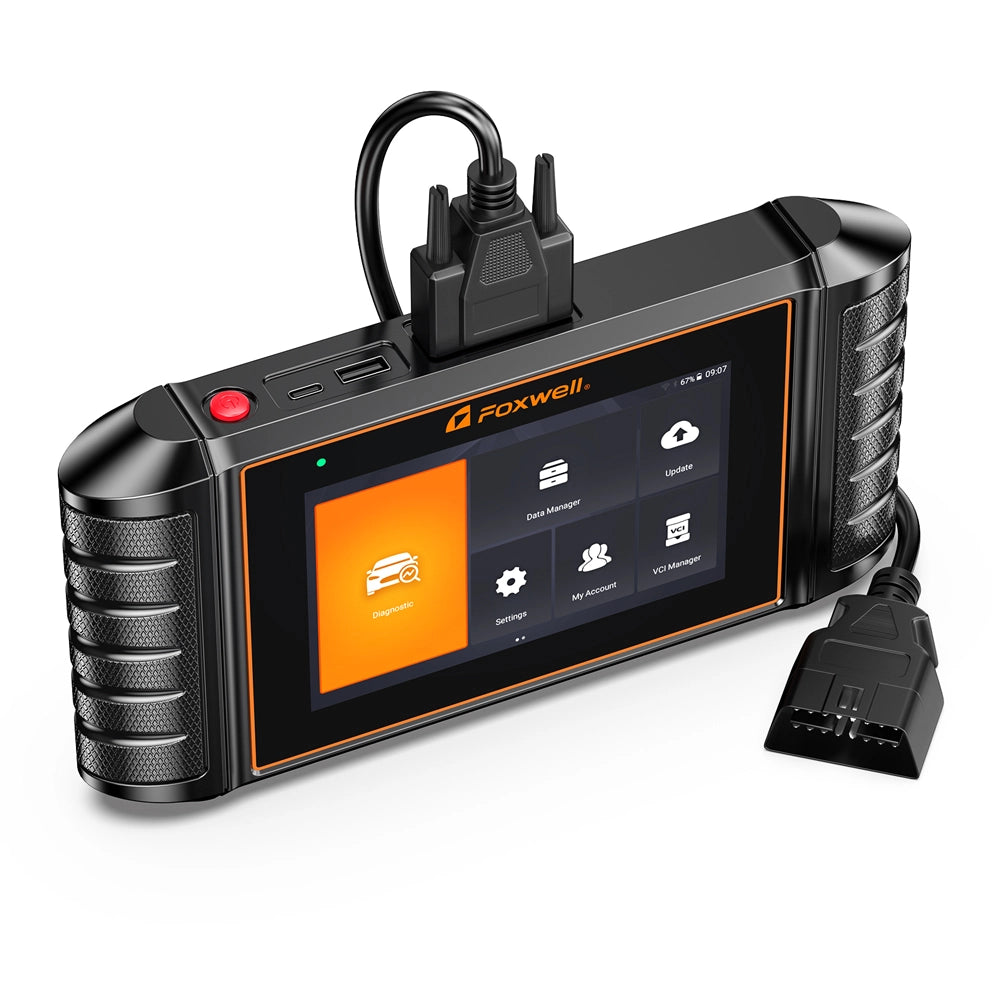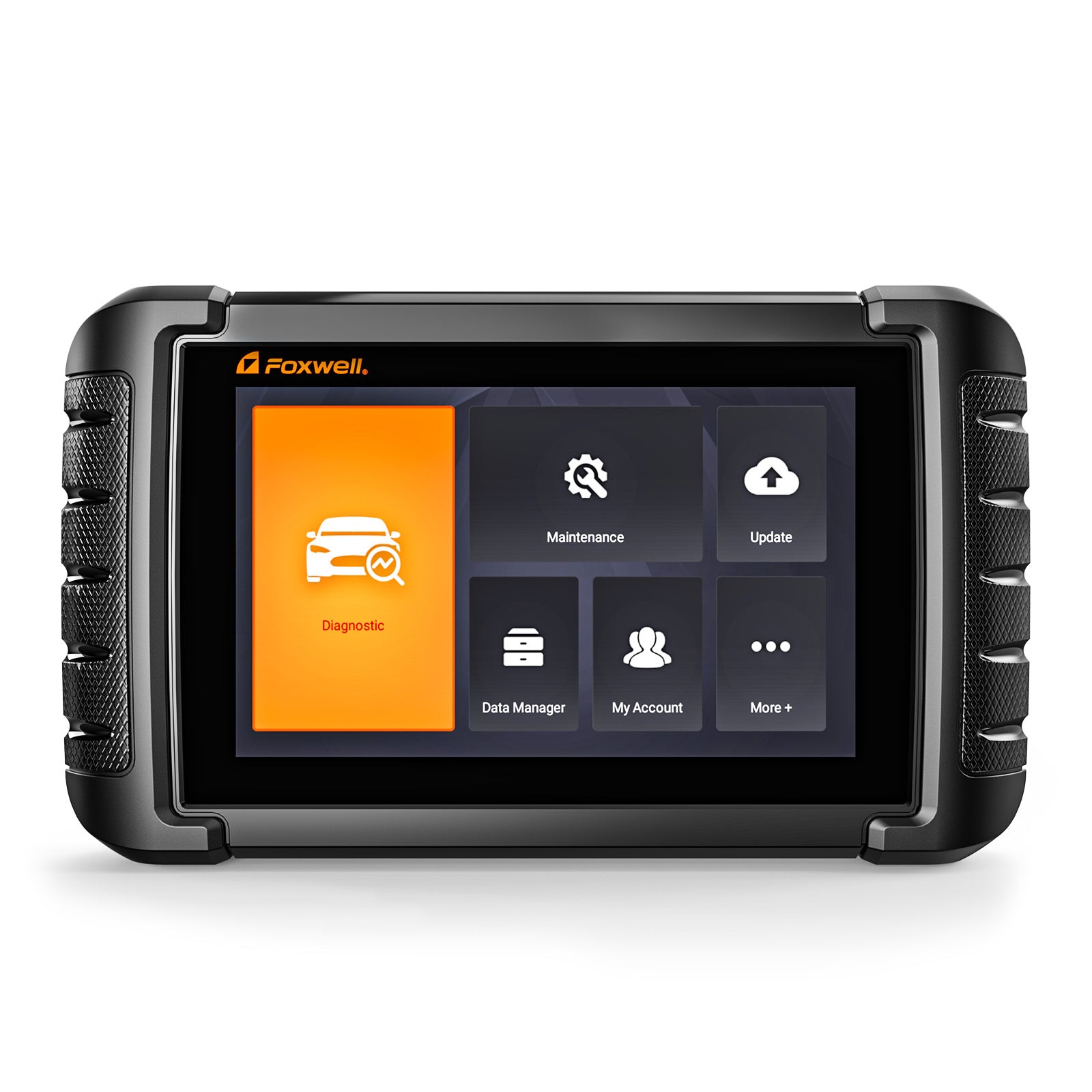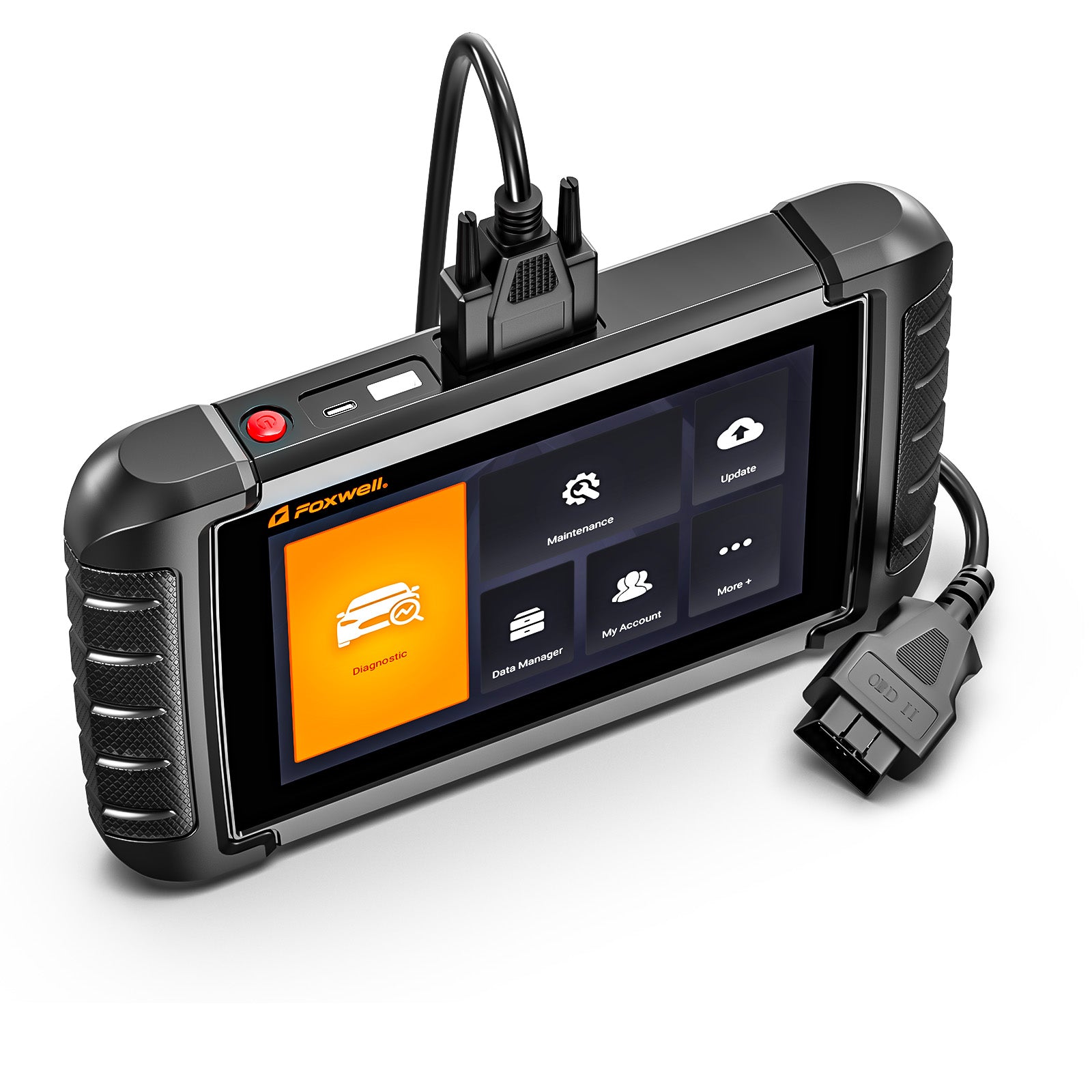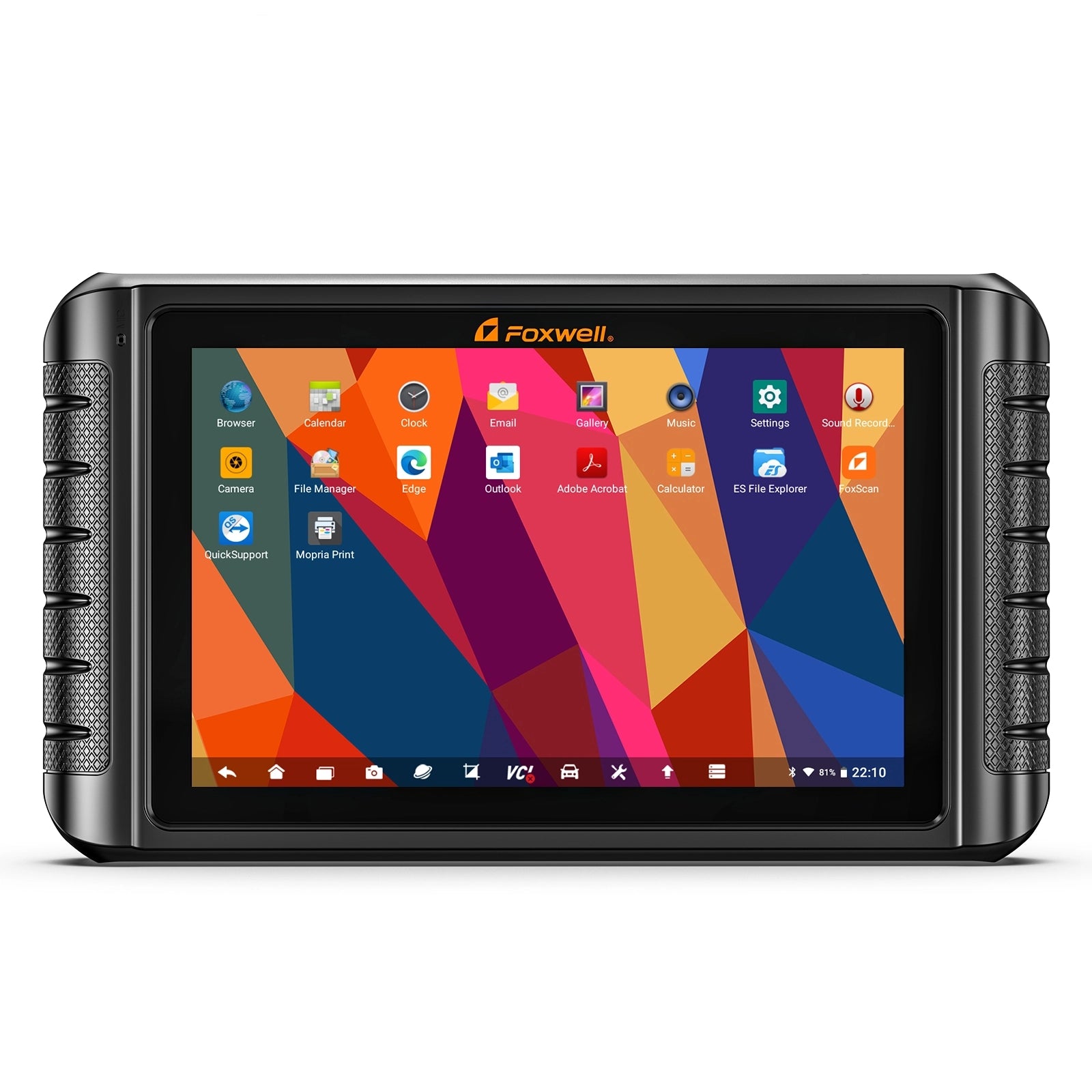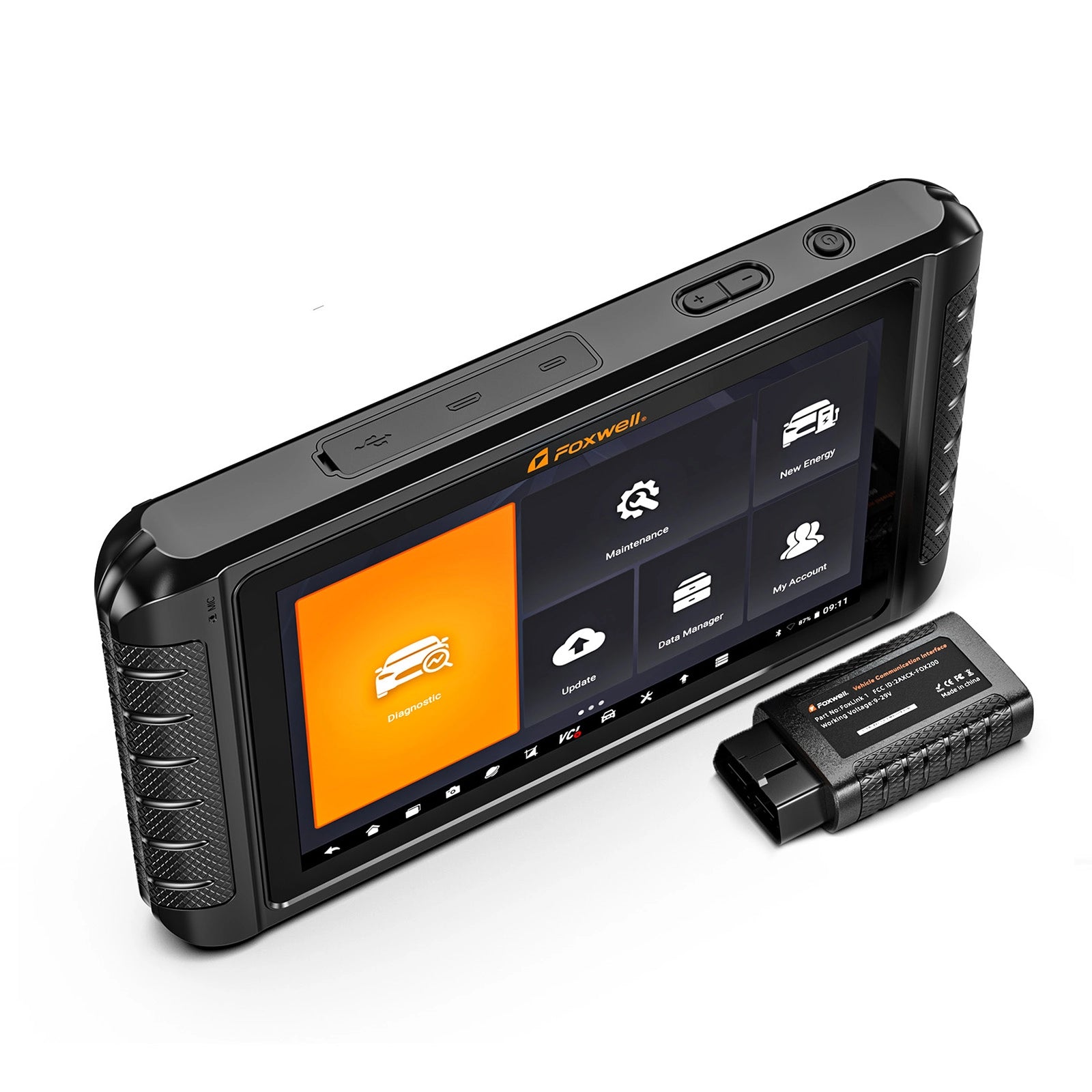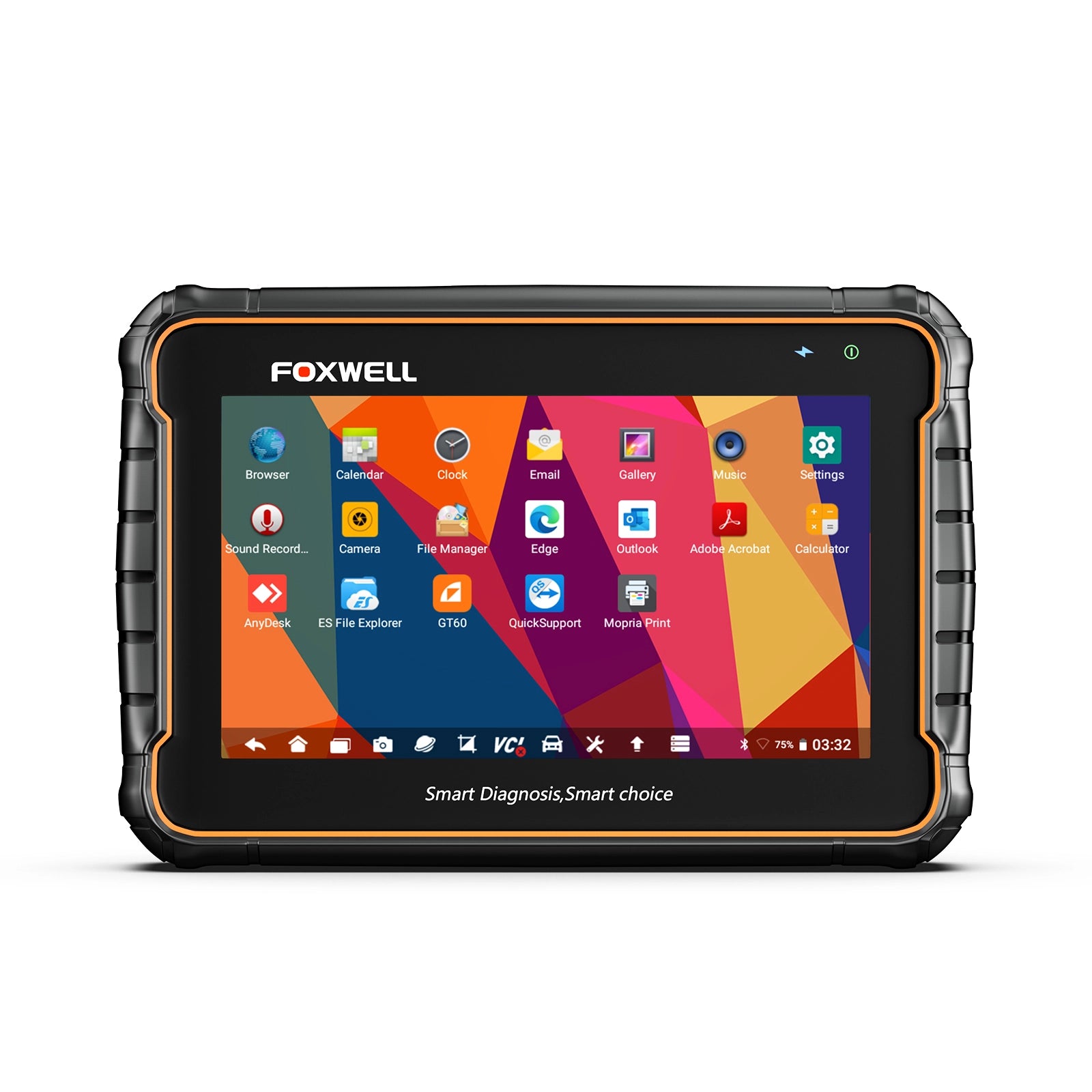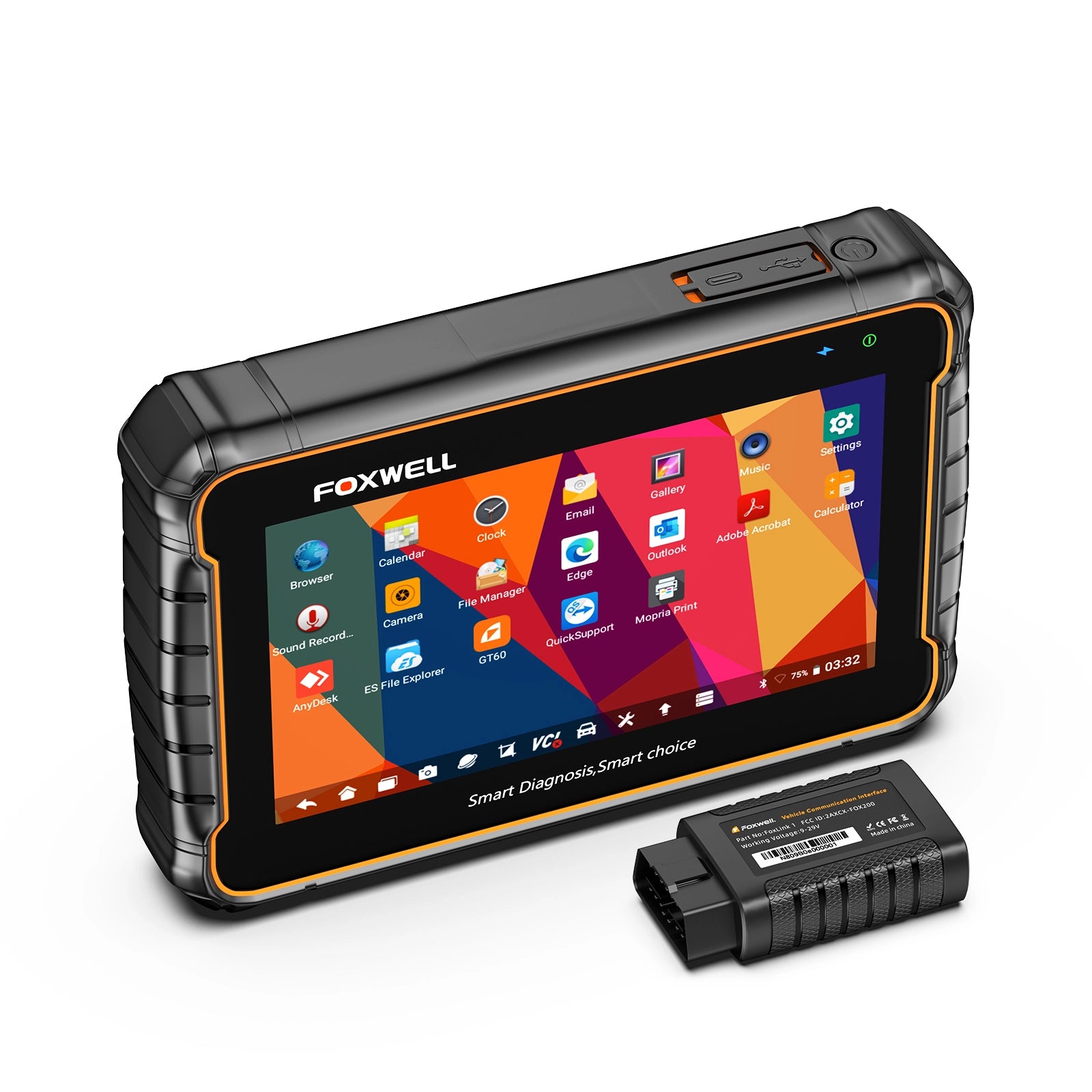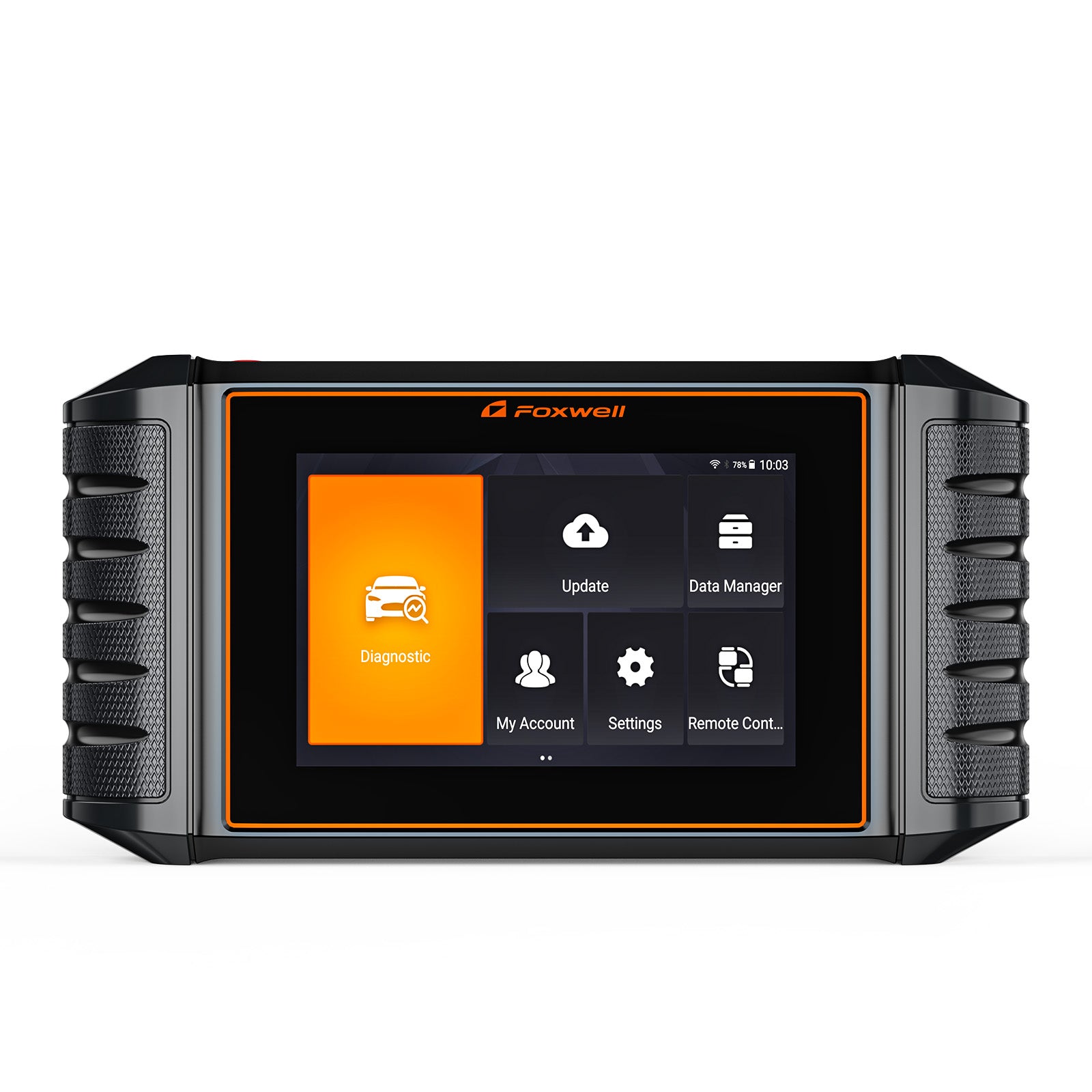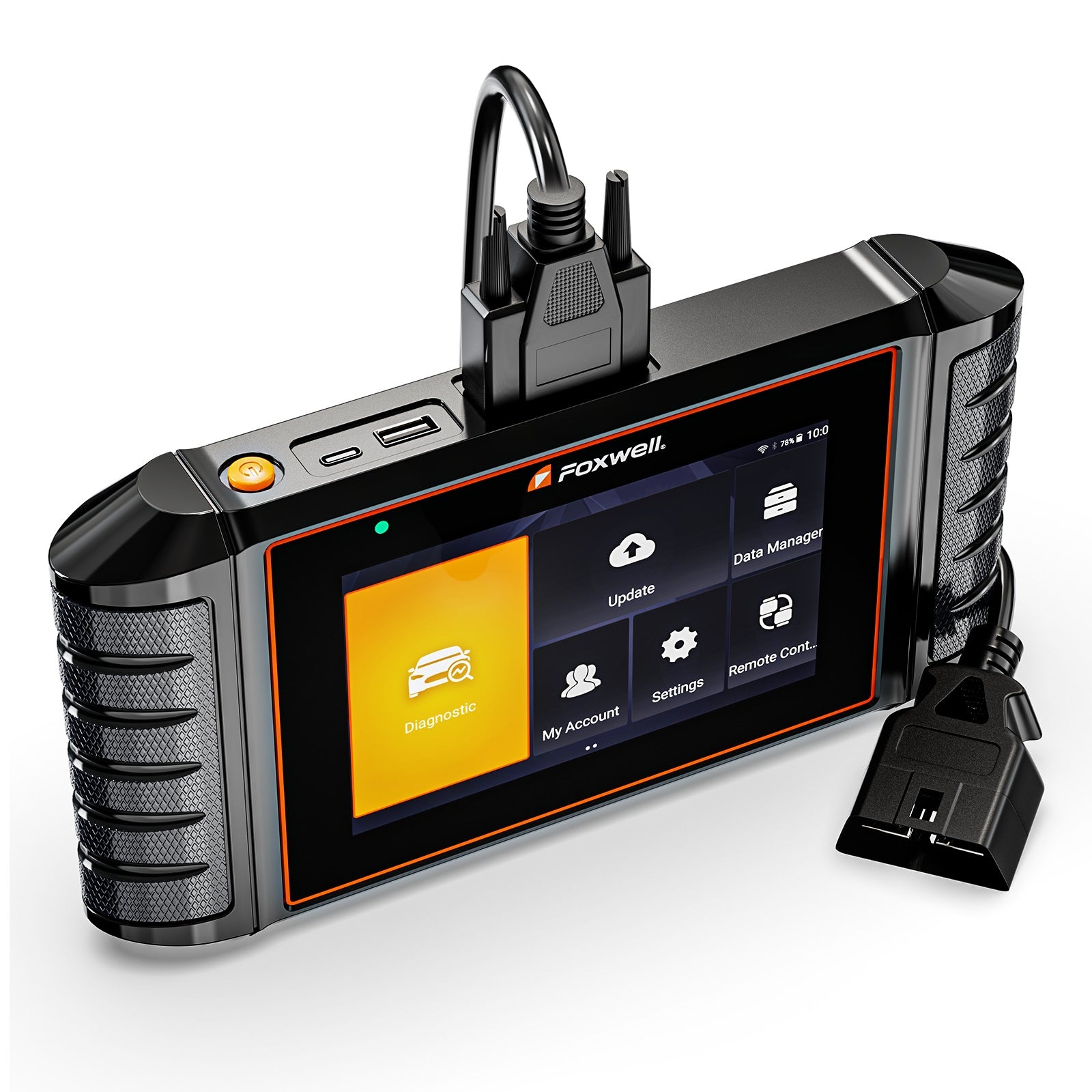
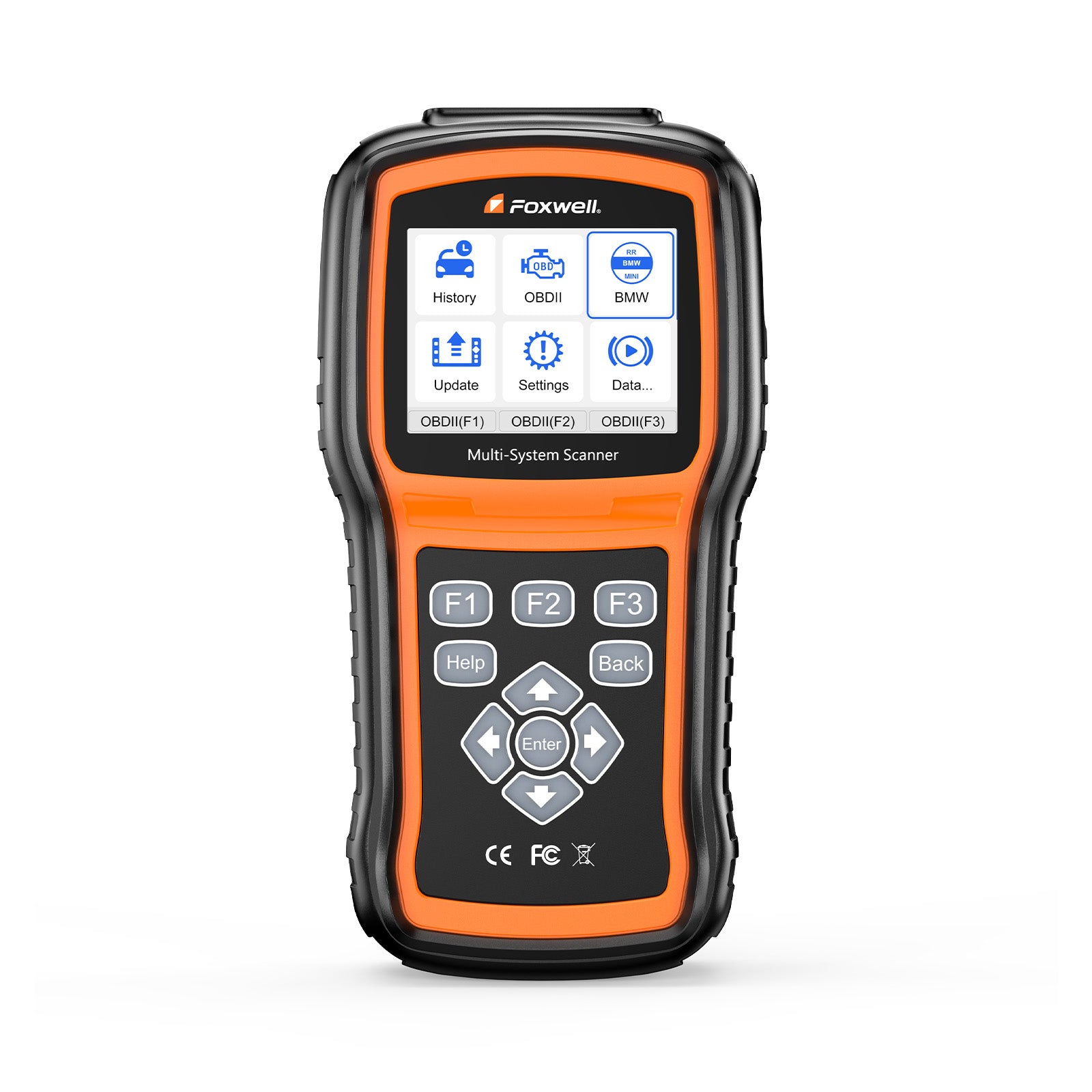
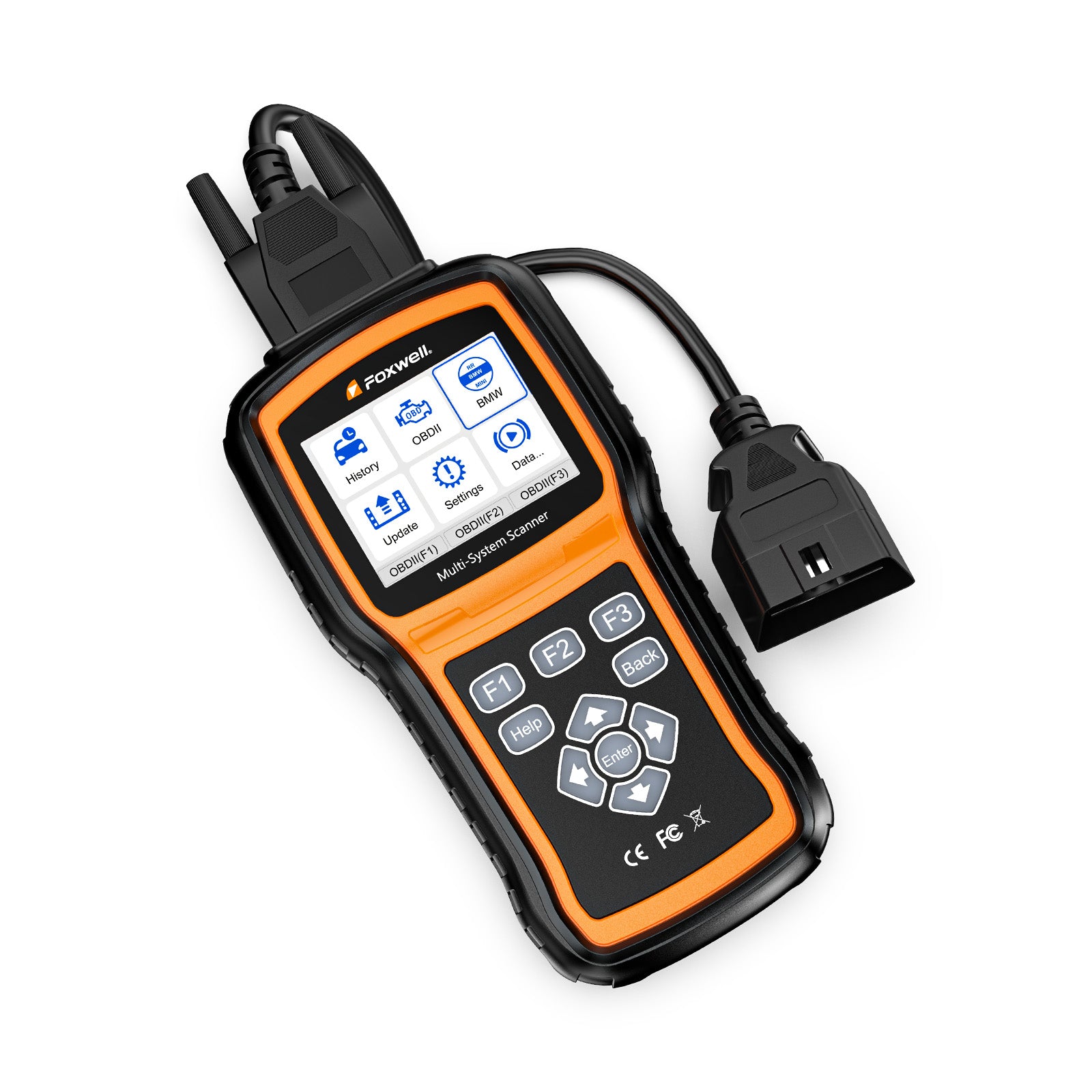
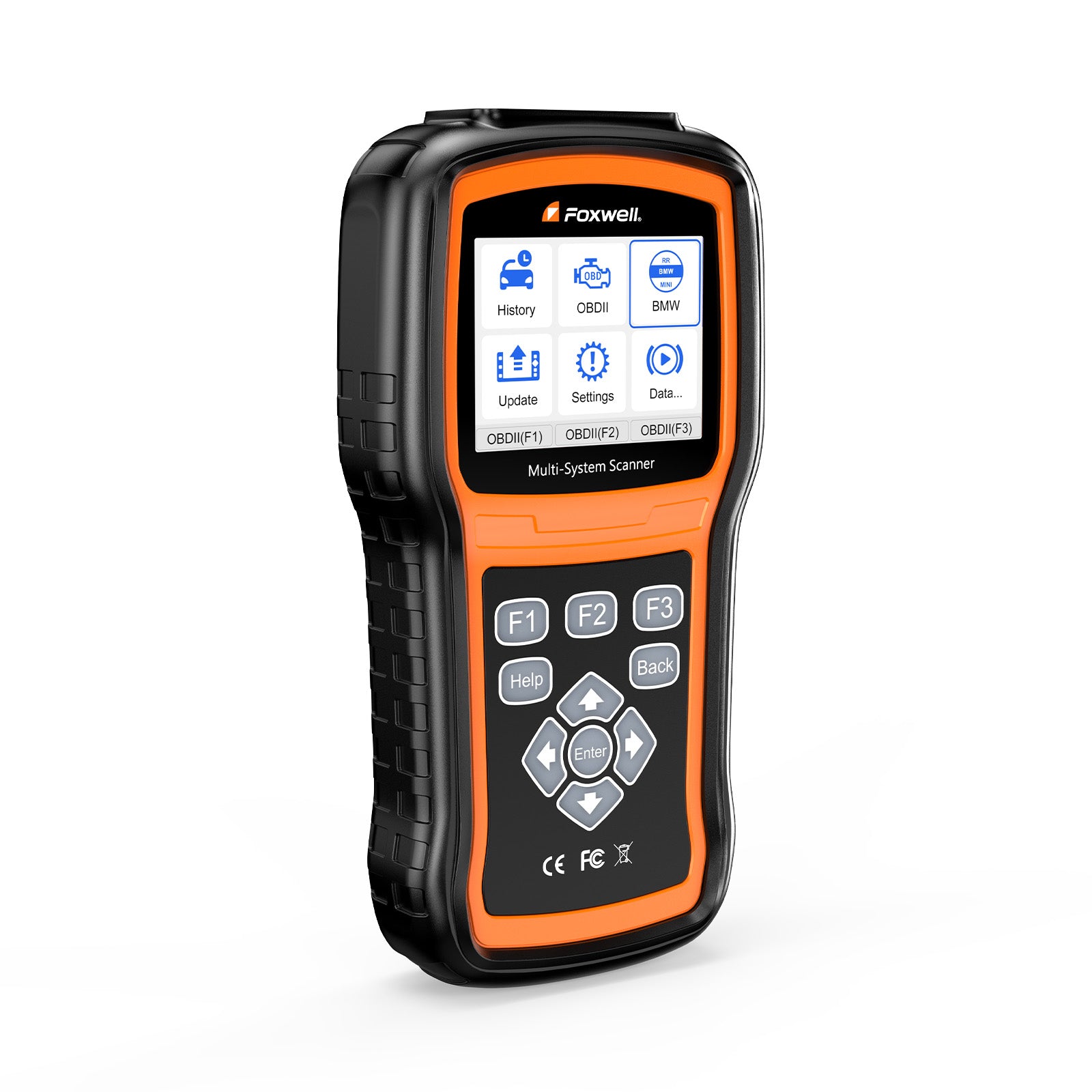
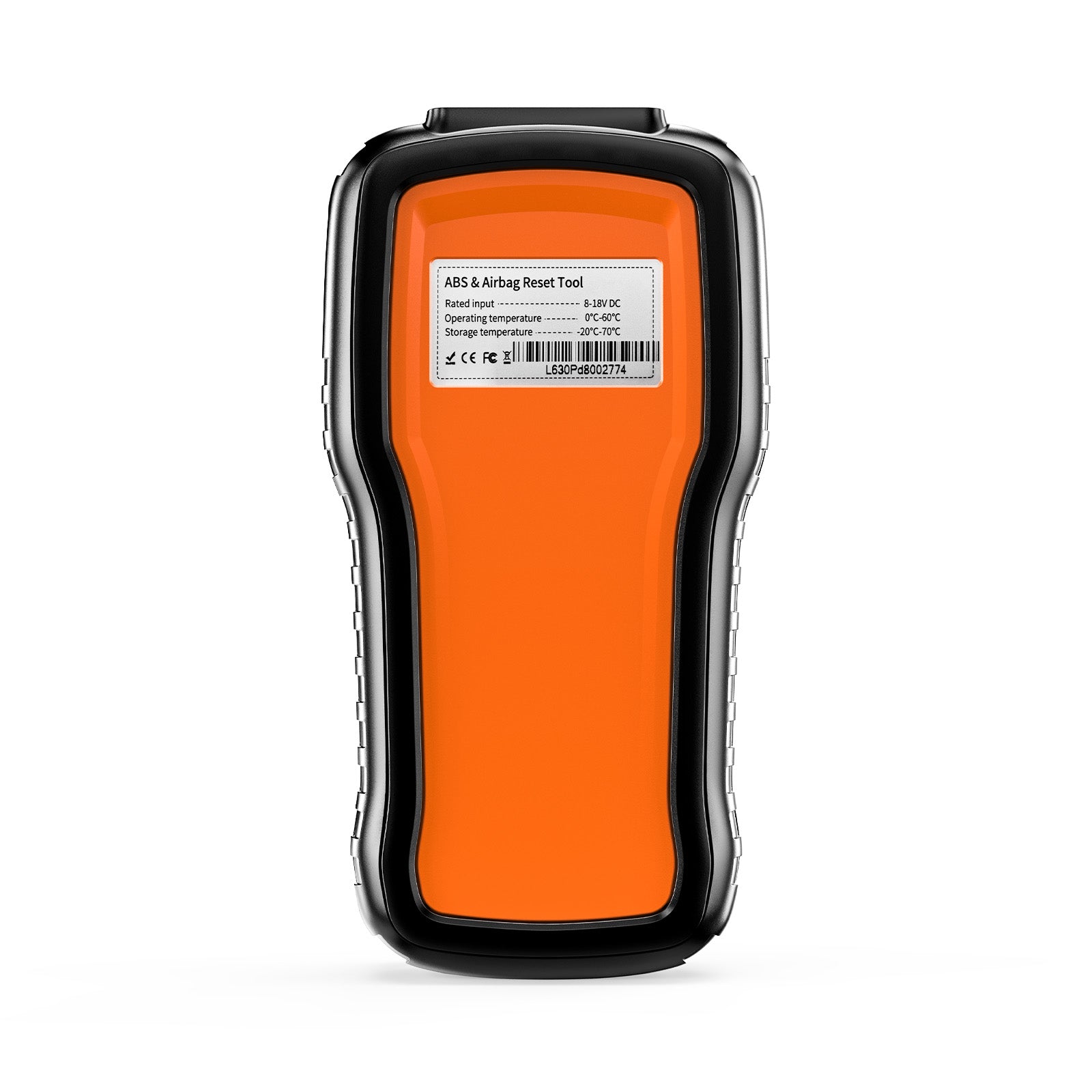
Foxwell NT530 Plus
Diagnostic Scanner Tool ABS SRS EPB TPMS Code Reader
If your model isn’t listed, order any model and send us the serial number to change it to meet your needs.


 One Year Warranty
 Lifetime Free Update
 1-5 Days Shipping
 Lifetime Tech Support
Full OBDII/EOBD Protocol and Full System Diagnostic

12V-24V Batteries 100-2000CCA.
Tests multiple rating systems - CCA, CA, MCA, JIS, DIN, IEC, EN, SAE standards.
Tests multiple battery types - regular flooded, AGM flat plate, AGM spiral and GEL.

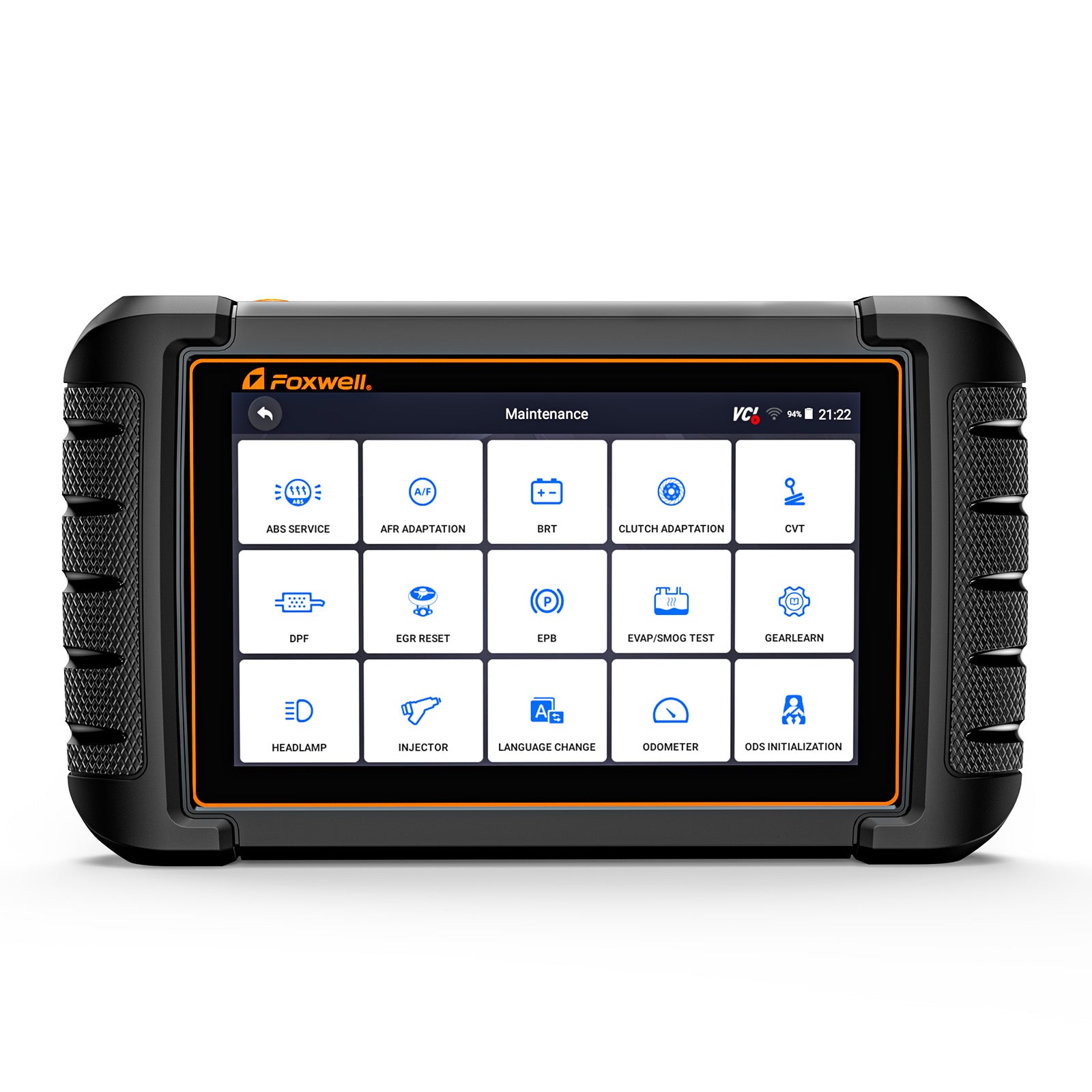
Advanced Maintenance Service

Supports the most commonly required service features for mainstream brands like steering angle sensor (SAS) calibration, DPF regeneration, ABS bleeding, BCM/SIR setup, etc.
Please send an email to support@foxwelldiag.com to consult about product compatibility before ordering.

Live Date

Fit for enthusiasts, small garages, independent repairs, specialized garages, and technicians...
And Multi-language menus and codes for an international marketplace which makes automotive health diagnostics faster and easier for users from different countries.

Upgradable to cover more car makes at unbeatable value

NT530 Plus runs component/system bi-directional tests Support advanced functions such as adaptations and control module coding.
The scanner is shipped with one free software andcan cover up to five vehicel makes. More software can be added anytime at extra cost.

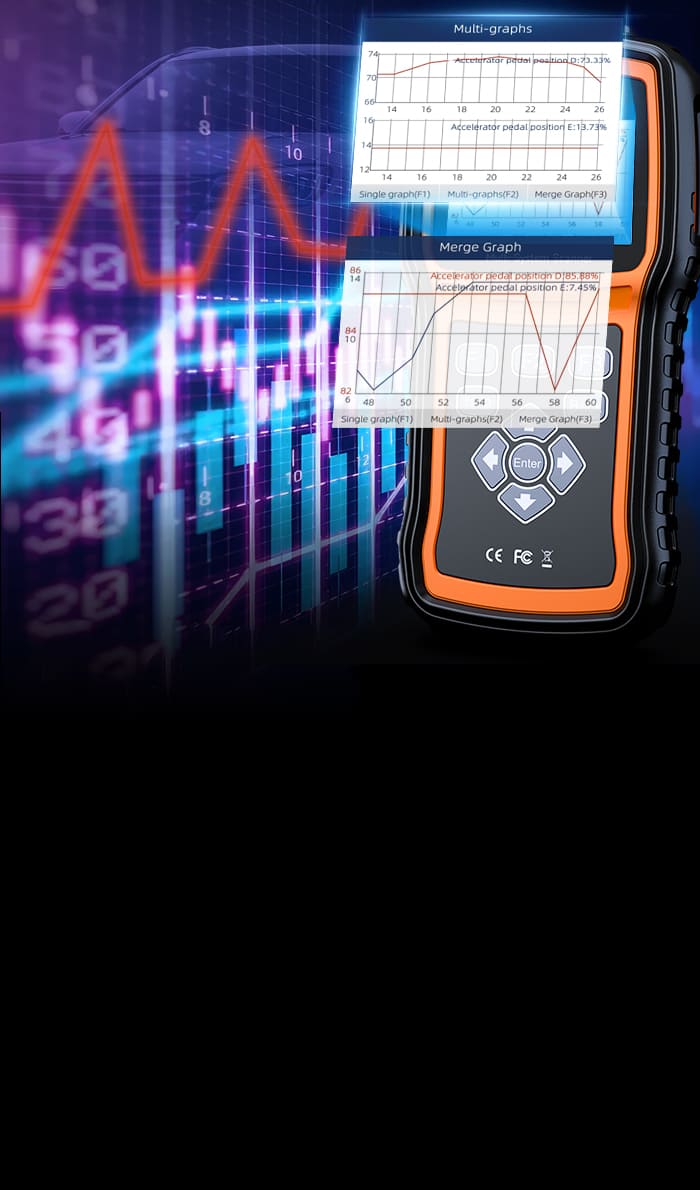
Show live vehicle sensors data in text and graph formats and allows you to focus on any suspicious or symptom-specific data parameters. It records live sensor data and palybacks records to capture intermittent faults whenever they happen.
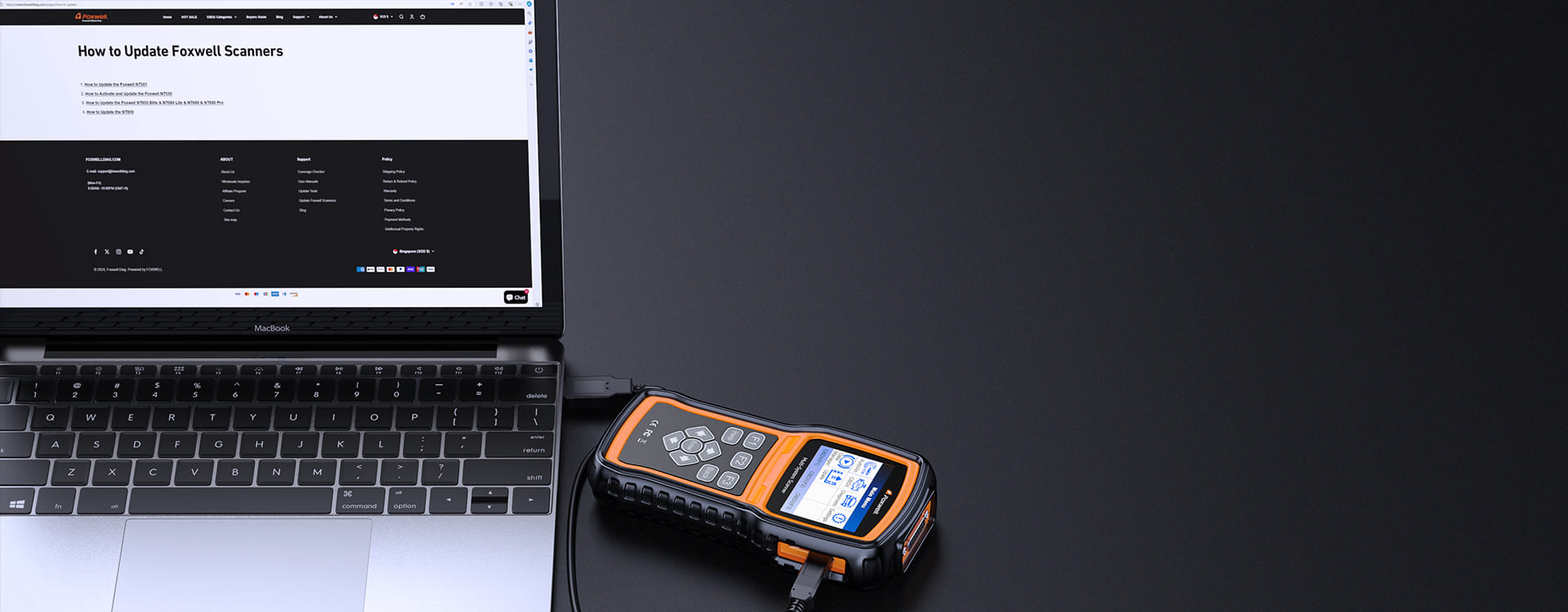
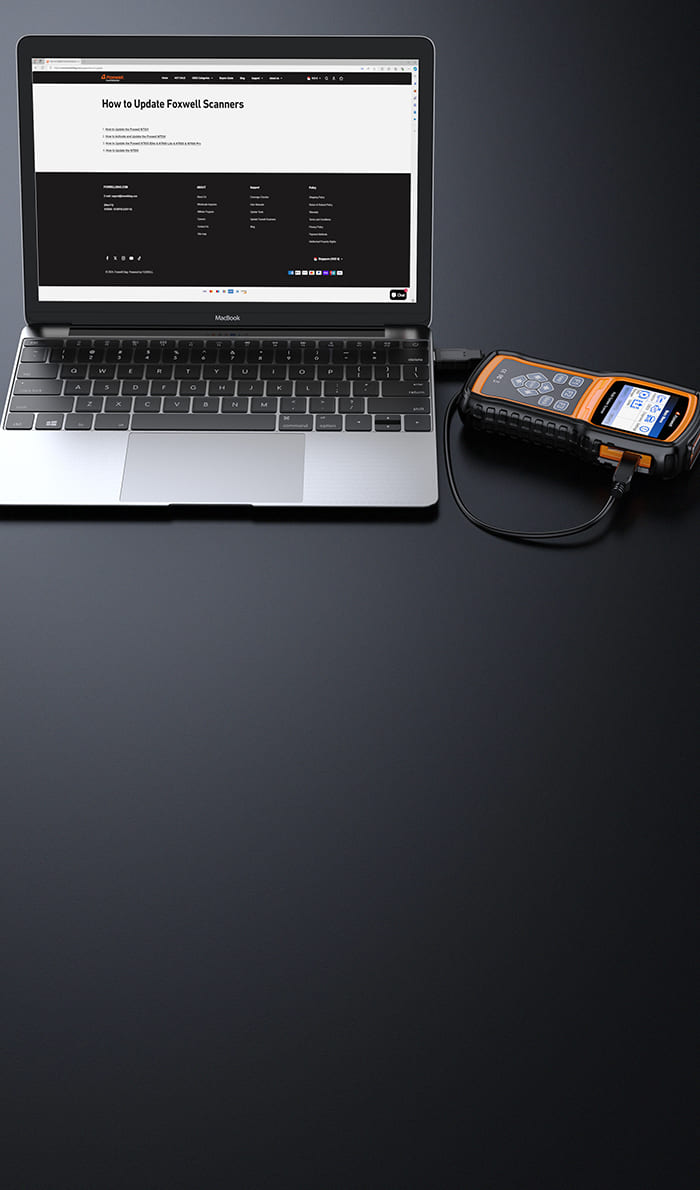
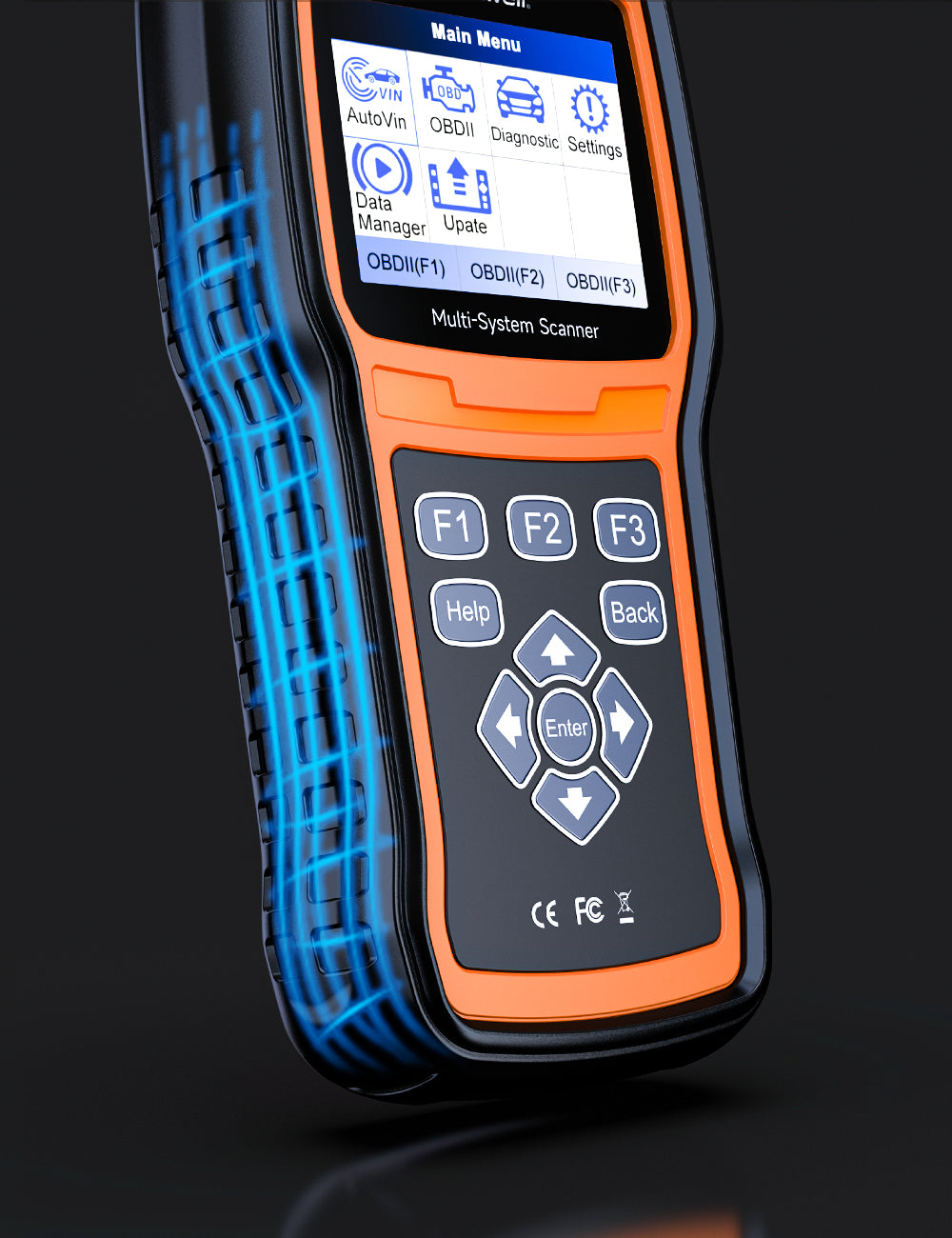
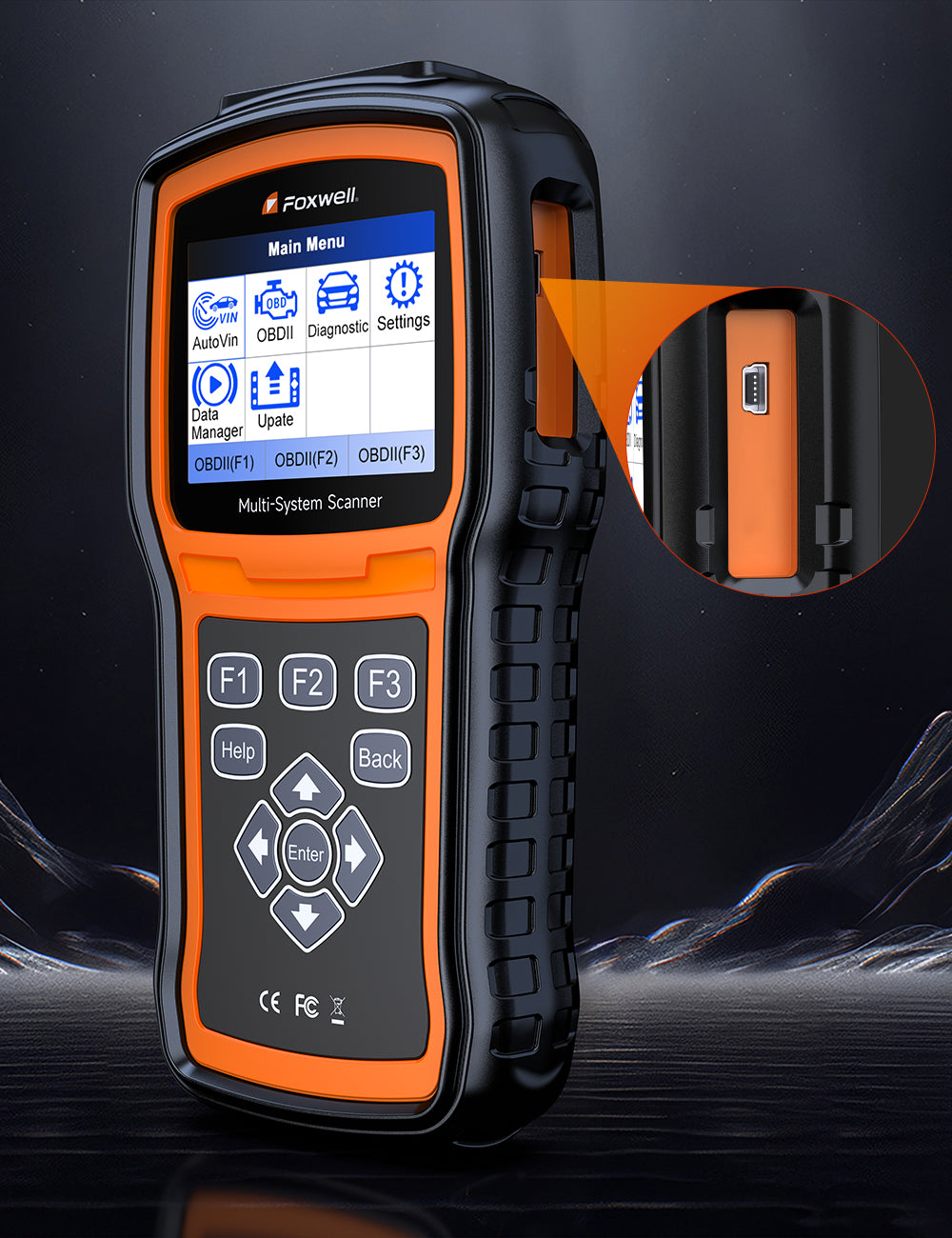
With internet access, you will always have the latest bug fixes, newly added parameters and functionality at your fingertips. In addition, NT530 Plus is upgradable to cover more car makes at unbeatable value.
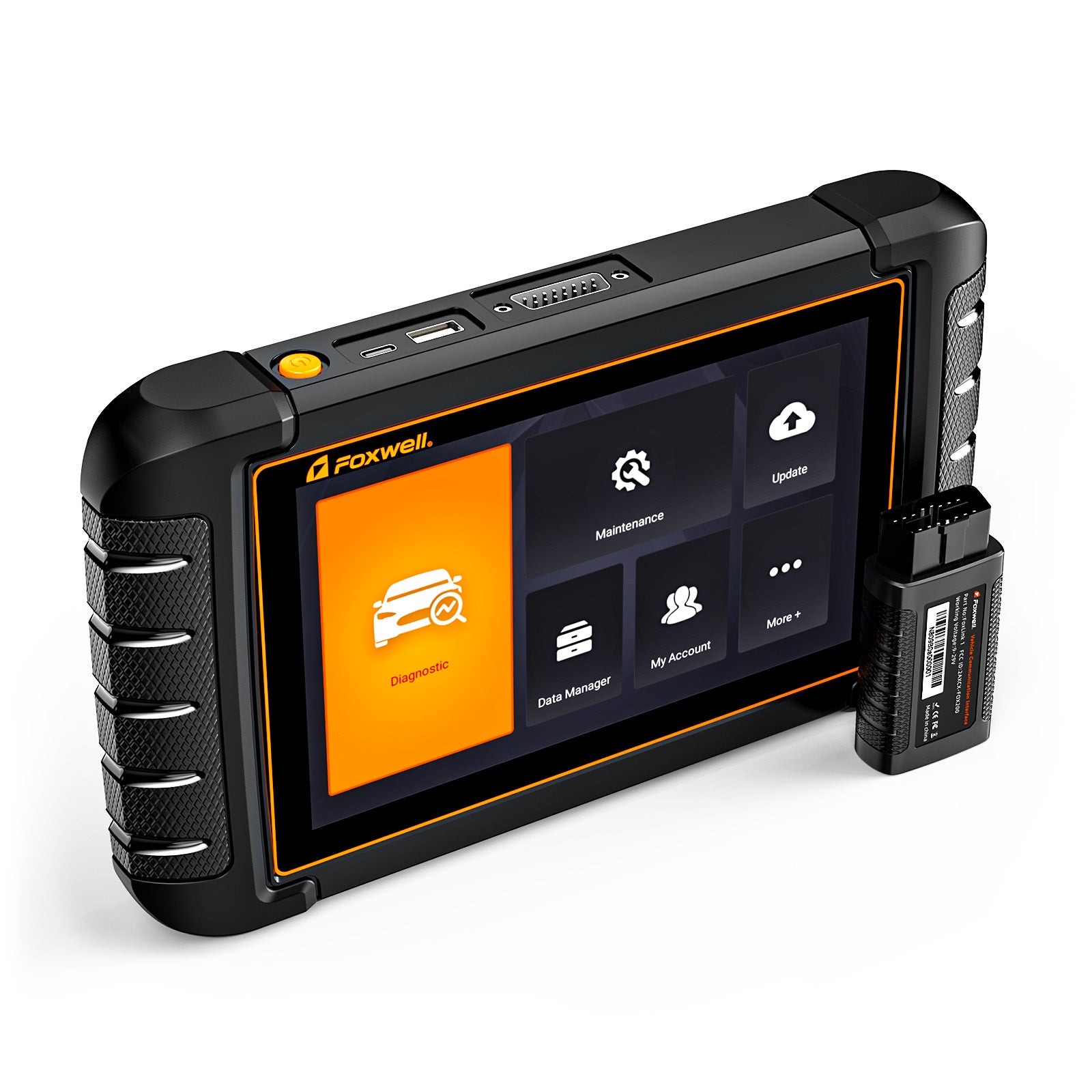
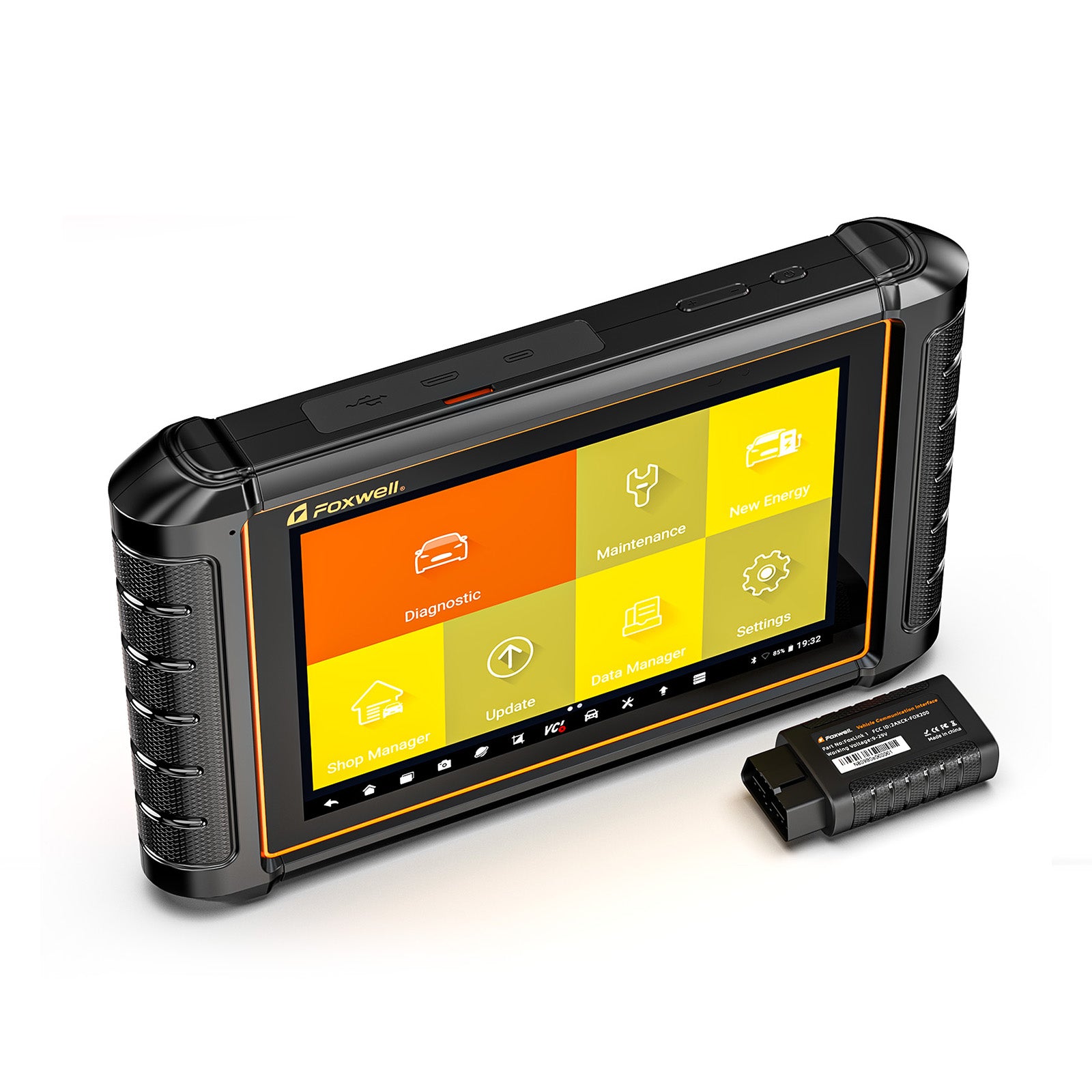
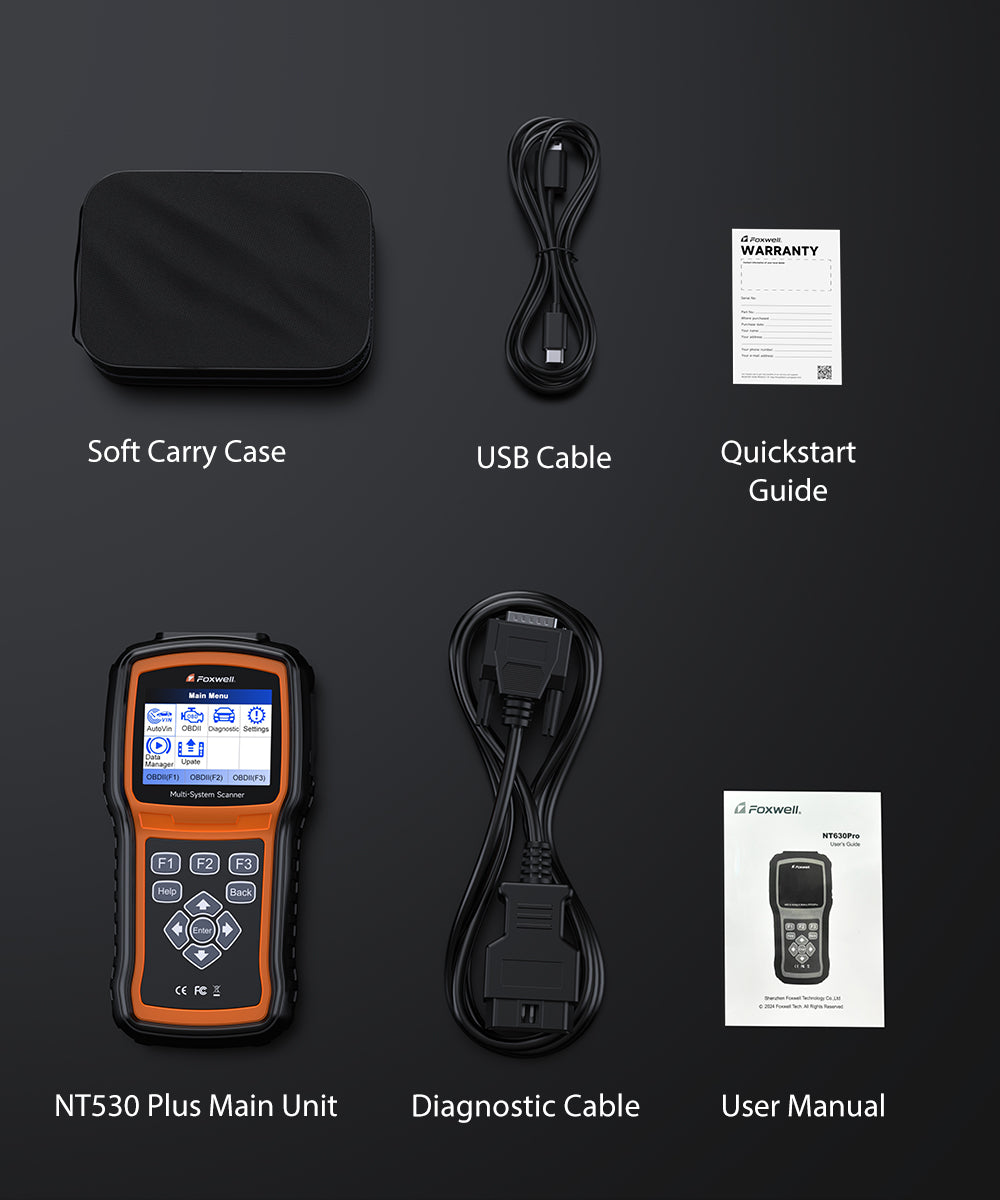
Package List



Frequently Asked Questions
1. Is the NT530 compatible with my vehicle (BMW, Porsche, Ferrari, etc.)?
Yes — but only to the level your vehicle allows.
Reality check:
Works best on BMW (deep diagnostics & service functions)
Works on other brands (Honda, Porsche, etc.), but function depth may vary
Some advanced functions may be missing or limited
Bottom line:
✅ Good for diagnostics + maintenance
⚠️ Not guaranteed for full dealer-level access on all brands
2. Can the NT530 Plus control components (fan, fuel pump, ABS bleed)?
Yes — supports bi-directional control on supported vehicles.
What it can do:
- Run active tests (bi-directional control)
- Perform ABS bleeding
- Test certain actuators
Limitations:
- Not all components are supported on all vehicles
- Availability depends on ECU access
Note: Results vary by vehicle — Some functions may not appear at all if your vehicle doesn’t support them — even if the tool has that feature.
3. What is the NT530 Plus NOT designed for?
The NT530 Plus is a professional vehicle diagnostic tool — but it is not intended for certain advanced or specialized tasks.
It is NOT designed for:
- Key programming or immobilizer (IMMO) matching
- ECU flashing or online programming
- Advanced coding or feature unlocking (e.g. enabling/disabling hidden features)
- App-based or Bluetooth diagnostics
What this means for you:
- Ideal for diagnostics, maintenance, and basic coding
- Not suitable for advanced programming, tuning, or mobile app use
Note:
If your main goal involves programming, key matching, or deep customization, you may need a more specialized or OEM-level tool.
4. Is NT530 Plus close to OEM tools like ISTA?
No — but it’s a strong alternative for most diagnostics and service tasks.
What it can do well:
- Full system diagnostics
- Service functions (DPF, ABS bleed, SAS, etc.)
- Basic coding and adaptations
What it cannot replace:
- OEM-level tools (ISTA, ODIS, etc.)
- Deep programming or factory-level access
What this means for you:
✅ Great for enthusiasts & independent repair
❌ Not for dealership-level programming
5. Will all supported functions actually work on my car?
Not always — support depends on your vehicle’s ECU access.
Some functions may not appear in the menu, or may appear but fail to execute properly due to factory ECU restrictions.
Even for supported brands like BMW, VAG, and Benz, certain features such as ABS bleeding or bi-directional tests may be limited on specific configurations.
We strongly recommend checking compatibility or contacting support before purchase to confirm which functions work on your exact vehicle.
6. How does the “1 free software” actually work?
The NT530 Plus includes 1 vehicle brand software — others require purchase.
How it works:
- You choose 1 brand (BMW / VAG / Benz, etc.)
- Additional brands must be purchased separately
Important clarification (avoids complaints):
“Free software” = 1 brand license
Not unlimited access to all brands
7. Does the NT530 Plus support coding (e.g. disabling features like lane assist)?
Limited — supports basic coding and adaptations only.
What it supports:
- Module adaptations
- Basic control module coding (on supported vehicles)
What it does NOT support:
- Advanced feature coding (e.g. disabling lane assist)
- ECU flashing or deep reprogramming
Note: Function availability depends on the vehicle. This tool is not intended for advanced customization or tuning.
8. Does the NT530 Plus support WiFi updates? How do I update it?
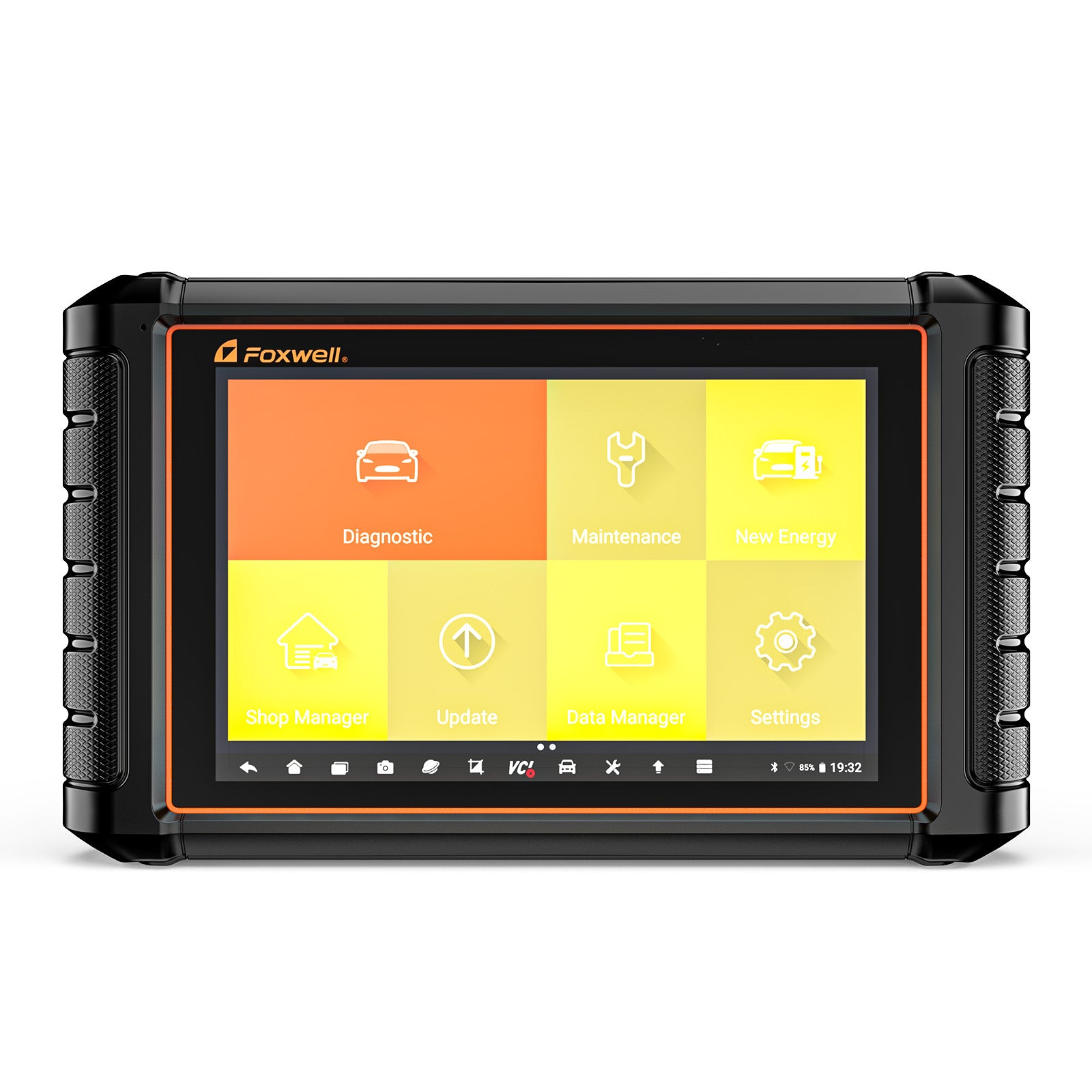
Yes — the latest NT530 Plus supports WiFi updates. Simply connect to WiFi and tap “Update” on the device. No computer is required.
The latest models do not require registration — they come preloaded with a default Foxwell account, and you can log in via the website to change it to your own account at any time.
How to tell if your device is the latest WiFi version:
- Models starting with L530 / L510 → WiFi version (update directly on the device)
- Models starting with N530 / N053 / N510 / 510E → Older version (requires PC update tool FoxAssist)
For more update details, please read: How to update NT530 PLUS
9. What special functions does the NT530 Plus support?
The NT530 Plus supports a wide range of advanced service and maintenance functions, making it ideal for both DIY users and professional technicians.
Common special functions include:
- Oil Service Reset – Reset oil change/service intervals after maintenance
- Transmission Adaptation Reset – Relearn transmission behavior after fluid change or repair
- Brake Pad Reset (EPB) – Reset electronic parking brake after replacing brake pads
- Steering Angle Sensor (SAS) Calibration – Recalibrate steering angle for stability control systems
- Throttle Body Relearn – Restore proper throttle response after cleaning or replacement
- TPMS Reset – Relearn or reset tire pressure monitoring system
⚠️ Note: Available functions may vary depending on the vehicle make, model, and year.

You may also like