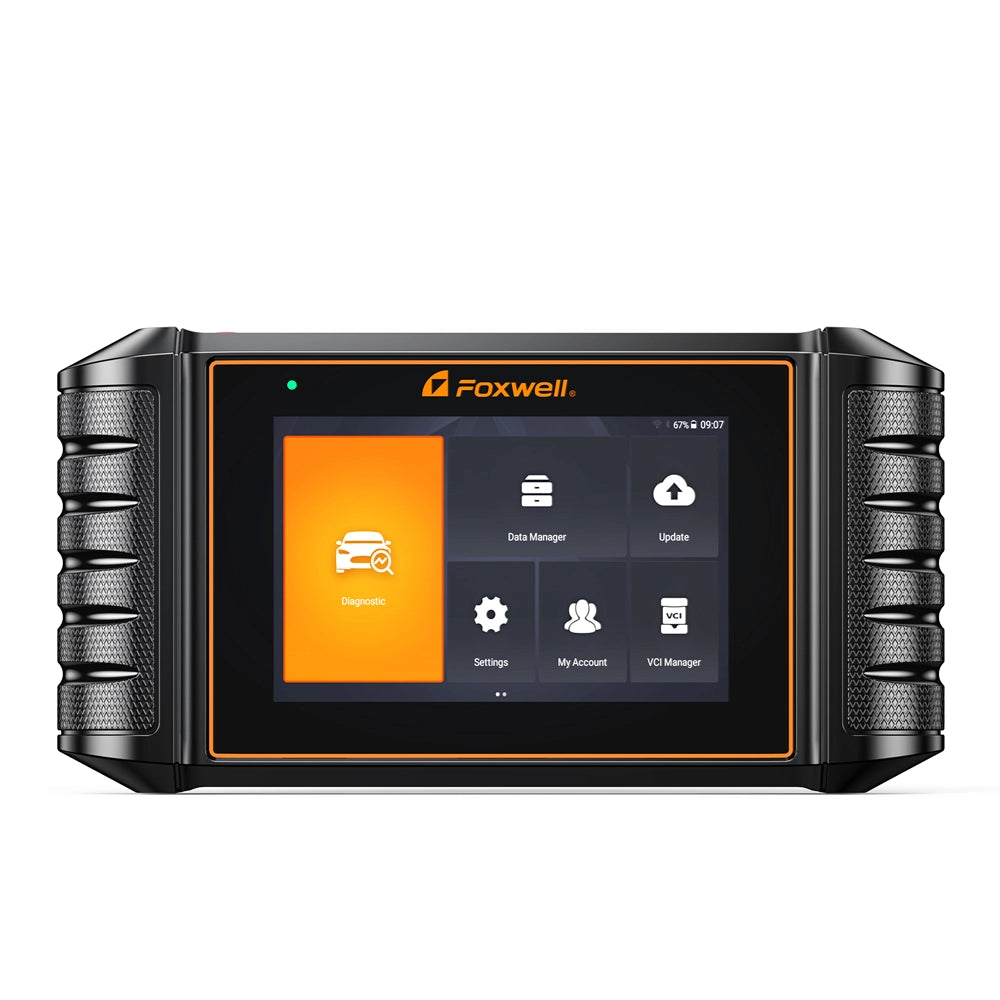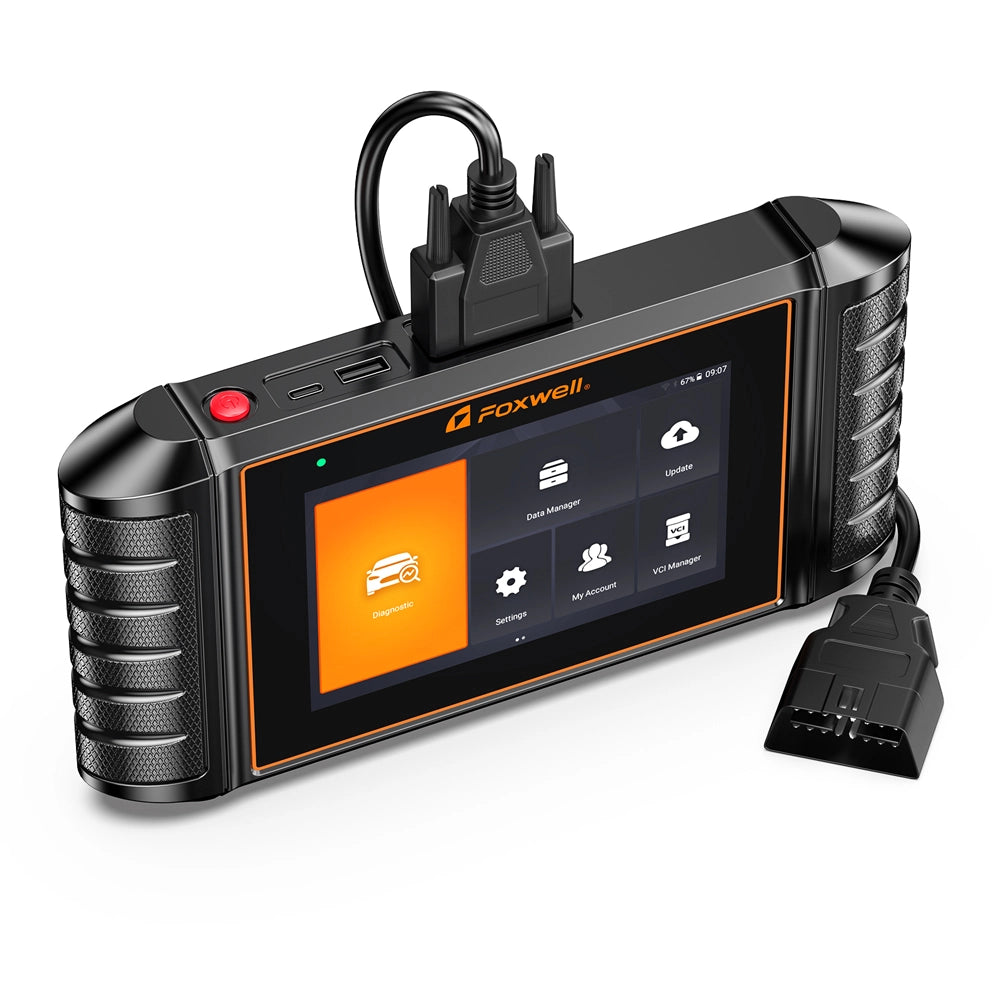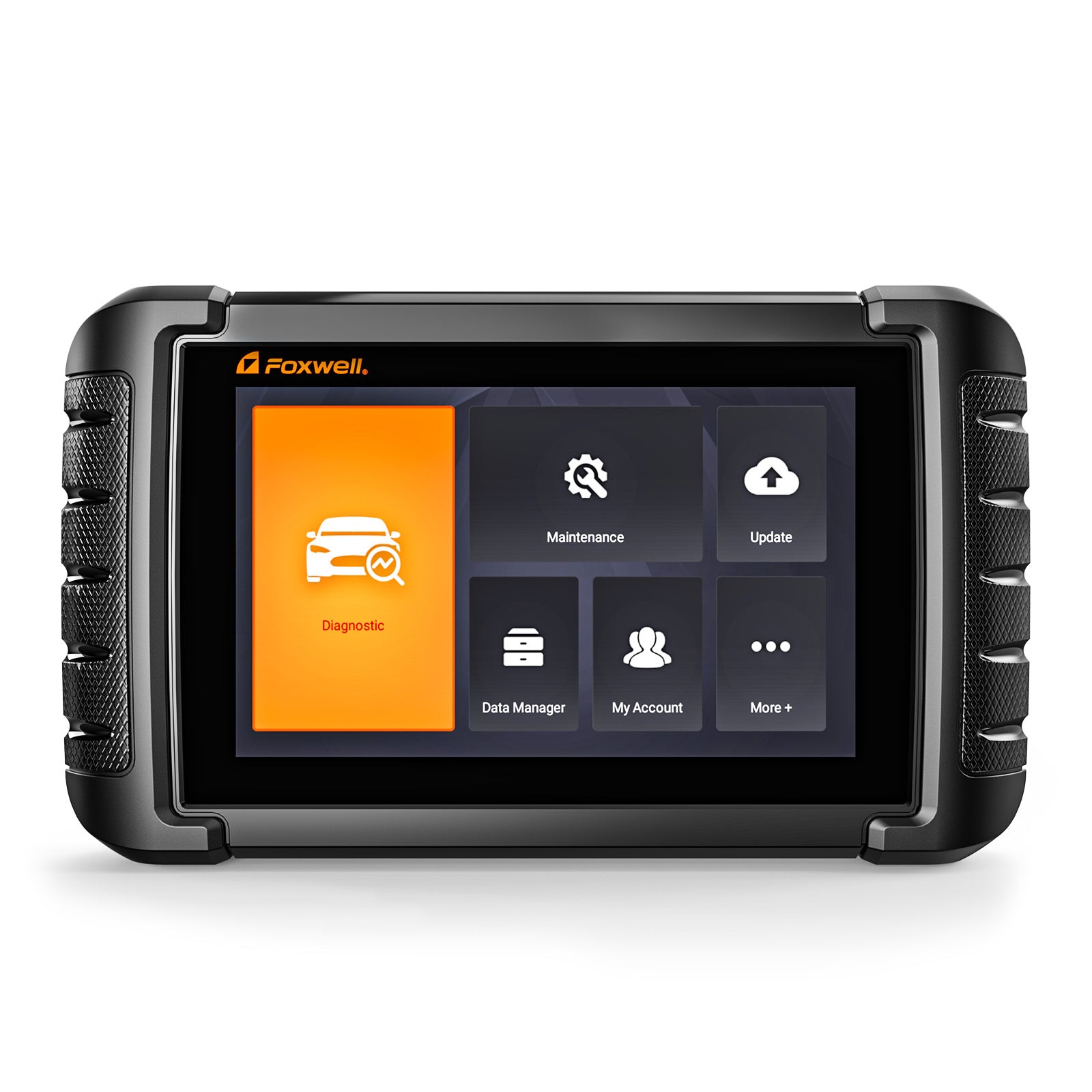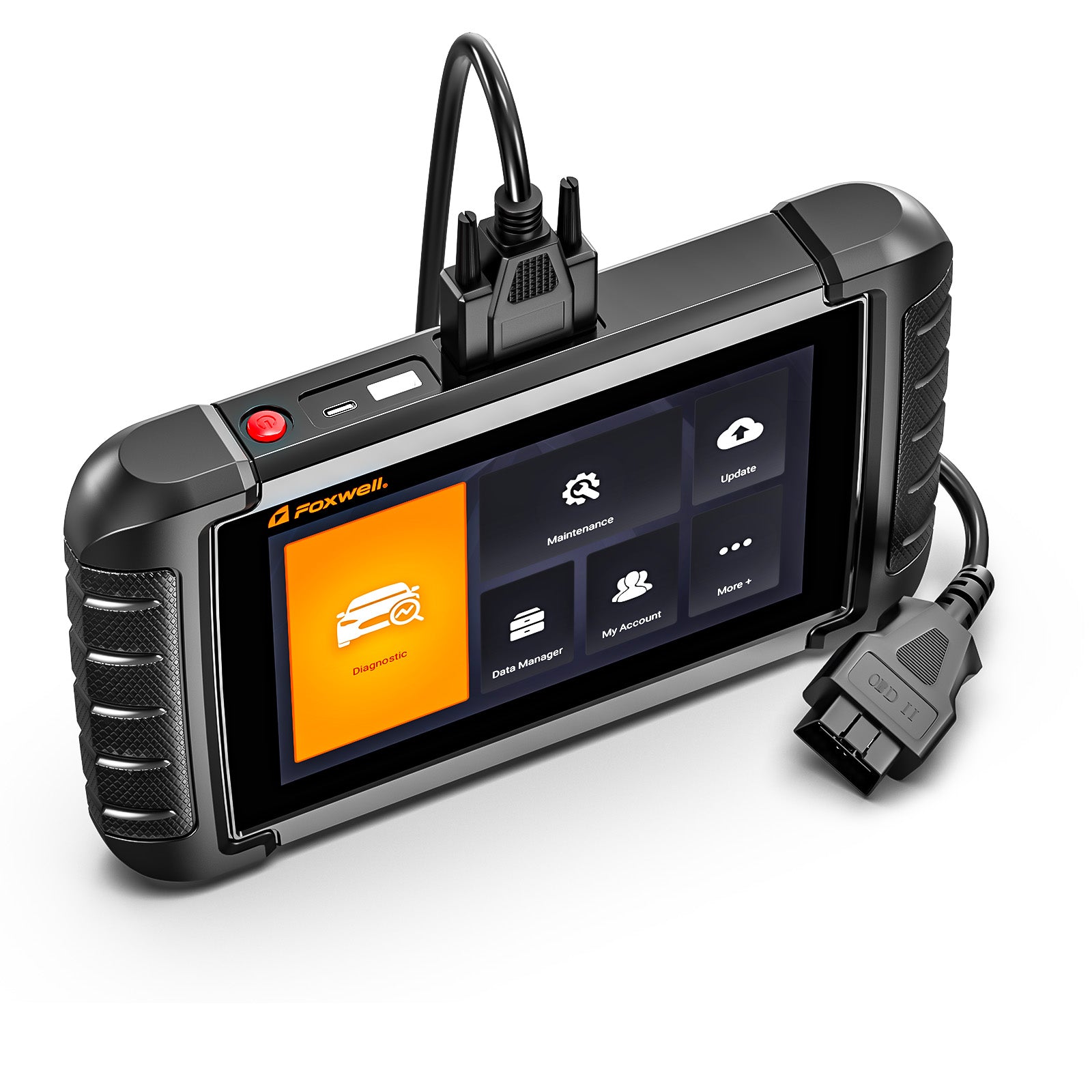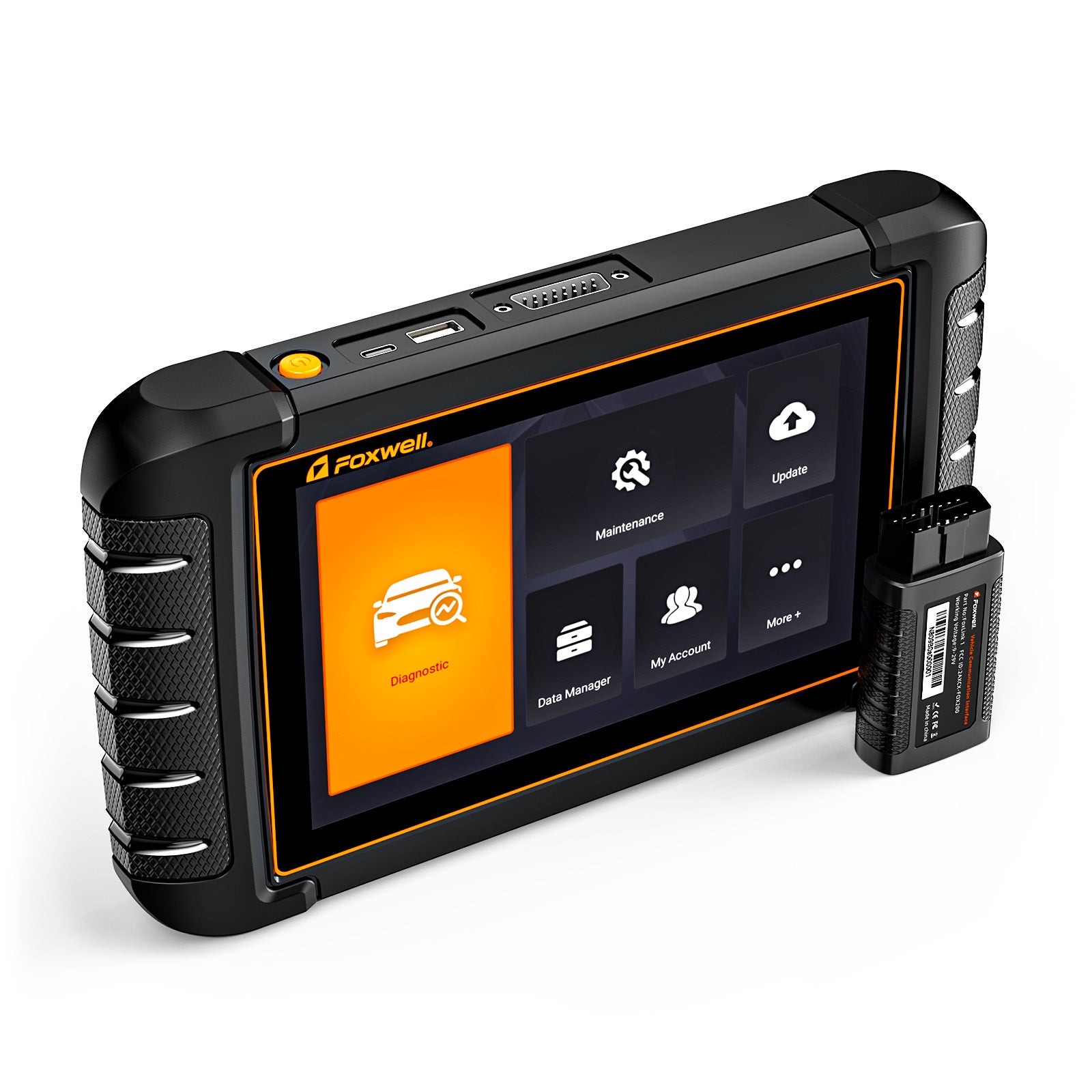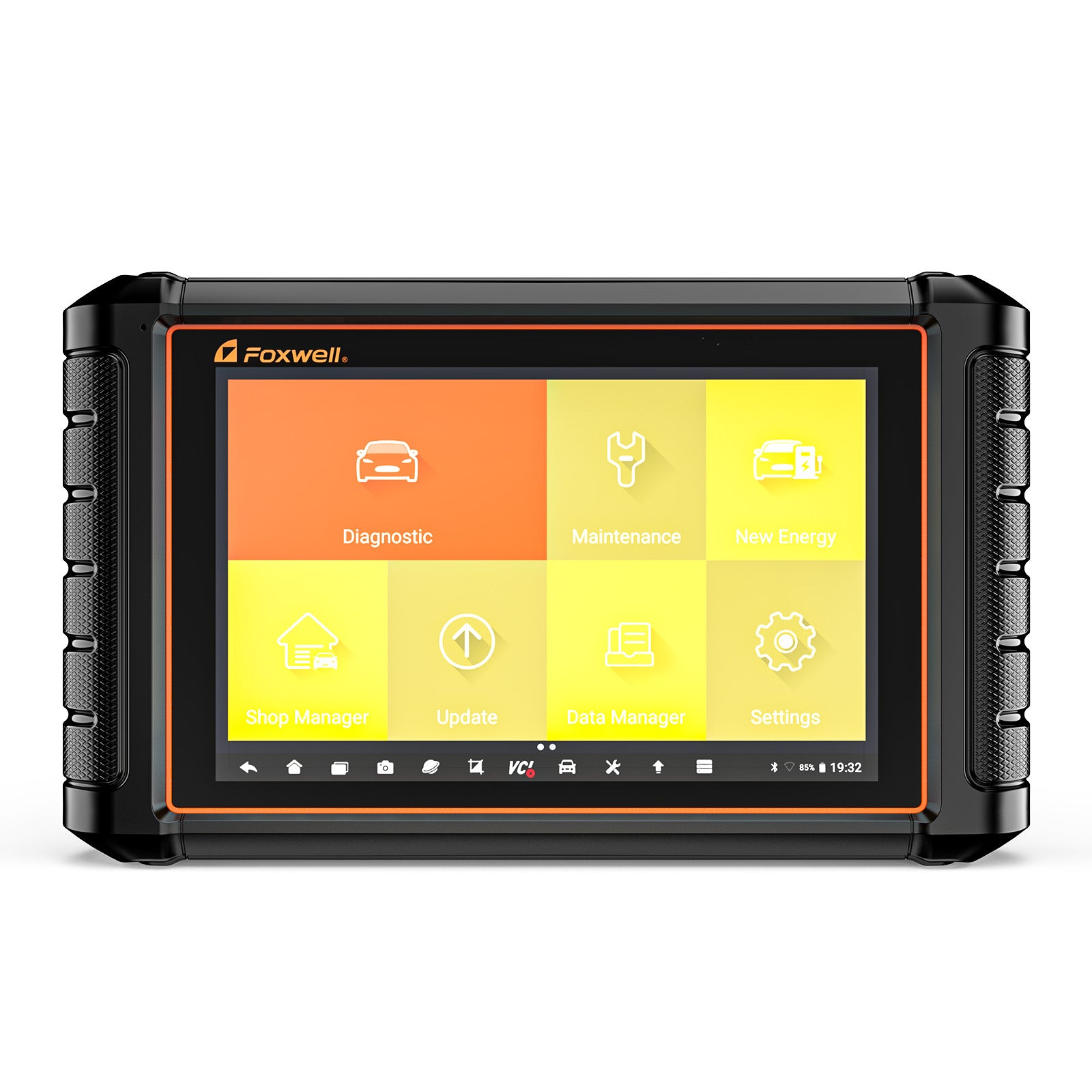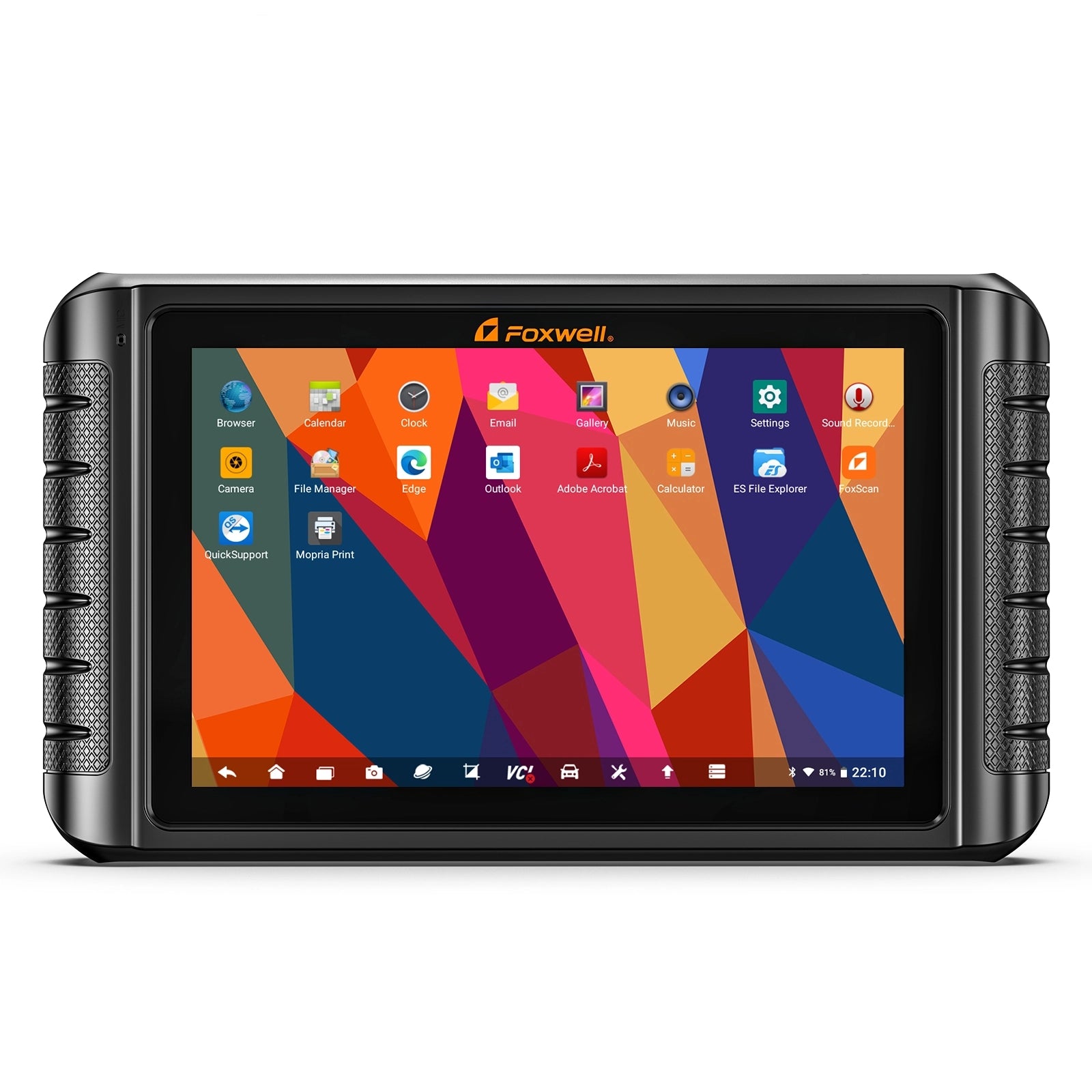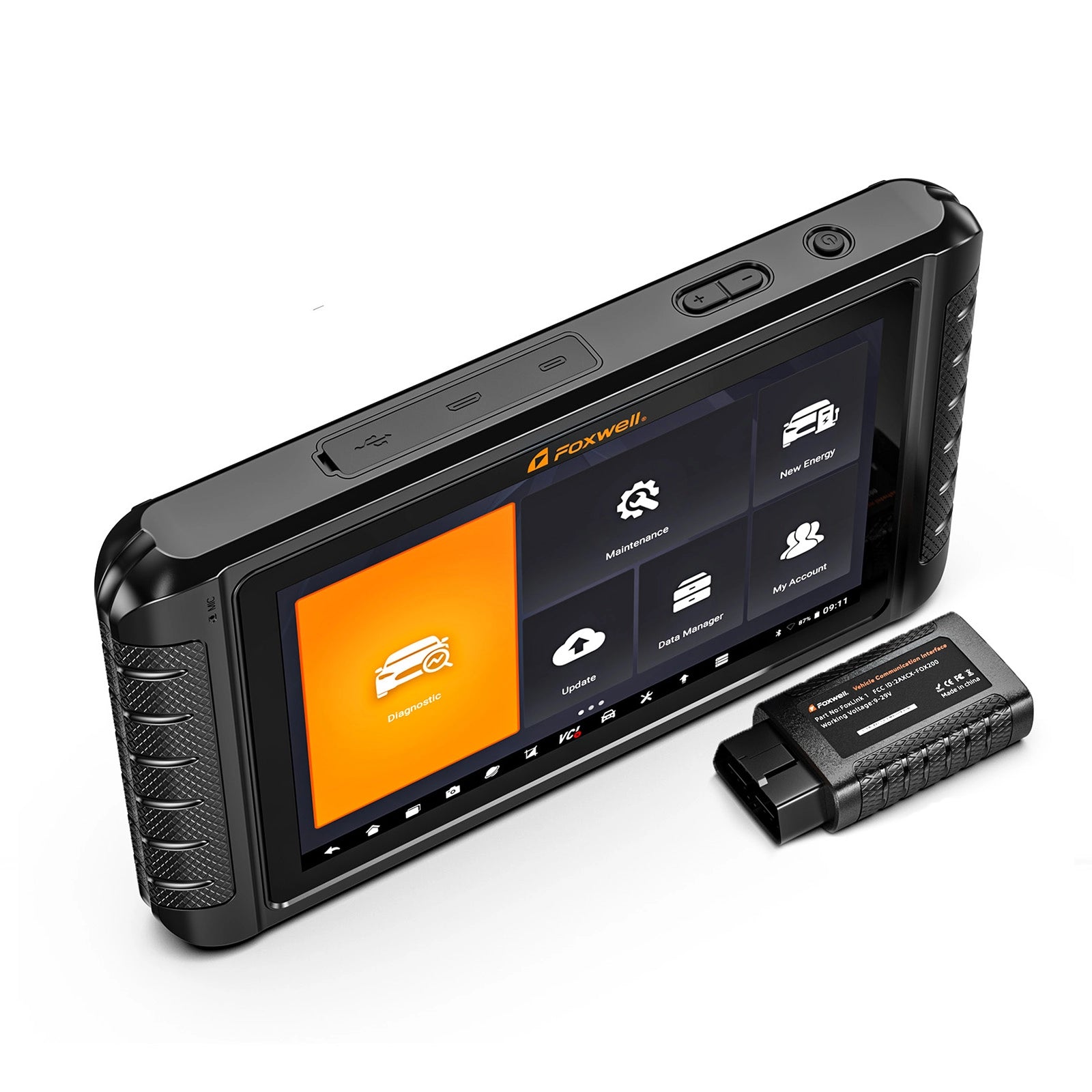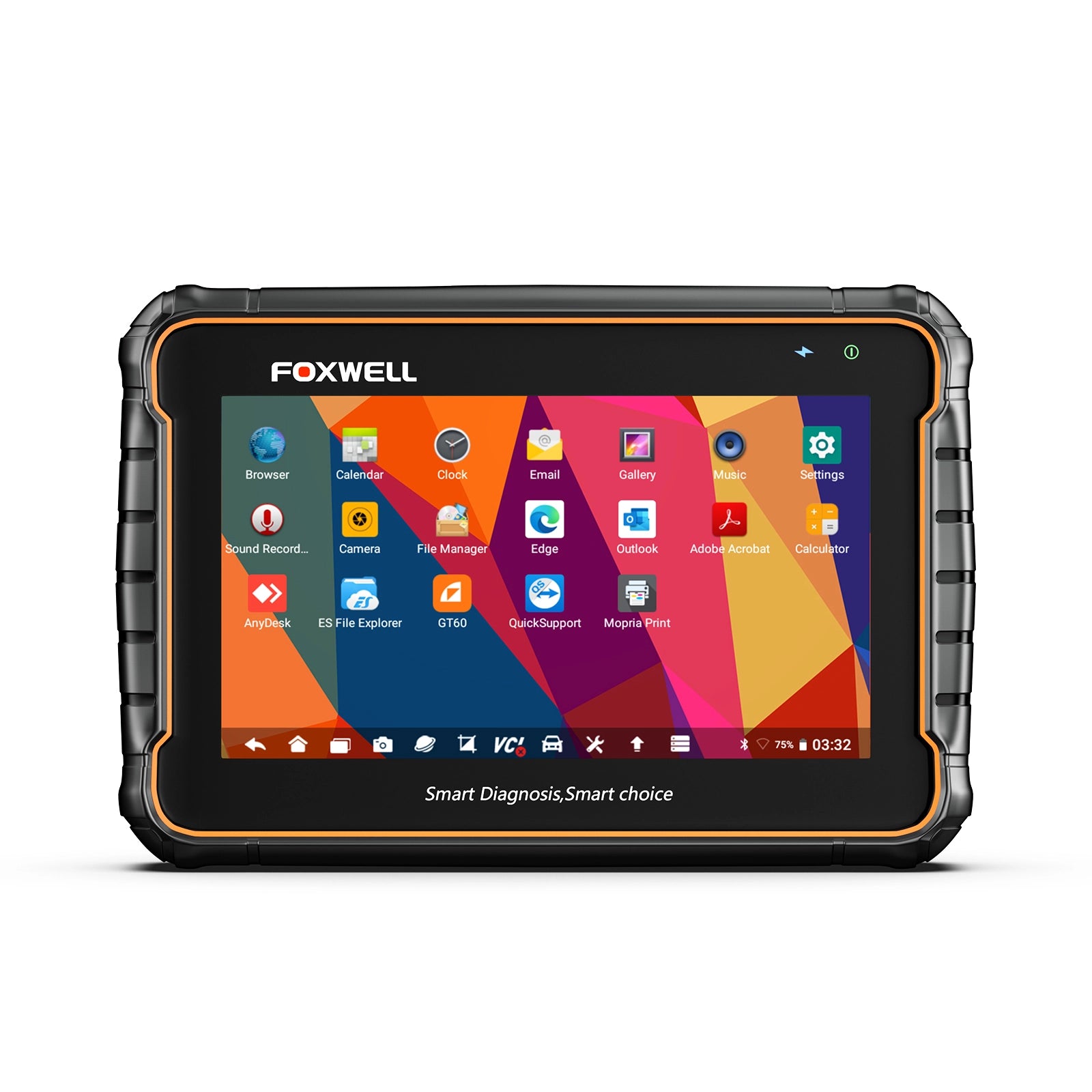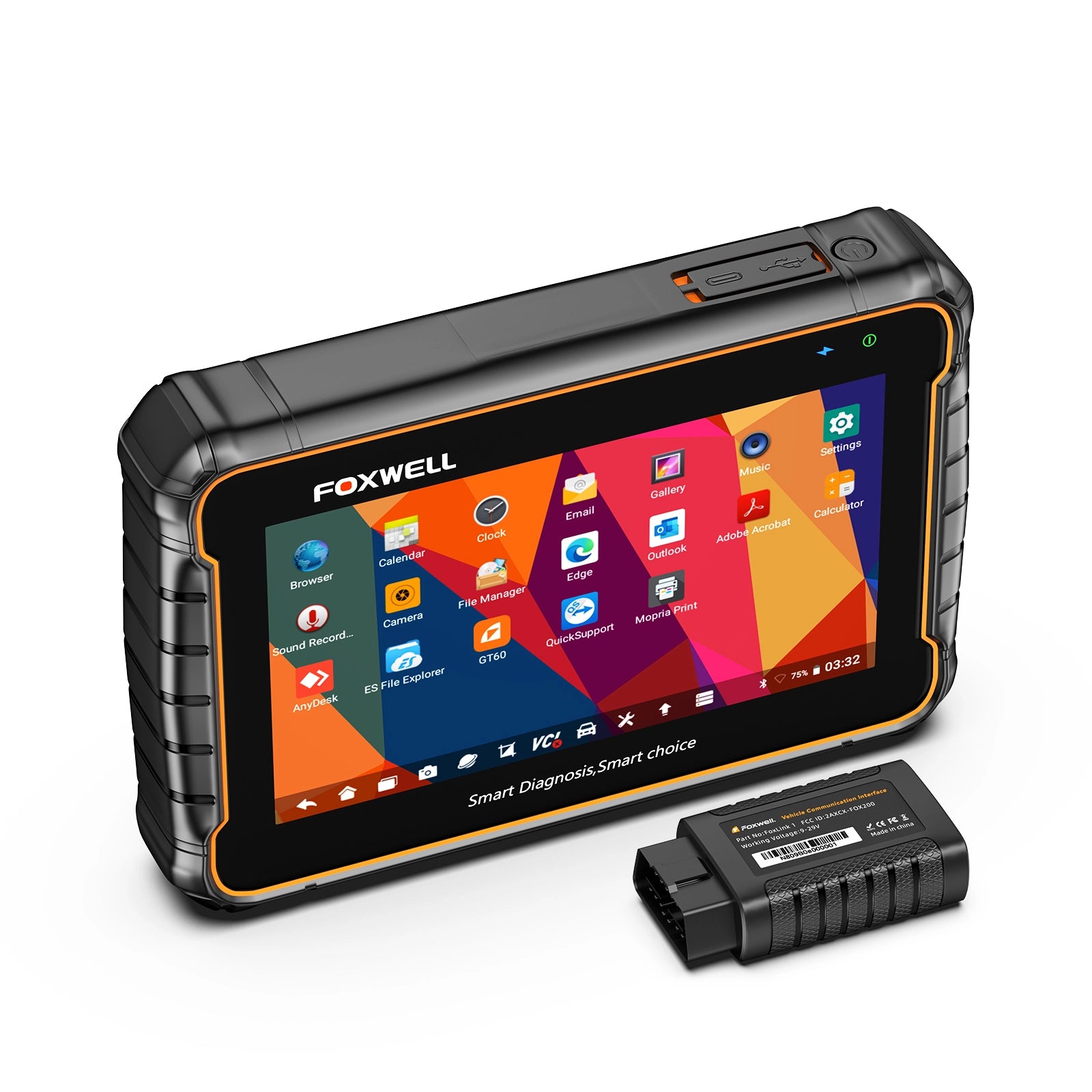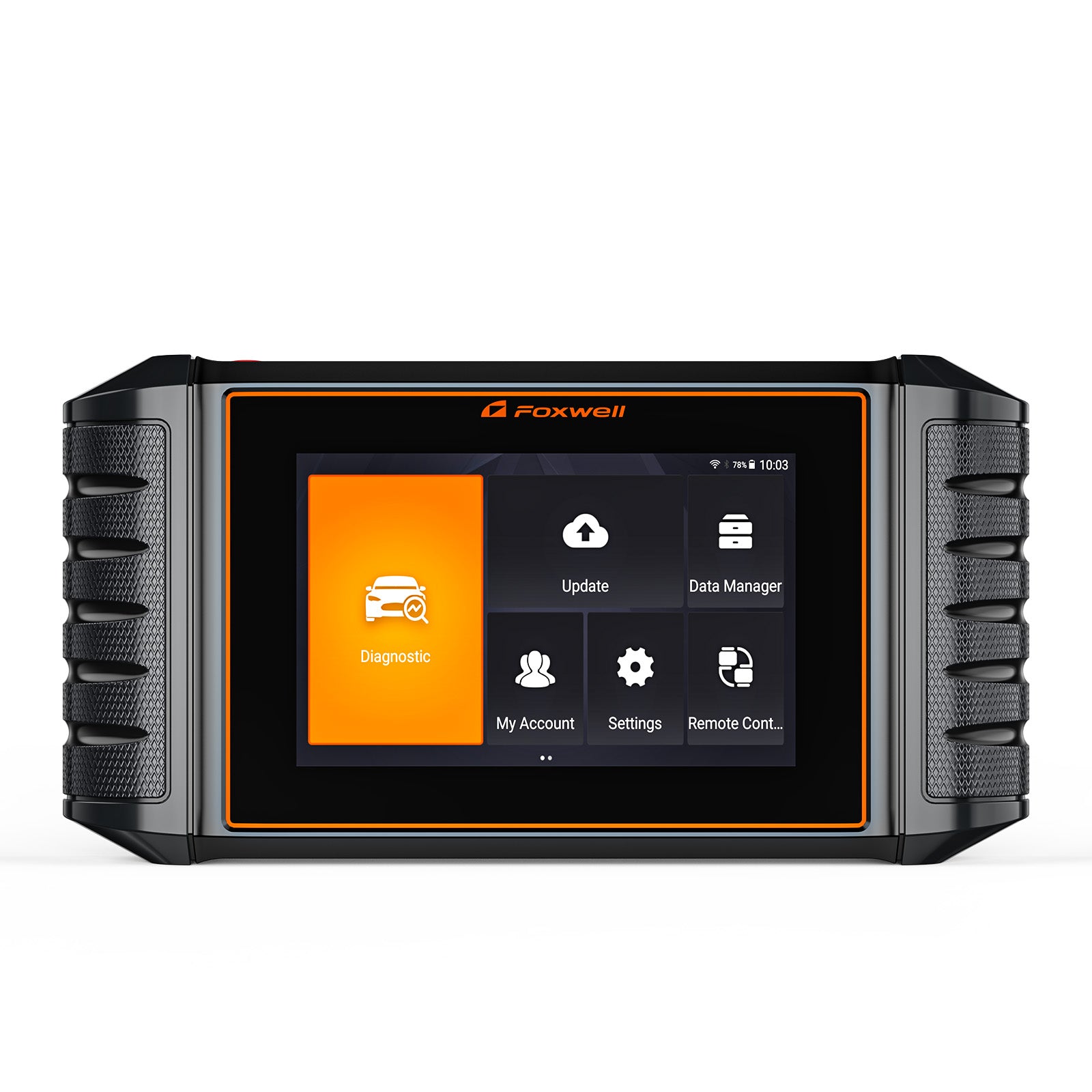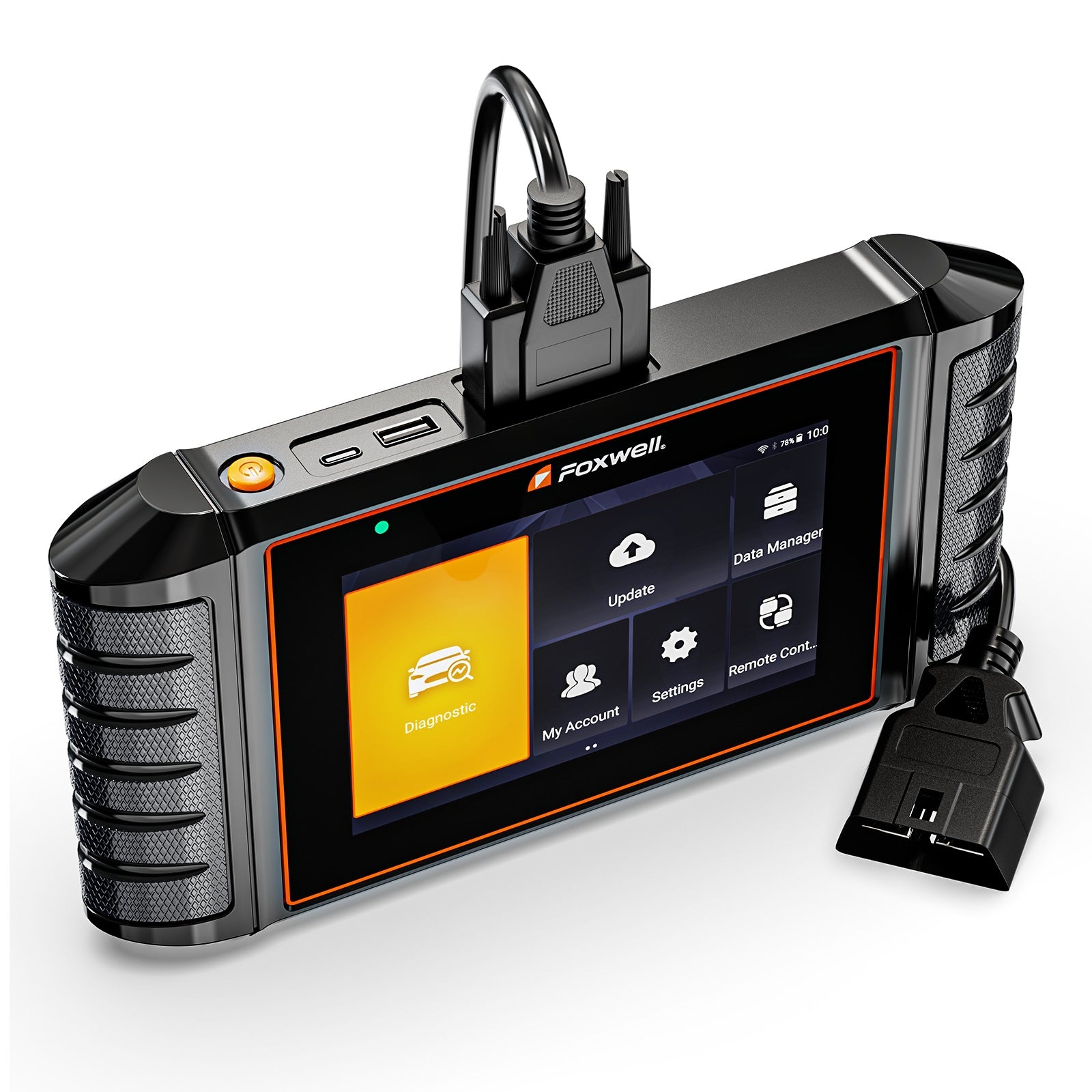

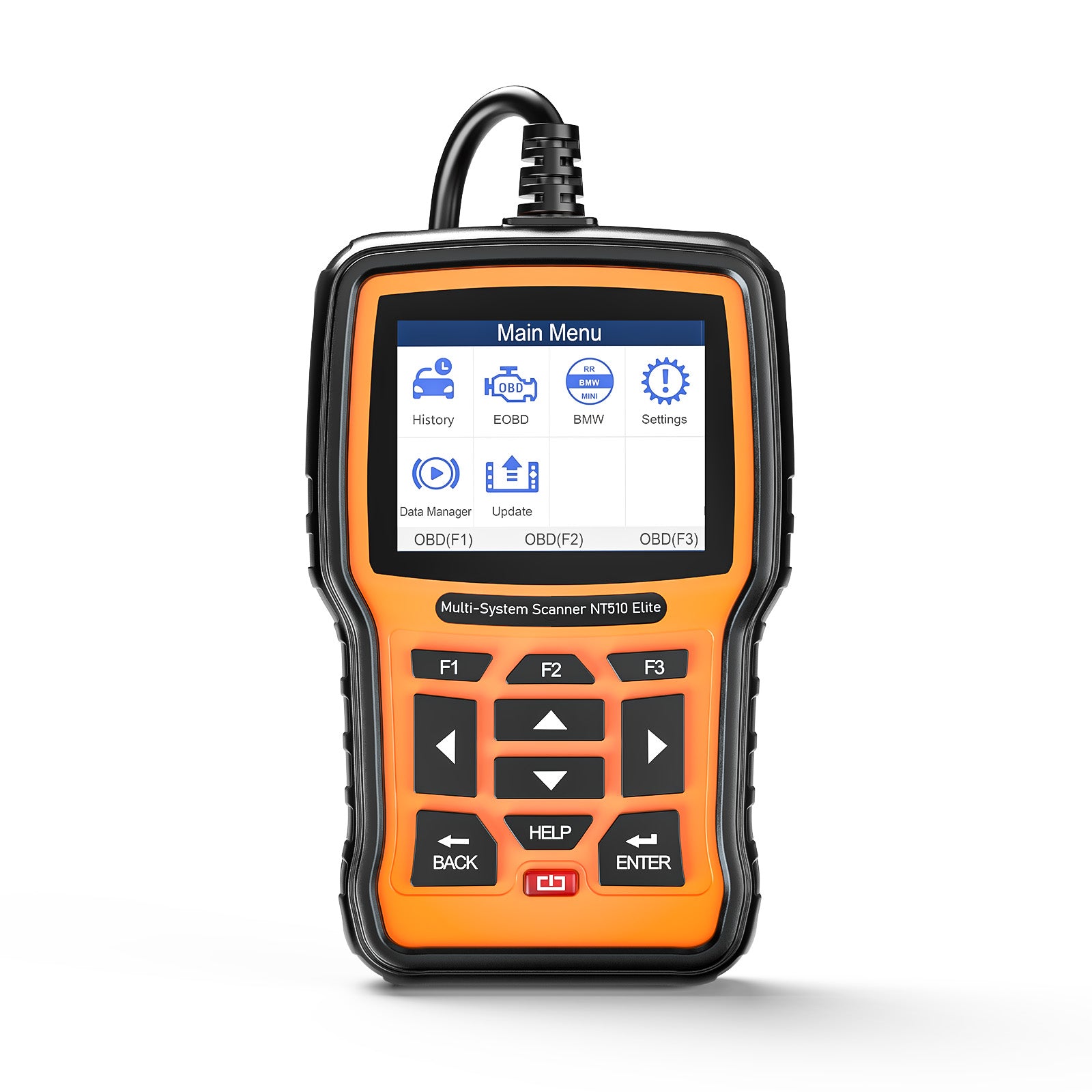

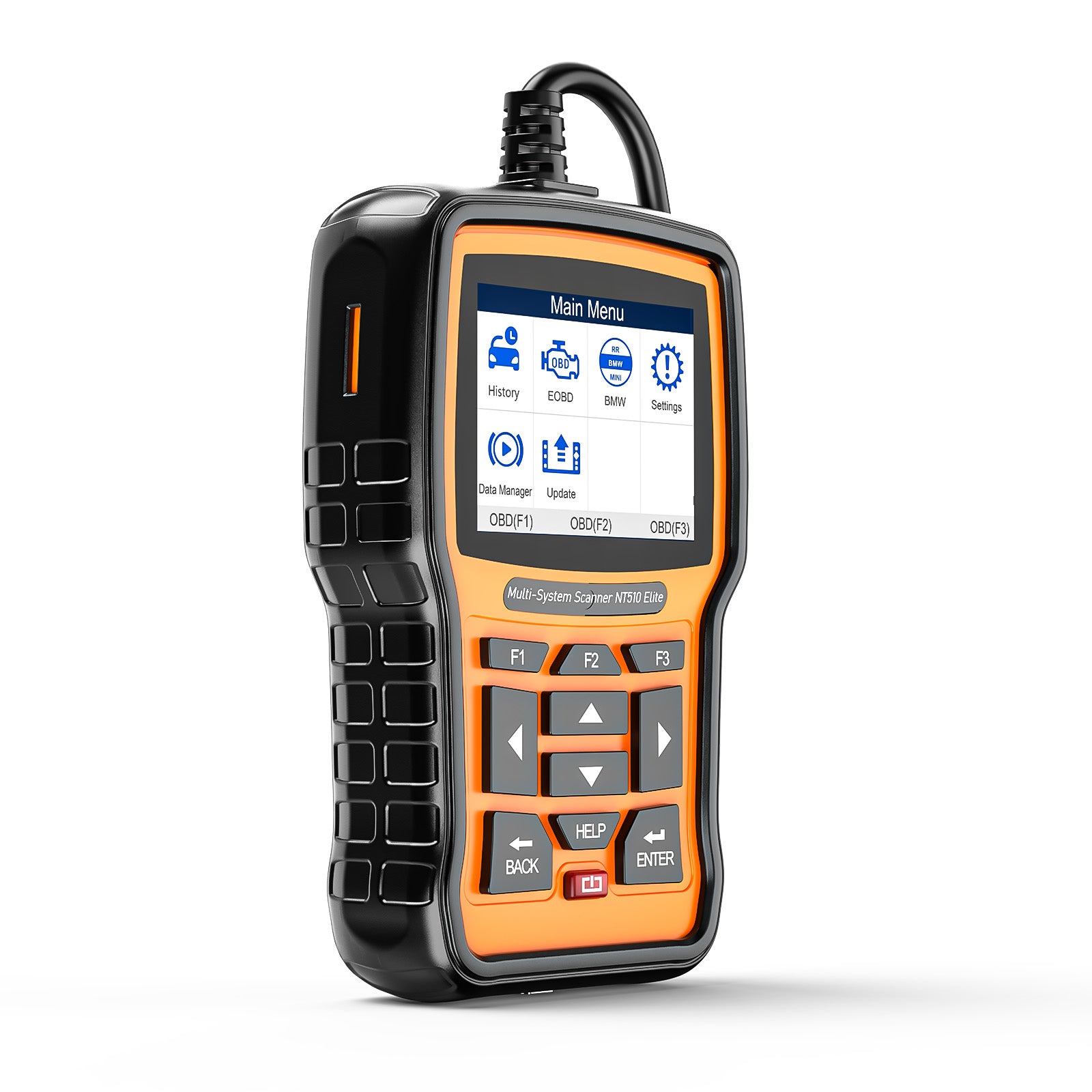
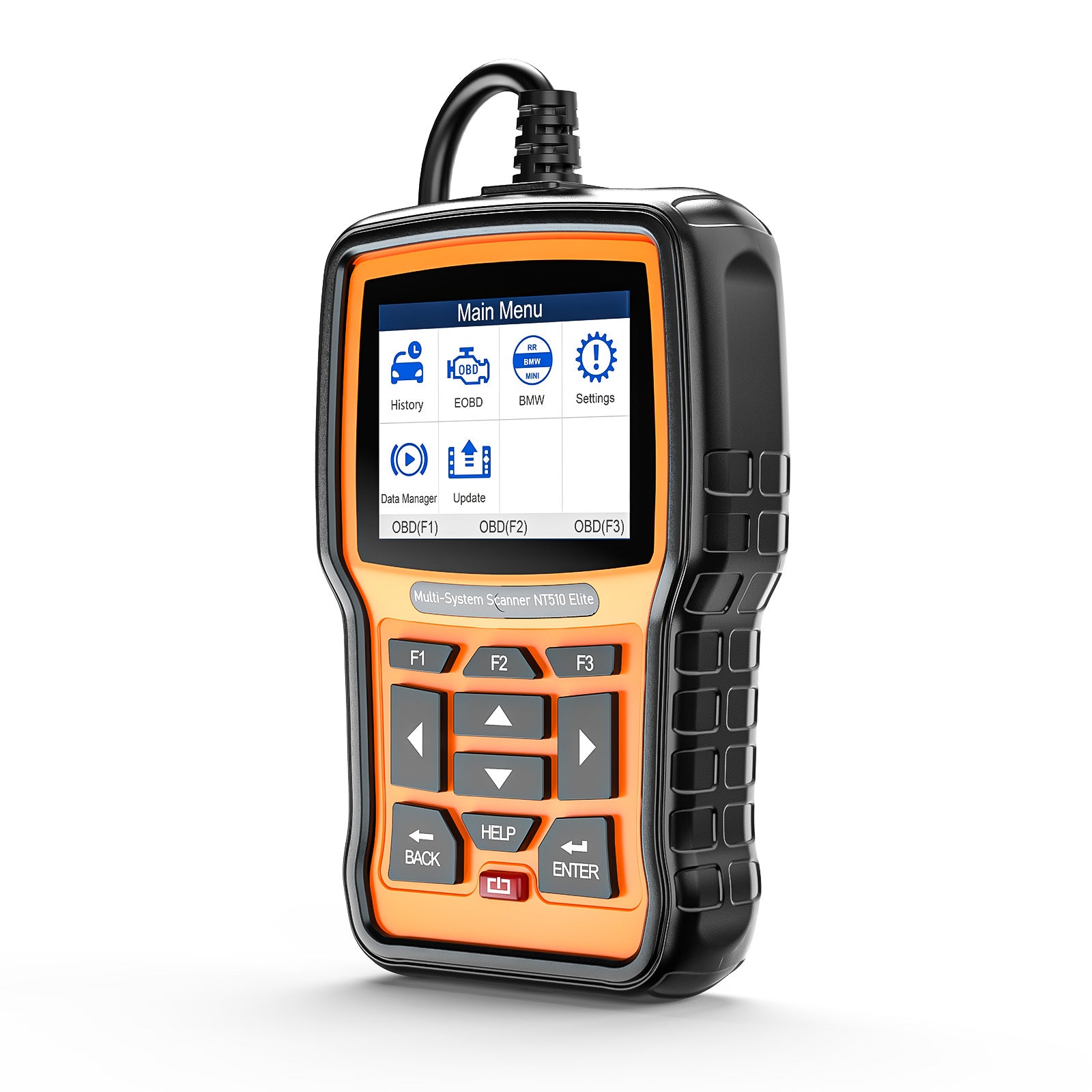
Foxwell NT510 Elite
All System ABS SRS OBD2 Diagnostic Scanner
The device is pre-bound to the default Foxwell account, so no manual registration is required. You can use it directly.


 One Year Warranty
 Lifetime Free Update
 1-5 Days Shipping
 Lifetime Tech Support

Full OBD II 10 Models
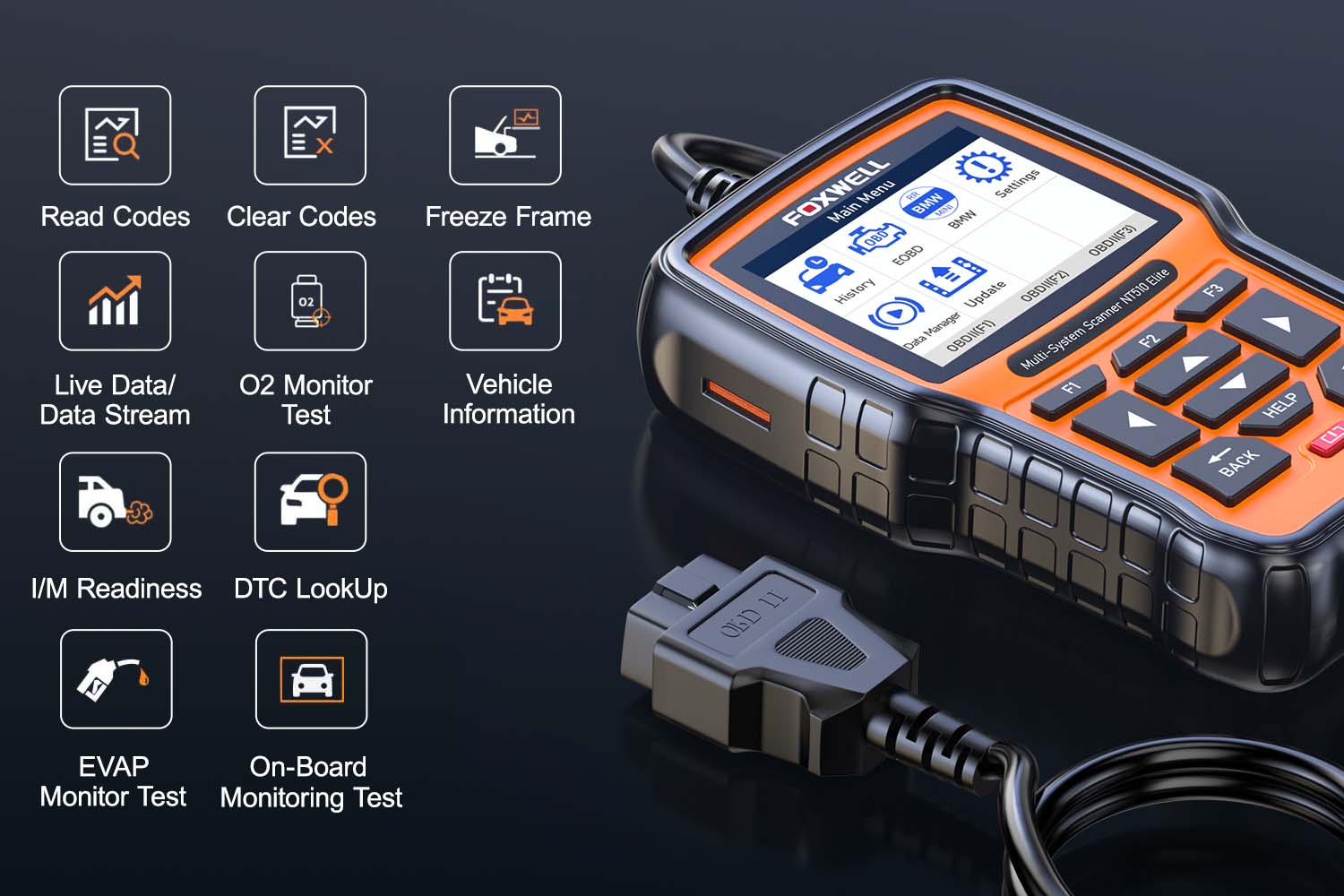
NT510 Elite support full OBD II 10 models, this comprehensive suite of features enables users to effectively diagnose, monitor and maintain their vehicles, providing them with valuable insight into the performance and health of their vehicles.

All Systems Diagnostic

The NT510 Elite provides comprehensive diagnostic coverage for key vehicle systems including ABS, Engine, SAS, TPMS, IMMO, Batteries, Lube, SRS, DPF, A/C, and Gearbox. This automotive scan tool offers extensive functionality, enabling efficient vehicle maintenance and troubleshooting for optimal performance and safety.

Active Test
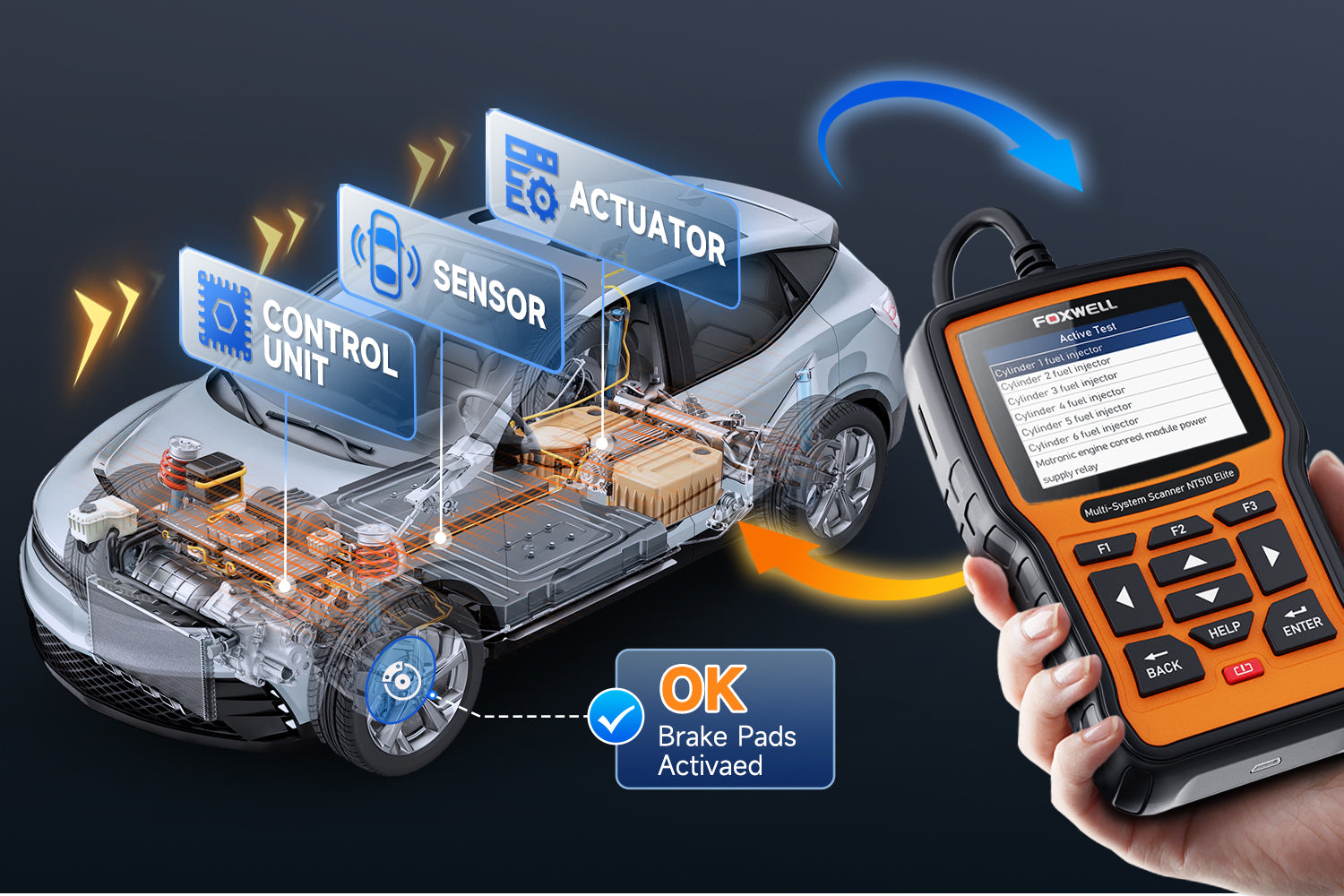
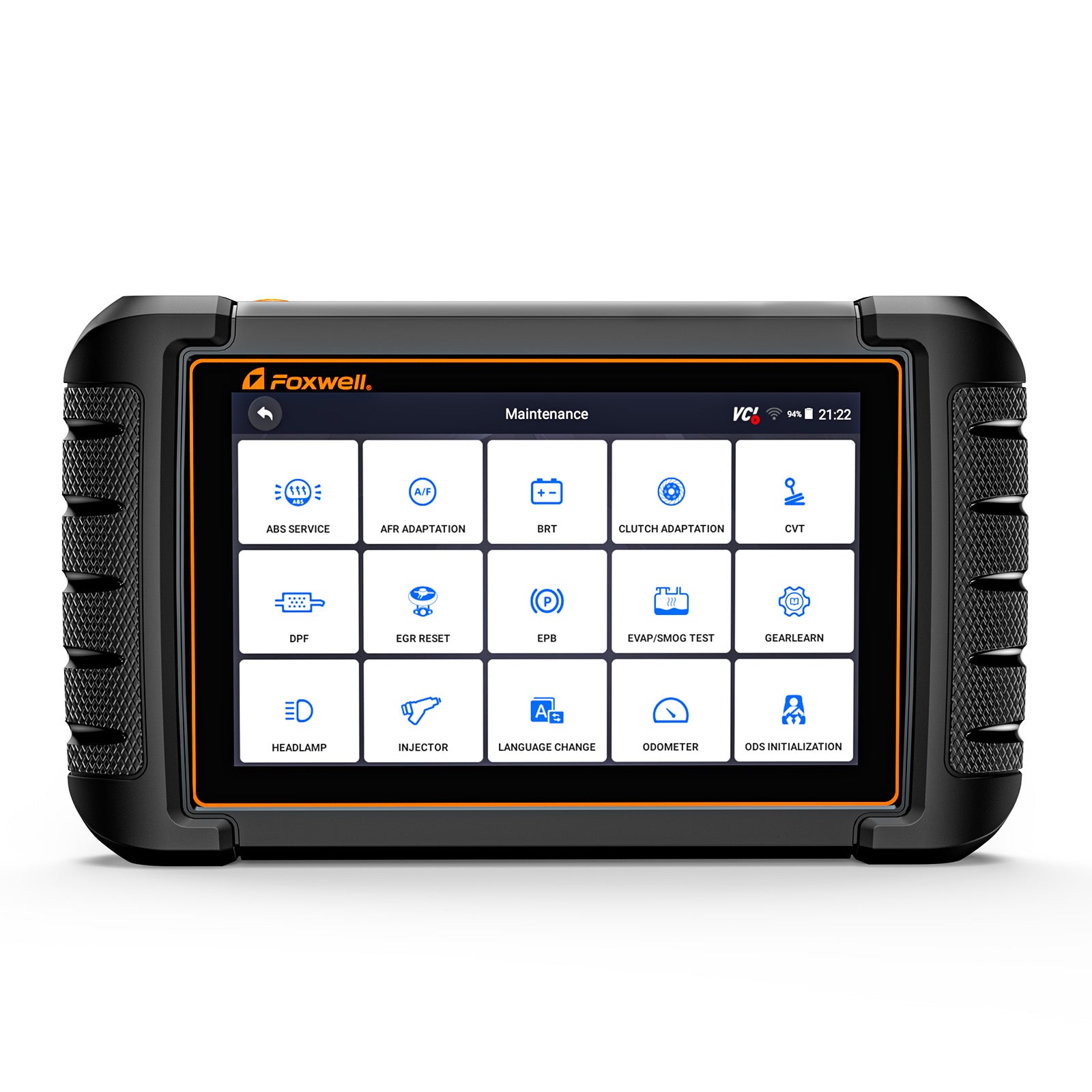
This Bi-directional scan tool can send commands to systems/components and test their working status, such as EVAP Test, Fuel Pump Test, Cooling Fan Test, Window/Door Locks, etc. It allows you to re-calibrate, adapt or configure certain components after making repair or replacement.


Oil Reset
ABS Bleeding
EPB Service
SRS Reset

With the oil reset function, you can zero the vehicle's oil change indicator, starting the count from the new replacement, ensuring timely subsequent oil changes.

Using the ABS bleeding function, you can control the brakes' pump or valves to expel air, ensuring proper braking system operation and restoring good braking performance

With the EPB service function, you can perform calibration, maintenance, or reset of the parking brake, ensuring the proper operation of the parking brake system. This includes adjusting the tension of the parking brake, resetting parking brake sensors, and checking the parking brake's operational status to ensure the vehicle remains safely parked.

The SRS reset function helps to clear fault codes in the airbag system and reset the system to restore normal operation.
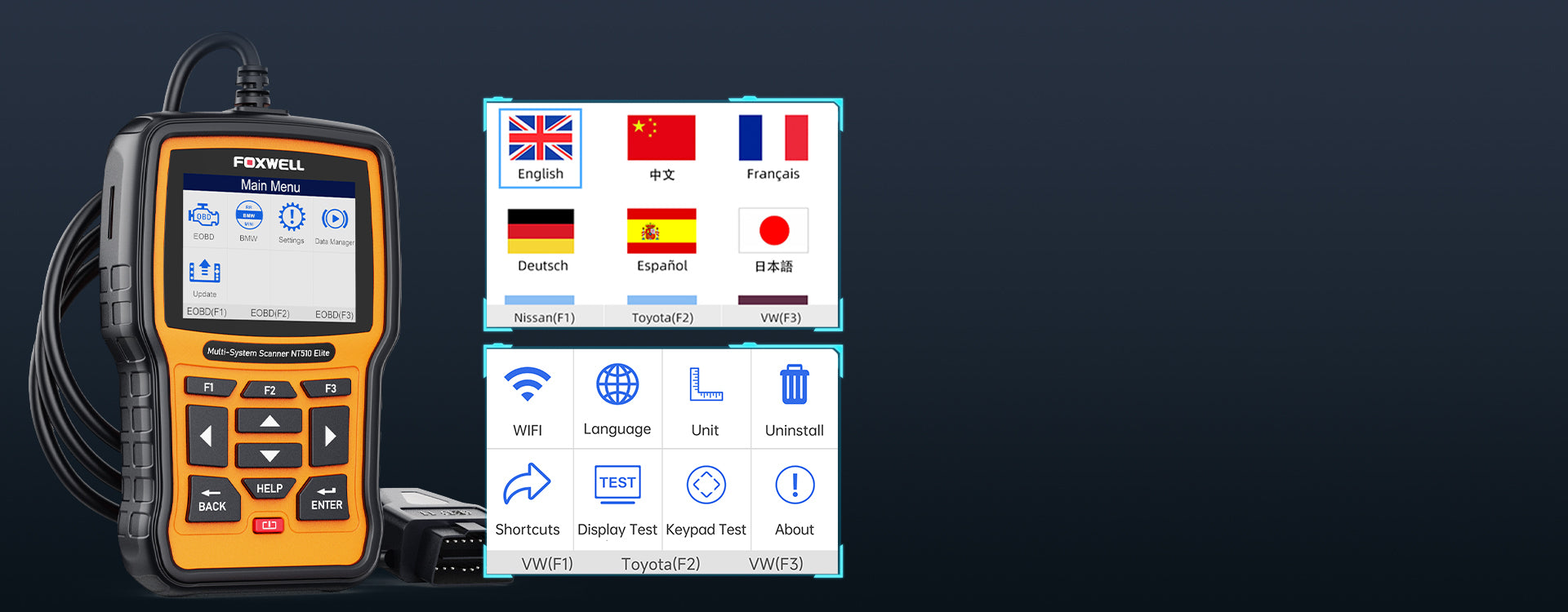
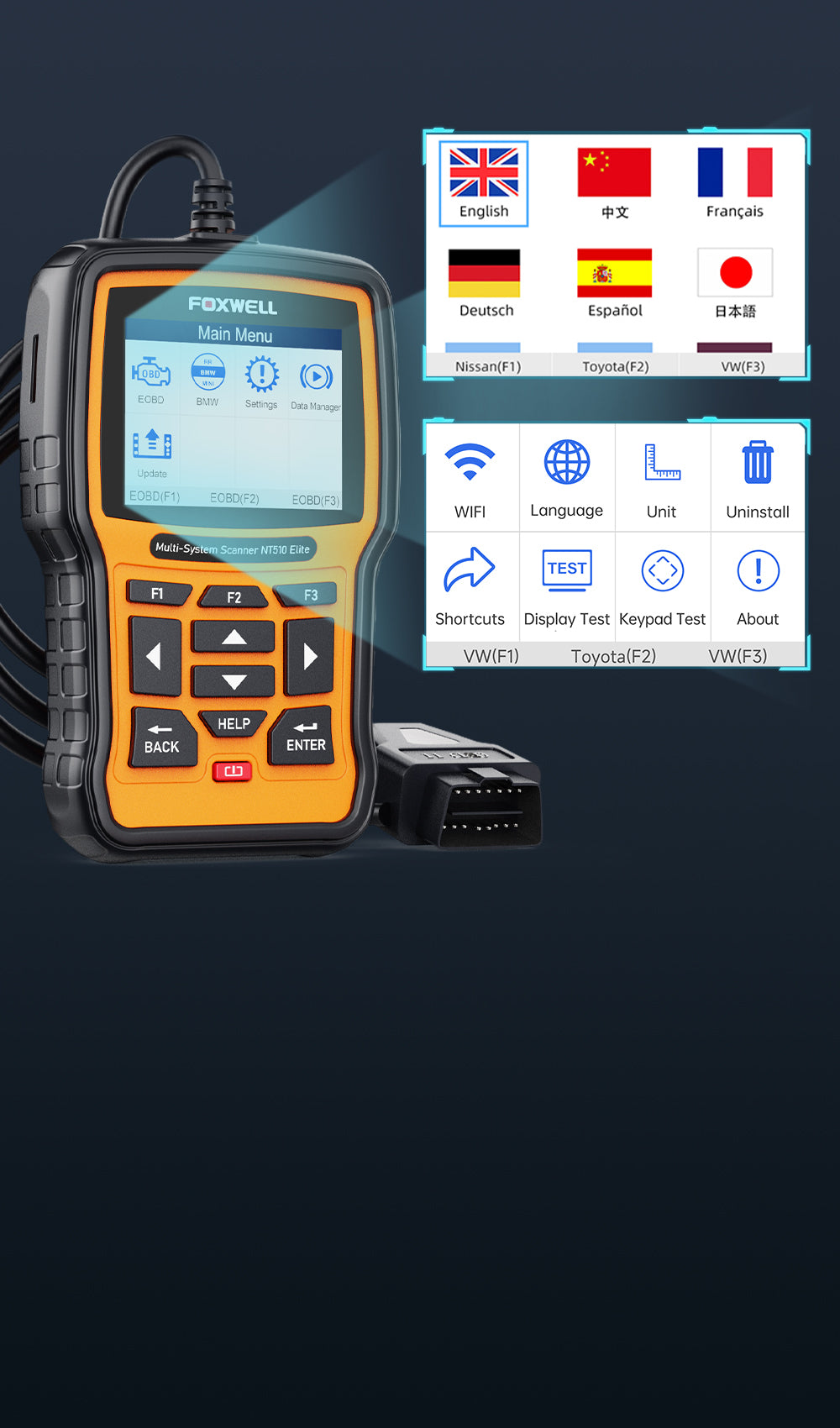
Korea, Spanish, Portuguese, French, Thai, Hungary,
Swedish, English, Dutch, Japanese, Italian, Russian, German...
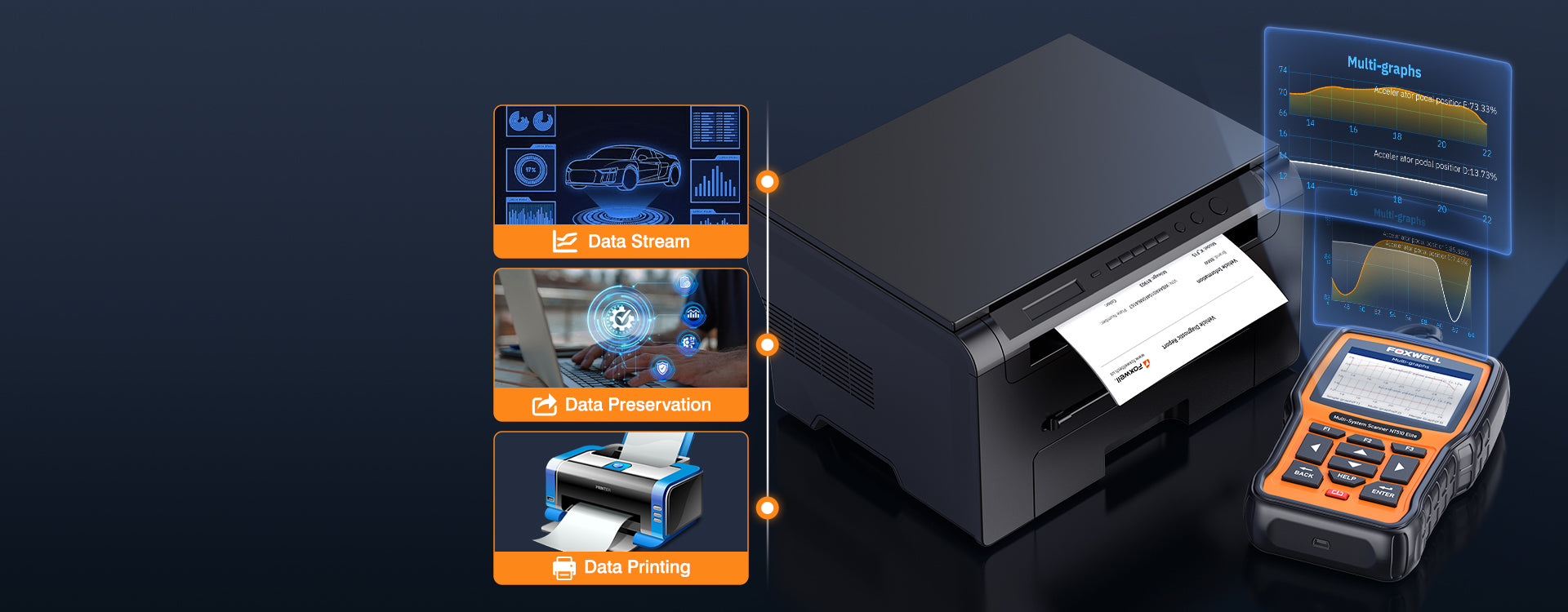
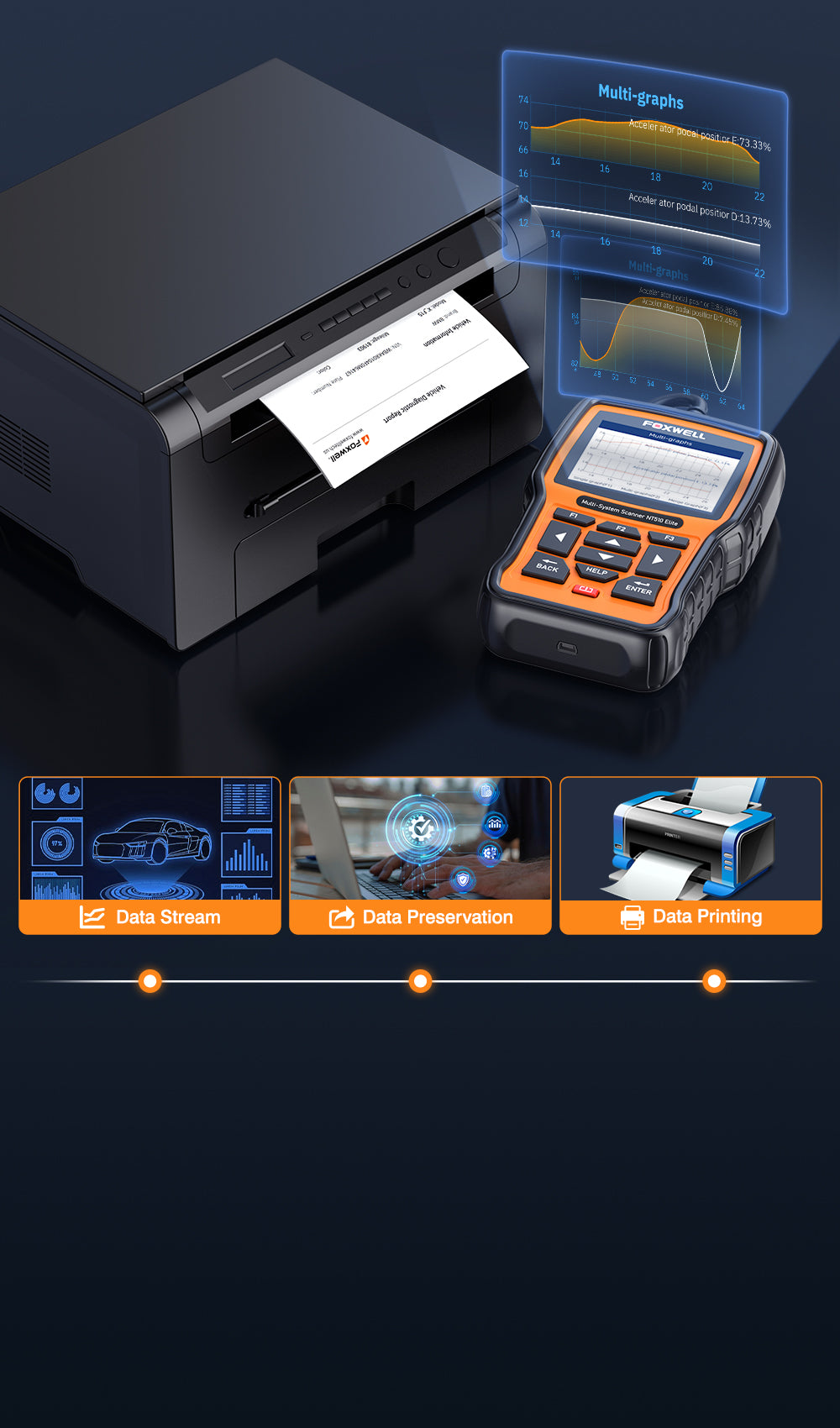
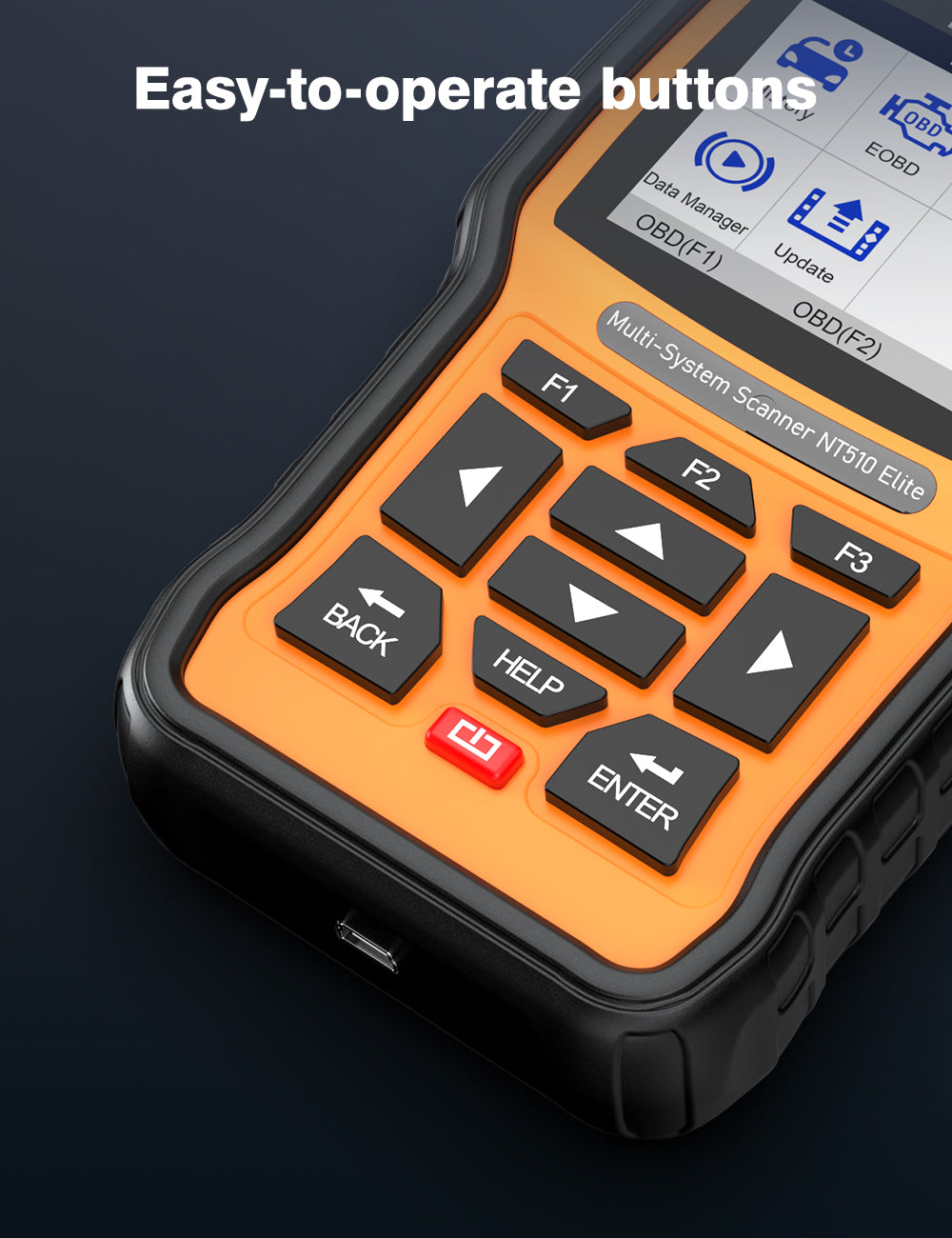
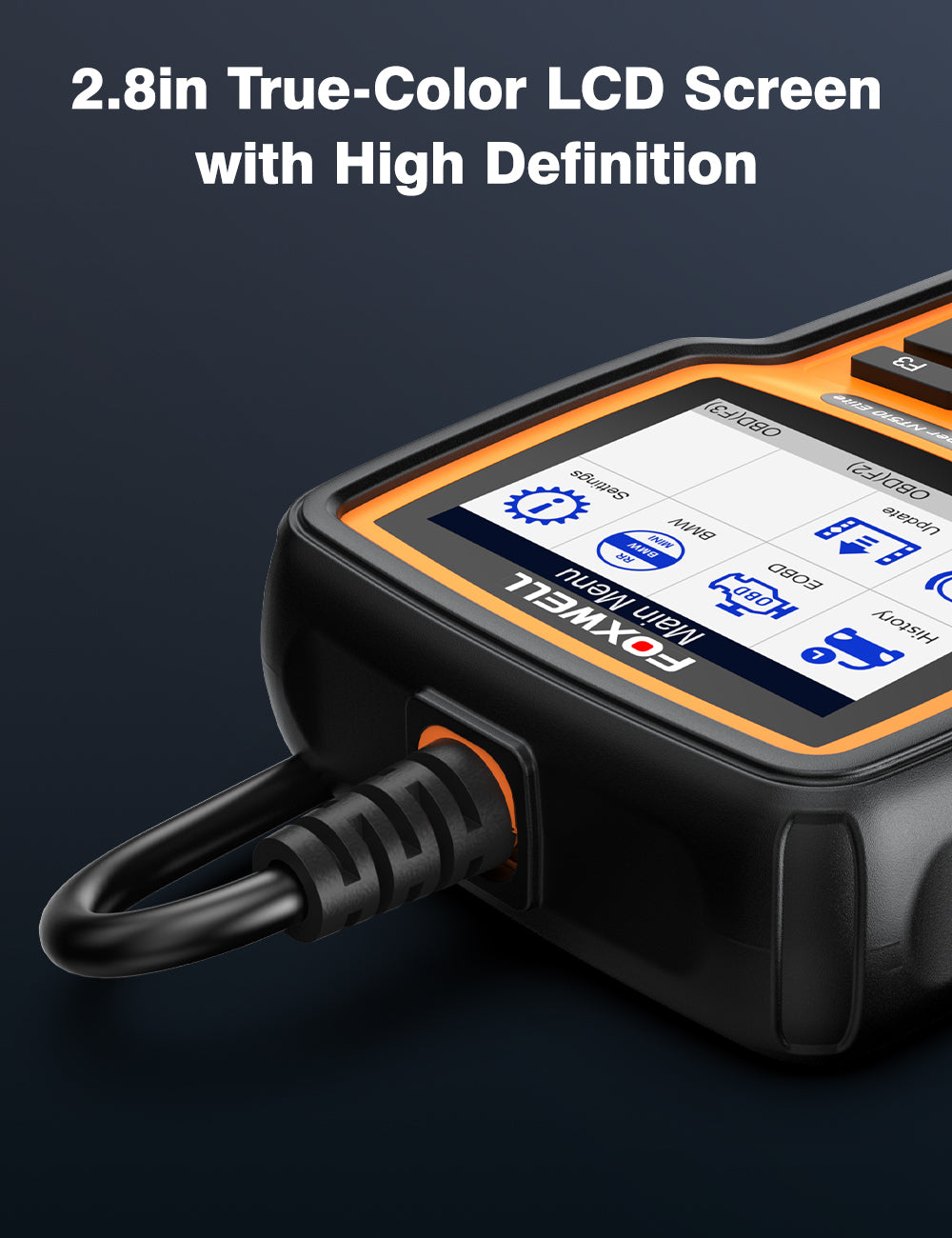
One feature of the NT510 Elite is its humanized data presentation, which involves continuously optimizing the visual interface display.
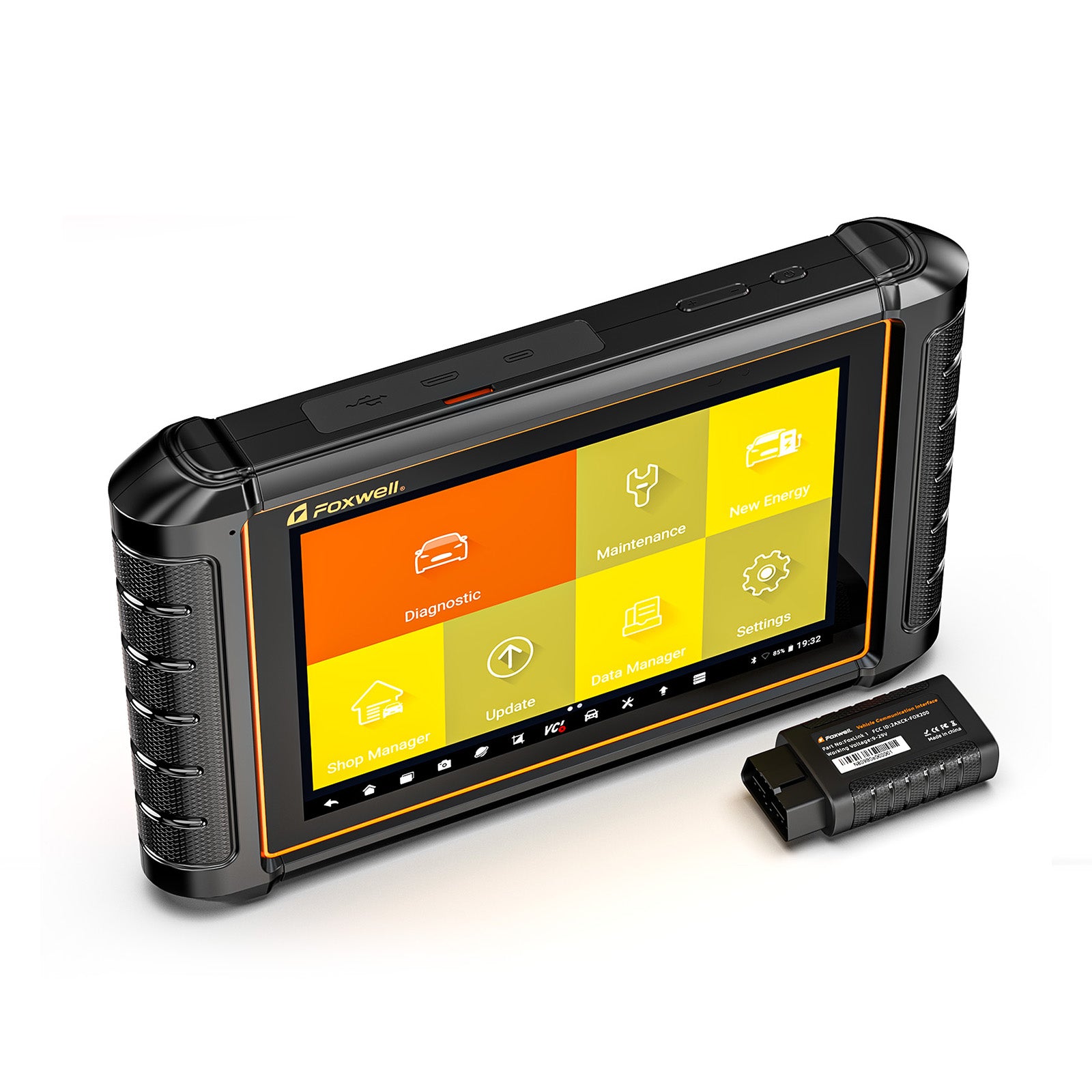
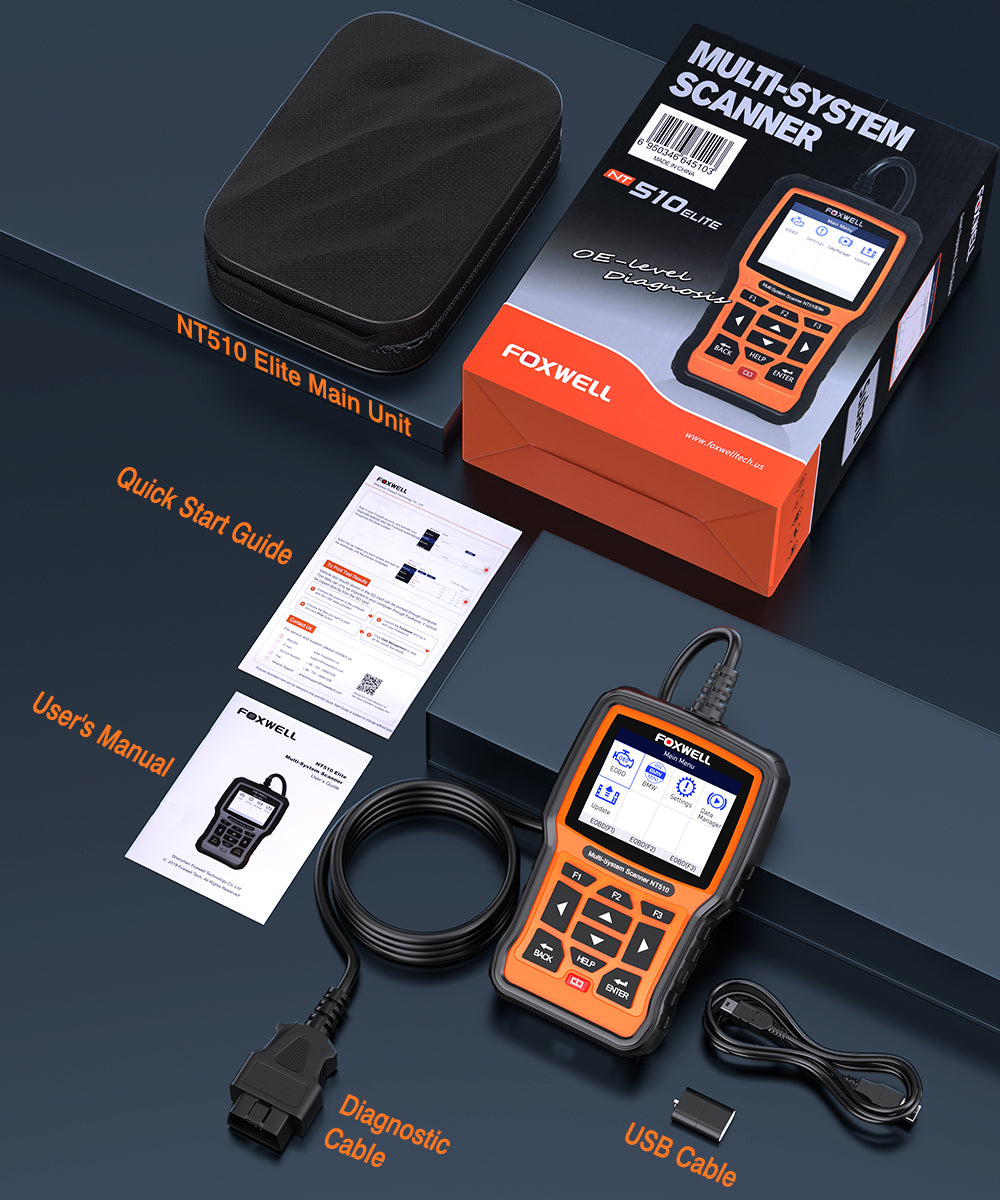
Package List


Frequently Asked Questions
1. Is the NT510 Elite suitable for regular car owners, or only for professional mechanics?
Yes. It is perfect for regular car owners who prefer DIY maintenance, and you can handle core functions without professional repair background.
- Basic operations such as reading/clearing fault codes and service light reset feature a concise interface with one-click activation, friendly for beginners.
- Advanced calibration functions including throttle adaptation and steering angle calibration can be completed by following official manuals and support guidance step by step.
Note: Advanced functions such as module coding are recommended to operate after watching related tutorials.
2. Can the NT510 Elite replace dealership (OEM/4S shop) diagnostics?
Yes — For most daily diagnostic and maintenance scenarios.
- It supports full-module code reading and clearing for Engine, Transmission, ABS, SRS, BCM and more, covering core daily diagnostic scenarios of 4S workshops.
- It comes with factory-level service reset and component adaptation functions, replacing many paid routine maintenance items at repair shops.
Important Note:
- Some manufacturer-encrypted systems, advanced anti-theft functions, or complex mechanical failures may still require professional OEM equipment.
- However, the NT510 Elite can significantly narrow down the root cause before repair, helping reduce unnecessary part replacement and diagnostic guesswork.
3. Does the NT510 Elite support functions like throttle relearn, ABS reset, or sensor calibration?
Yes — but support depends on the vehicle model and installed software package.
For mainstream brands such as BMW, Honda, GM and VAG, it mostly supports throttle relearn, ABS reset, steering angle sensor calibration and Vanos adaptation.
Tips: To ensure compatibility, it is recommended to provide your vehicle make, model year and desired function to our customer support(support@foxwelldiag.com) before purchasing.
Additional Note: Some functions may become available through firmware or software updates if initially unsupported.
4. Can the NT510 Elite be used on multiple vehicle brands?
Yes. The NT510 Elite supports multi-brand expansion.
How the Software Licensing Works: The device includes one full manufacturer software package by default (such as BMW, Honda, or VAG). Users can later add additional brand licenses as needed.
The universal OBD mode works for all car models temporarily to meet basic code reading needs.
Multi-Vehicle Flexibility: Extra brand license costs around $60–$80 per brand, and up to 5 brands can be added, ideal for multi-car families and small DIY users.
Limitation: Additional brand software requires separate payment; full brand unlock is not available for free.
Advantages: No need to buy multiple brand-specific scanners; one NT510 Elite can cover multiple household vehicles through expandable software support.
For full details on software authorization and device updates, please visit Foxwell software update.
5. What is the difference between the NT510 Elite and a basic OBD2 scanner? Is it worth buying?
It is highly cost-effective for DIY users focusing on European, Japanese and American vehicles who need in-depth functions and long-term cost savings.
Basic OBD2 Scanners Typically Only:
- Read and clear engine fault codes
- Monitor basic emissions-related data
The NT510 Elite Adds:
- Full-system diagnostics
- ABS/SRS/Transmission/BCM access
- Service reset functions
- Sensor relearn and adaptation
- Basic bi-directional (active test) functions
It can replace many paid calibration and system reset services at repair shops (charging $80–$200 each time), saving a lot of maintenance costs after 2–3 uses in the long run.
Practical Recommendation:
- If you only need to occasionally clear a check engine light, a basic OBD2 scanner may already be sufficient.
- But for long-term DIY maintenance and deeper diagnostics, the NT510 Elite provides significantly more capability.
6. Can the NT510 Elite clear all fault codes and fix faults completely?
It can read and clear faults of most vehicle modules, but hardware damage cannot be fixed only by the scanner alone.
Fixable issues: Sensor loose connection, unreset service reminder, adaptation abnormality after battery disconnection and system false alarm.
Unfixable issues: Aging parts, physical damage and structural faults. In these cases, this auto diagnostic scanner helps identify the root cause so repairs can be performed more accurately.
Additional Note: Certain manufacturer-encrypted systems, especially some airbag or anti-theft modules, may have restricted reset permissions depending on the vehicle. Please contact support for solutions if clearing fails.
7. How about update method and long-term usage cost of the NT510 Elite?
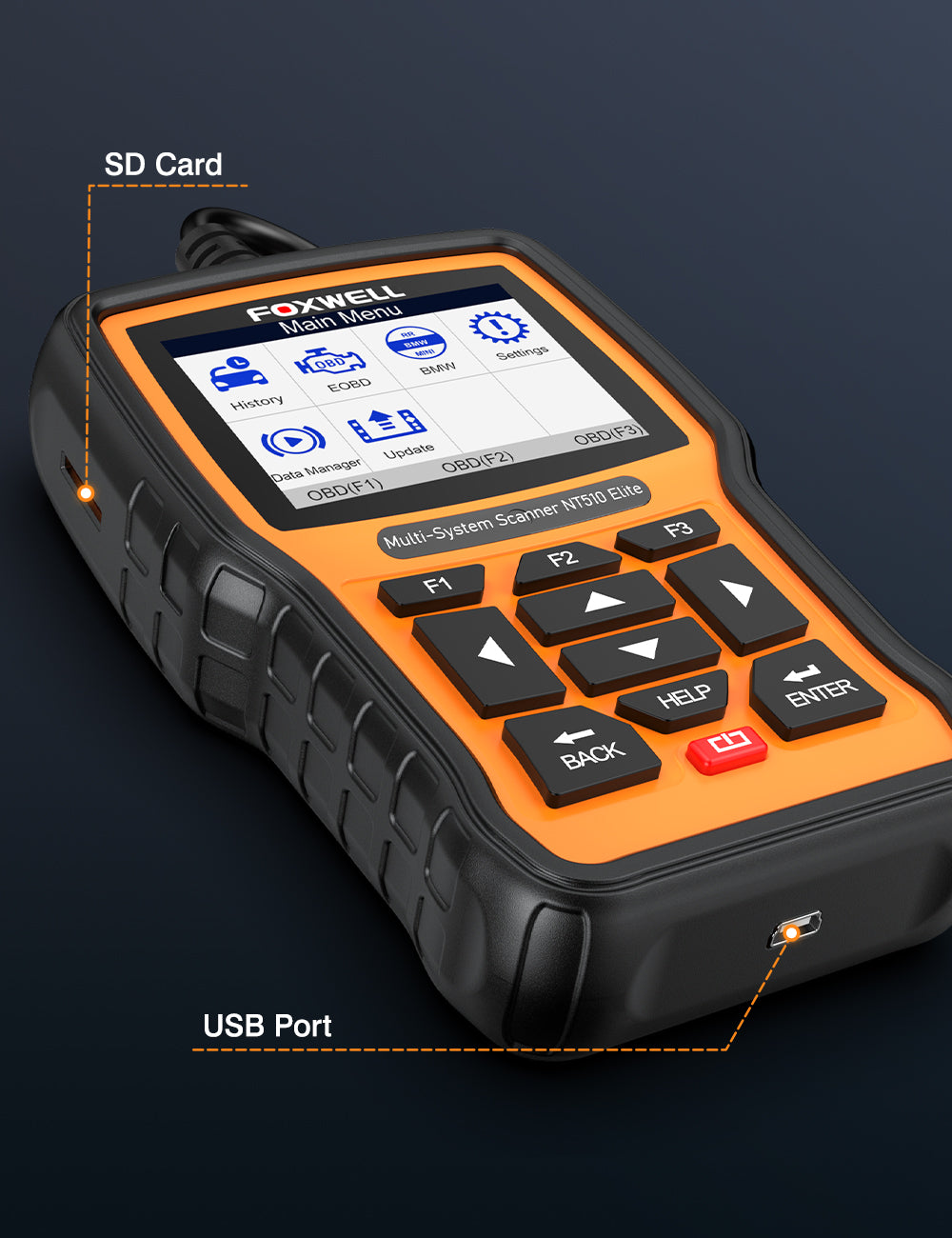
NT510 Elite supports direct WiFi online upgrade without SD card or computer connection, simple and convenient.
One-time purchase for permanent use; no annual fee, no membership charge and no mandatory paid upgrades.
Firmware updates continuously optimize vehicle coverage and fix functional bugs.
Note: Multi-brand expansion and special vehicle authorization are value-added paid services, optional and they do not affect the functionality of already activated software.
8. Will incorrect operation of the NT510 Elite damage my vehicle?
No. Under normal use, functions such as reading codes, clearing codes, and service resets are generally very safe.
Daily usage tips:
- Avoid changing coding or configuration settings without understanding the function
- Save original settings before performing advanced adaptations(such as performing adaptation and calibration operations)
- Do not interrupt procedures midway during calibration or relearn operations
For Everyday Users:
For standard diagnostics and maintenance resets, the operational risk is generally very low and manageable.
You may also like