

Filters
3 products


Frequently Asked Questions
1. Do I have to pay for Foxwell thermal imaging cameras’ software updates, or worry about their battery life?
No. All Foxwell thermal imaging cameras come with lifetime free software updates.
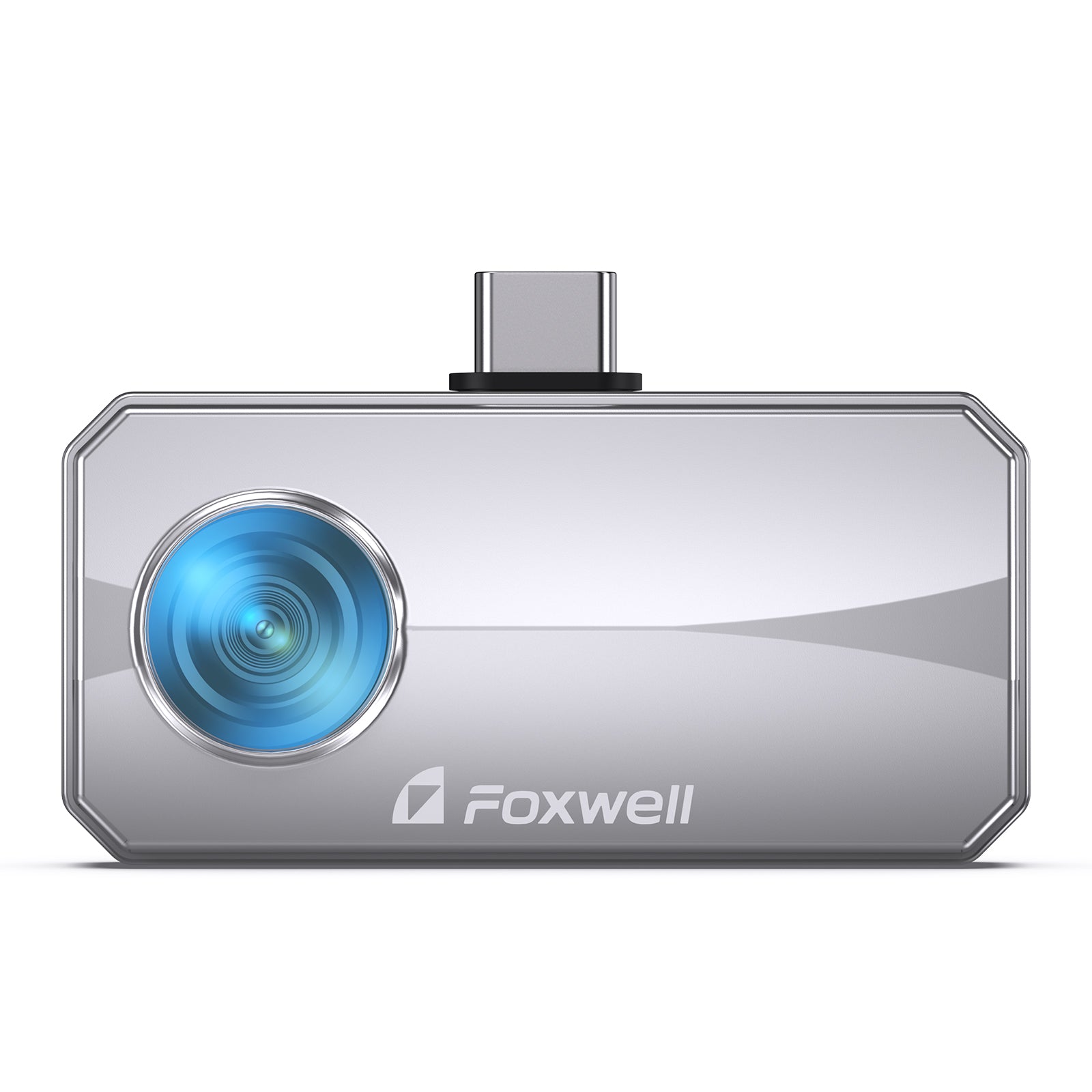
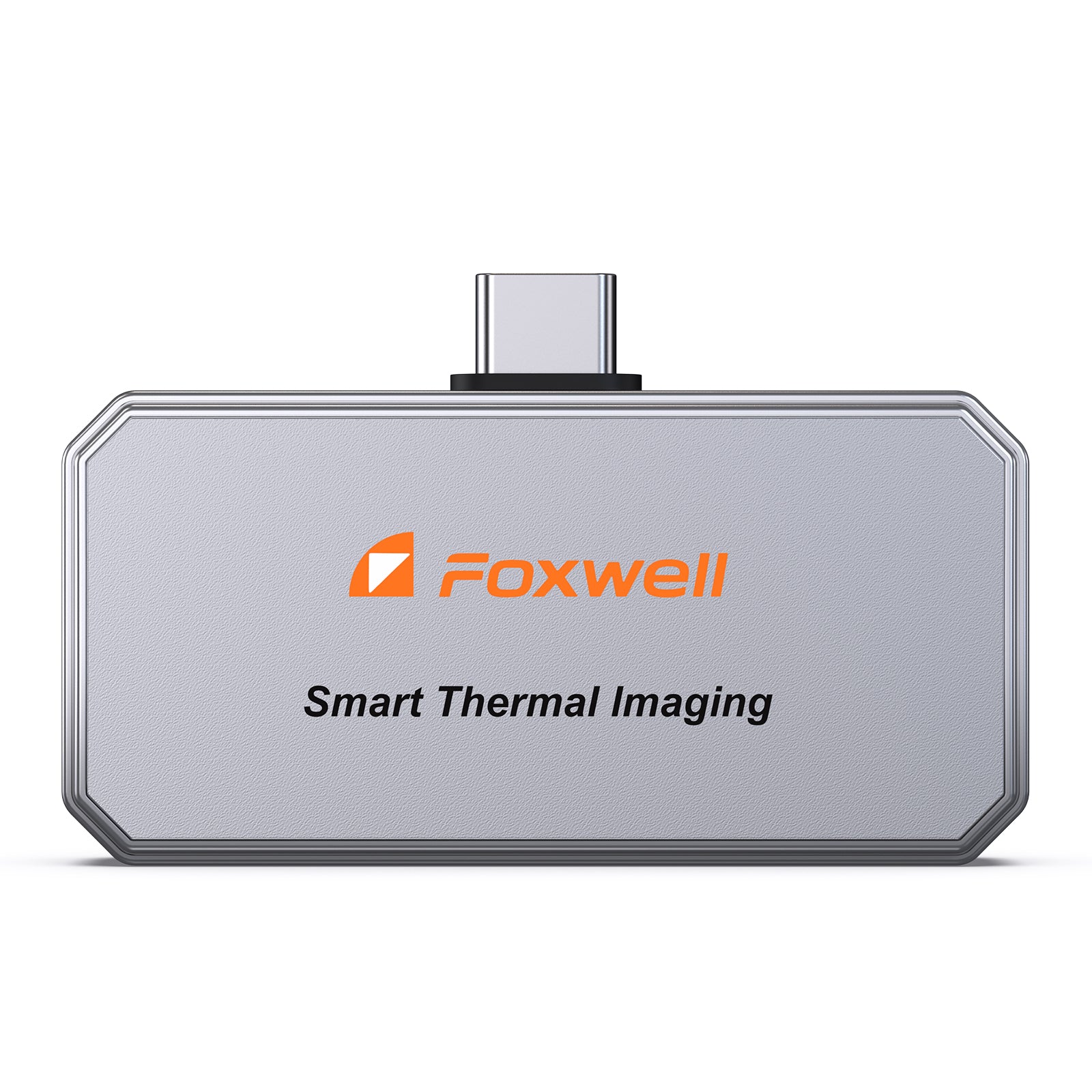
- RT100: Ultra-low power consumption design, powered by your phone for up to 10 hours — no built-in battery, no risk of battery failure or frequent recharging.
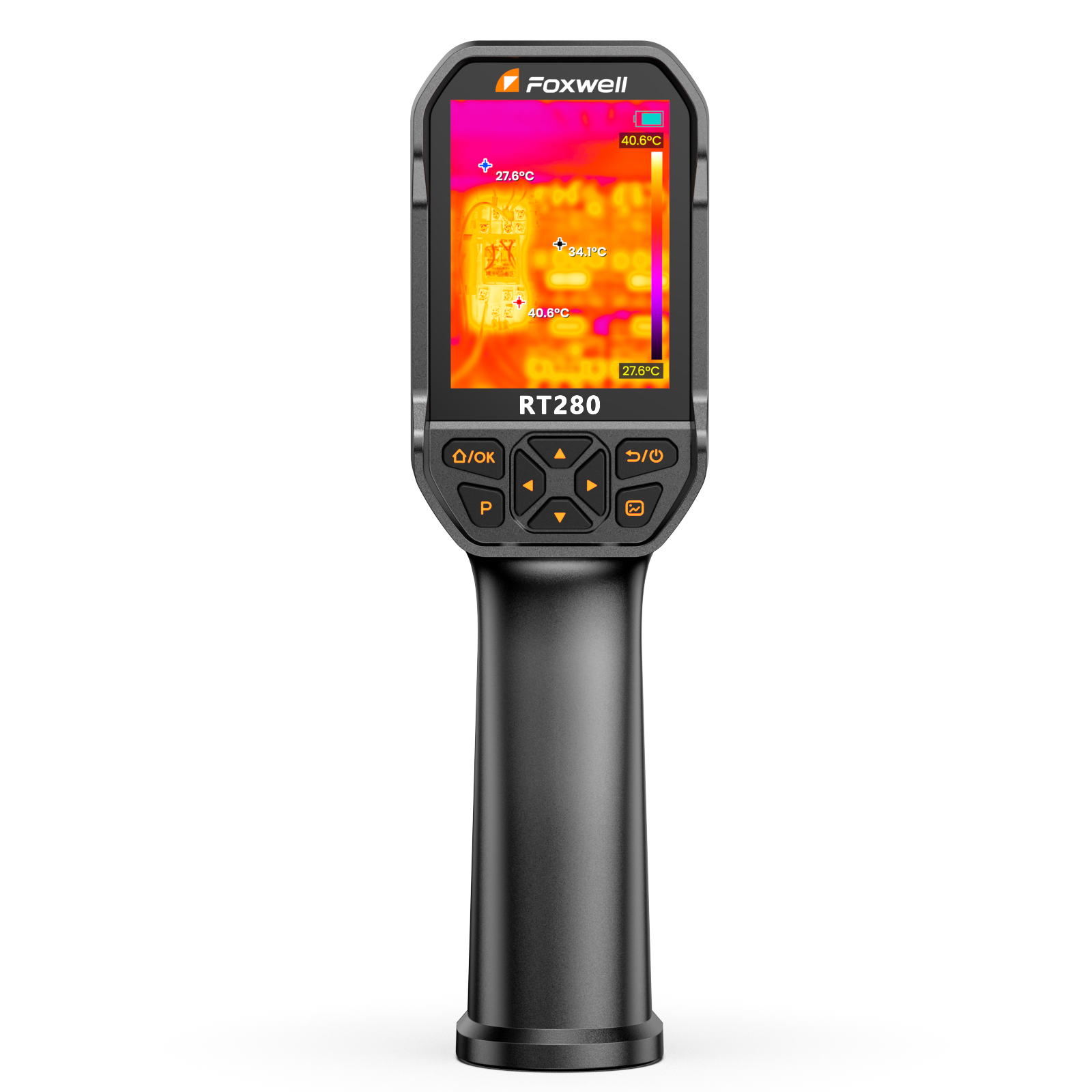
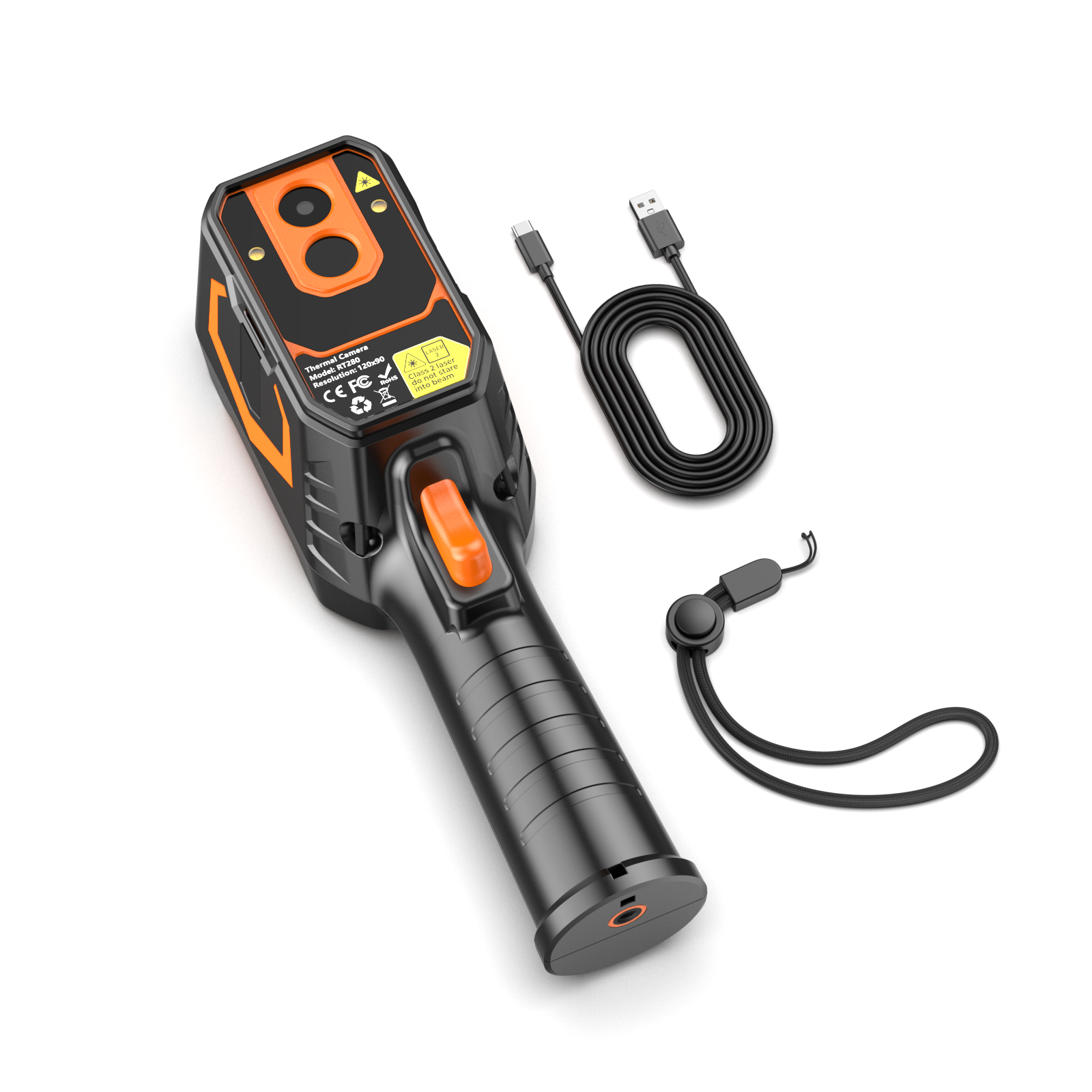
- RT280 / RT280 PRO: Built for all-day use with a high-capacity battery and 8GB eMMC storage capable of storing 20,000+ images without needing to export data mid-job. The RT280 PRO also supports free firmware updates for 5 advanced imaging modes, continuously improving the user experience.
2. Can Foxwell Thermal Cameras Generate Professional Analysis Reports for Clients?
Yes. All Foxwell thermal cameras support professional report generation, with different solutions for each model:
- RT100: Generates professional PDF reports directly via the dedicated APP, no computer required, for quick export and sharing with clients.
- RT280 / RT280 PRO (handheld models): Support professional Windows PC analysis software, allowing you to transfer thermal data to a computer to create 2D/3D thermal distribution maps and generate in-depth analysis reports.
Special note: The RT280 PRO features 512×384 TISR super-resolution imaging plus a 2MP visible-light camera fusion, delivering clearer thermal details and real-scene matching in reports. This helps clients easily understand the core issue and further improves service acceptance rates.
3. How to choose between phone-mounted and handheld models? (RT100 vs RT280 / PRO)
- Choose RT100 (ultimate portability & fast scanning)
Plug-and-play, draws only 0.24W (up to 10 hours of use on a phone), native high resolution (256x192), displayed on your large phone screen, and equipped with a 25.5-inch long cable — ideal for tight spaces like engine bays.
Advantages: No charging (phone-powered), ultra-lightweight, excellent value. - Choose RT280 (reliable standalone tool for daily jobs)
25Hz high refresh rate ensures smooth, blur-free scanning of moving parts such as pulleys and belts.
Advantages: 2.8-inch independent display, 8GB large storage (20,000 images), better for high-frequency daily repair tasks. - Choose RT280 PRO (ideal for high-precision diagnostic scenarios)
Pinpoints extremely small faults such as hairline water leaks and tiny electrical hotspots. Dual-lens fusion technology allows you to overlay thermal data onto real-world photos, completely eliminating misdiagnosis.
Advantages: 5 fusion modes, 512×384 TISR super-resolution, visible-light camera, providing the most professional diagnostic report material.
4. What problems can a thermal imaging camera actually solve?
It visualizes invisible risks across an extended temperature range from -4°F to 1022°F.
- Automotive: Accurately diagnose engine cooling issues, brake friction problems, or seat heater malfunctions. The RT280 PRO’s dual-lens fusion allows simultaneous thermal and real-scene viewing for fast component location.
- Home & Industrial: Detect missing insulation, electrical hotspots (laser targeting available on RT280 / PRO), and hidden water leaks behind walls. The RT280 PRO’s 42°×56° wide field of view + 5 imaging modes enable more efficient large-area inspections (such as whole-home thermal audits).
- Exclusive feature: Foxwell TISR technology significantly enhances image clarity. The RT280 PRO reaches 512×384 TISR super-resolution with 50mK high-sensitivity temperature measurement, making it far easier to pinpoint exact fault sources compared to standard entry-level cameras and the base RT280.
5. What is the difference between thermal imaging and night vision?
Thermal imaging and night vision are often confused, but they work in completely different ways.
- Thermal imaging detects heat (infrared radiation), allowing it to work in total darkness and even through smoke or fog. It is ideal for identifying temperature anomalies in mechanical or electrical systems.
- Night vision amplifies existing light (such as moonlight), producing more detailed visual images but requiring some ambient light to function.
For automotive diagnostics, thermal imaging is far more useful, as it reveals heat-related issues that cannot be detected with visible-light technologies.
6. What are the differences between iPhone thermal imaging accessories and standalone thermal cameras?
iPhone thermal imaging accessories and standalone thermal cameras differ in performance, usability, and application scenarios.
Key Differences:
- Portability
iPhone thermal imaging attachments are extremely compact, using your phone’s screen and battery power, making them ideal for fast, on-the-go inspections.
Standalone thermal cameras are larger but built for stable, all-day use. - Image Quality & Accuracy
iPhone thermal imaging accessories are sufficient for basic inspection tasks but may lack professional-grade precision.
Standalone thermal cameras typically offer higher resolution and more accurate temperature readings, which are critical for professional diagnostics. - Features & Analysis
iPhone thermal imaging attachments rely on mobile apps and offer relatively limited functionality.
Standalone thermal cameras include advanced features such as built-in storage, multi-point temperature measurement, PC analysis, and professional reporting tools. - Durability & Ergonomics
iPhone thermal imaging attachments are relatively delicate and less comfortable for extended use.
Standalone thermal cameras are engineered for harsh environments such as automotive repair shops and industrial worksites.
Application Scenarios:
- iPhone thermal imaging accessories (such as entry-level models like the RT100):
Best for DIY users, quick inspections, and light-duty automotive or household diagnostics. - Standalone thermal cameras (such as professional handheld models like the RT280 series):
More suitable for professional technicians who require higher precision, stability, and advanced diagnostic capabilities.
How to Choose?
- If you are a professional auto mechanic or require high-precision diagnostics: A standalone thermal imager is recommended.
- If you are a DIY user or only perform basic inspections: iPhone thermal imaging accessories offer better value for money.
- If you value both portability and decent performance: Consider entry-level solutions (such as iPhone accessories) as everyday tools, and upgrade to a standalone device when more precise diagnostics are needed.
Summary: For professional diagnostics, a standalone thermal imager is preferred; for daily or light use, an iPhone solution is sufficient.