

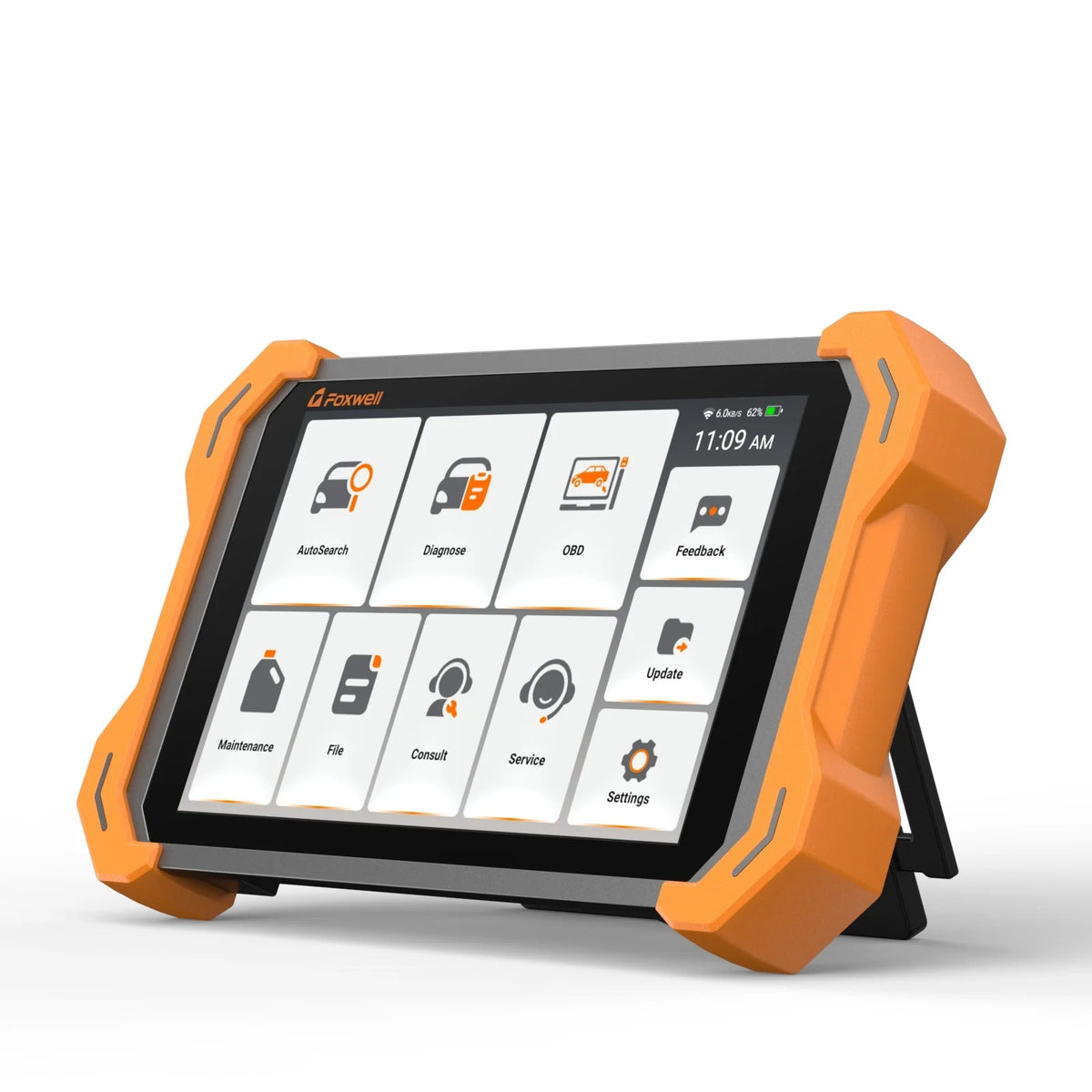
Still curious about the FOXWELL NT919 BT? Here are the answers to all the questions you want to know.
Q1: Is there any annual subscription fee for the NT919BT? How much does updating cost?
Zero Subscription Cost. The NT919BT comes with Lifetime Free Updates. You do not need to pay any annual license or software renewal fees. Simply connect to Wi-Fi to update vehicle coverage and diagnostic software at any time.
Q2: What is the difference between a basic code reader and the NT919BT?
Bi-directional active testing. Basic code readers can only read error codes (passive). The NT919BT can actively send commands to vehicle ECUs (e.g., forcing cooling fans, fuel pumps, or windows to operate) to instantly prove whether a component or circuit is faulty.
Q3: How can I confirm if the NT919BT supports my specific car model or function?
Check before you buy. Advanced functions like ECU coding or special resets depend on the vehicle’s year, make, and ECU module. Simply send your 17-digit VIN and required functions to our support team at support@foxwelldiag.com for compatibility confirmation.
Q4: What warranty and support are included?
1-Year Hardware Warranty + One-Touch Technical Support. Foxwell provides a 1-year limited hardware warranty. If you ever encounter an issue or unsupported vehicle, you can submit system logs directly via the built-in Data Logging button for fast engineering support.
Q5: Does the NT919BT support FCA and Renault Security Gateways (SGW)?
Yes. The NT919BT supports secure gateway access on compatible FCA and Renault vehicles.
For FCA vehicles, AutoAuth access is supported where applicable. Renault gateway access is also supported on compatible vehicles, but the authorization method may vary by region.
Gateway account or authorization fees may apply separately.
Q6: What vehicle brands does the NT919BT support? Does it support vehicles made before 1996?
The NT919BT supports more than 140 vehicle brands worldwide.
For most US-market vehicles, standard OBD-II coverage applies to 1996 and newer vehicles. Coverage for vehicles made before 1996 is vehicle-specific and may require additional adapters.
For advanced functions such as active tests, ECU coding, or special service functions, we recommend providing the VIN and required function before purchase.
Q7: What is the difference between the NT919BT, NT909, and NT1009?
All three support full-system diagnostics, bi-directional active tests, ECU coding, and advanced service functions, but they target slightly different needs
- NT919BT: 8-inch screen, 4GB + 64GB, 34+ maintenance services, 3000+ active tests, and lifetime free updates. It does not support topology mapping.
- NT909: 8-inch screen, 2GB + 32GB, 31 service functions, and 3 years of free updates. It also supports compatible inspection camera and oscilloscope accessories.
- NT1009:10.1-inch screen, 2GB + 64GB, 38+ maintenance services, topology mapping, and ES100 videoscope support. It includes 3 years of free updates.
Choose the NT919BT if lifetime updates and upgraded hardware are priorities. Choose the NT1009 if topology mapping is required.
Q8: Does the NT919BT support Topology Mapping?
No. The NT919BT does not currently support topology mapping.
If you specifically need a visual network topology map to view ECU communication status and locate network faults, the FOXWELL NT1009 supports this feature.
Q9: Does the NT919BT support Australian Holden and Ford vehicles?
Yes. The NT919BT supports Australian-market vehicle coverage, including Holden and Ford.
Specific diagnostic functions, active tests, coding, and service functions vary by model, year, and ECU. For a specific vehicle or function, please provide the VIN for compatibility confirmation.
Q10: Does the NT919BT support the FOXWELL ES100 videoscope?
No. The NT919BT does not currently support the FOXWELL ES100 videoscope.
The ES100 is compatible with selected FOXWELL diagnostic tablets including the NT809, NT809BT, NT809TS, NT909, and NT1009, as well as supported Android devices and PCs.
Q11: How do I set up FCA AutoAuth on the NT919BT?
For customers in North America:
1. Create or purchase an FCA AutoAuth account at webapp autoauth.com.
2. Add the diagnostic tool to your AutoAuth account.
3. According to the current FOXWELL support instructions, select THINKCAR > All Other Models, then enter the required device serial number(SN).
4. Log in to your AutoAuth account on the NT919BT when prompted during FCA diagnostics.
For customers in Europe:
Go to Settings > FCA Diagnostics on the NT919BT and follow the on-screen instructions to purchase or activate FCA gateway access.
AutoAuth or FCA gateway access fees are separate from FOXWELL software update fees.

Leave a comment
This site is protected by hCaptcha and the hCaptcha Privacy Policy and Terms of Service apply.