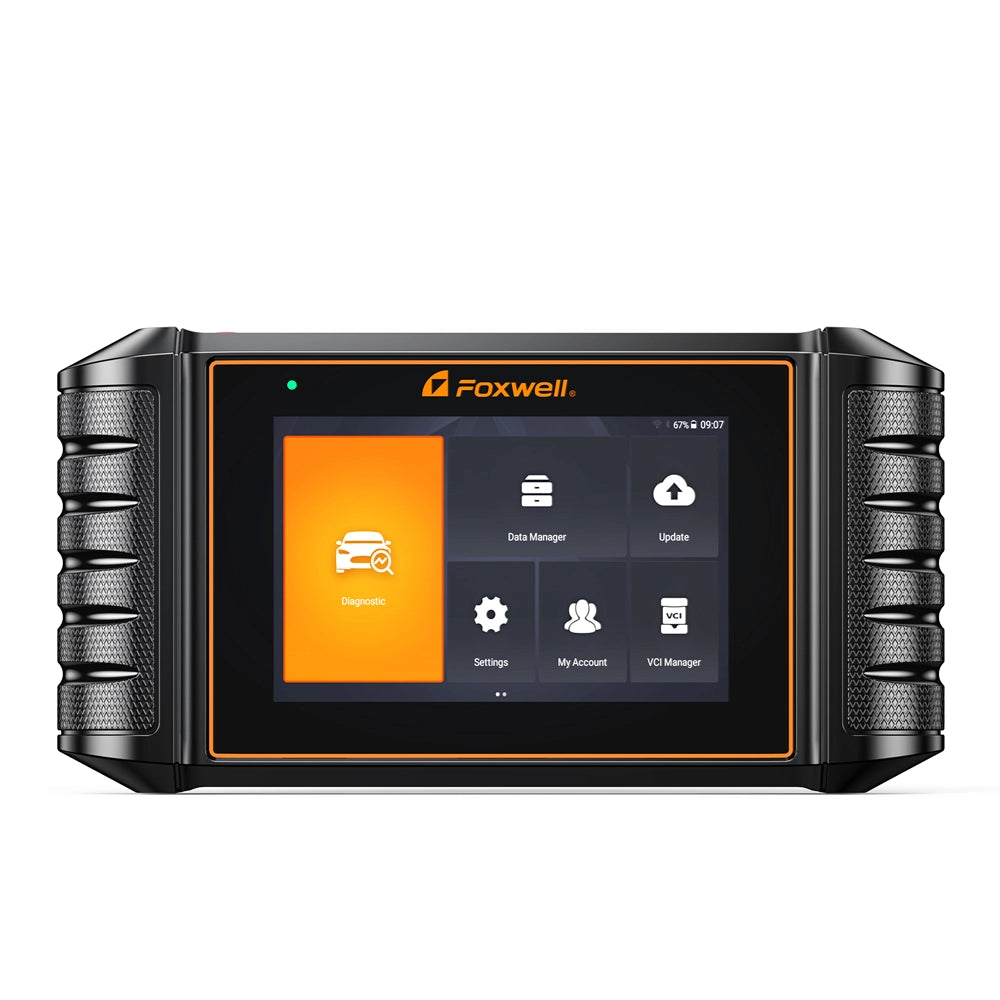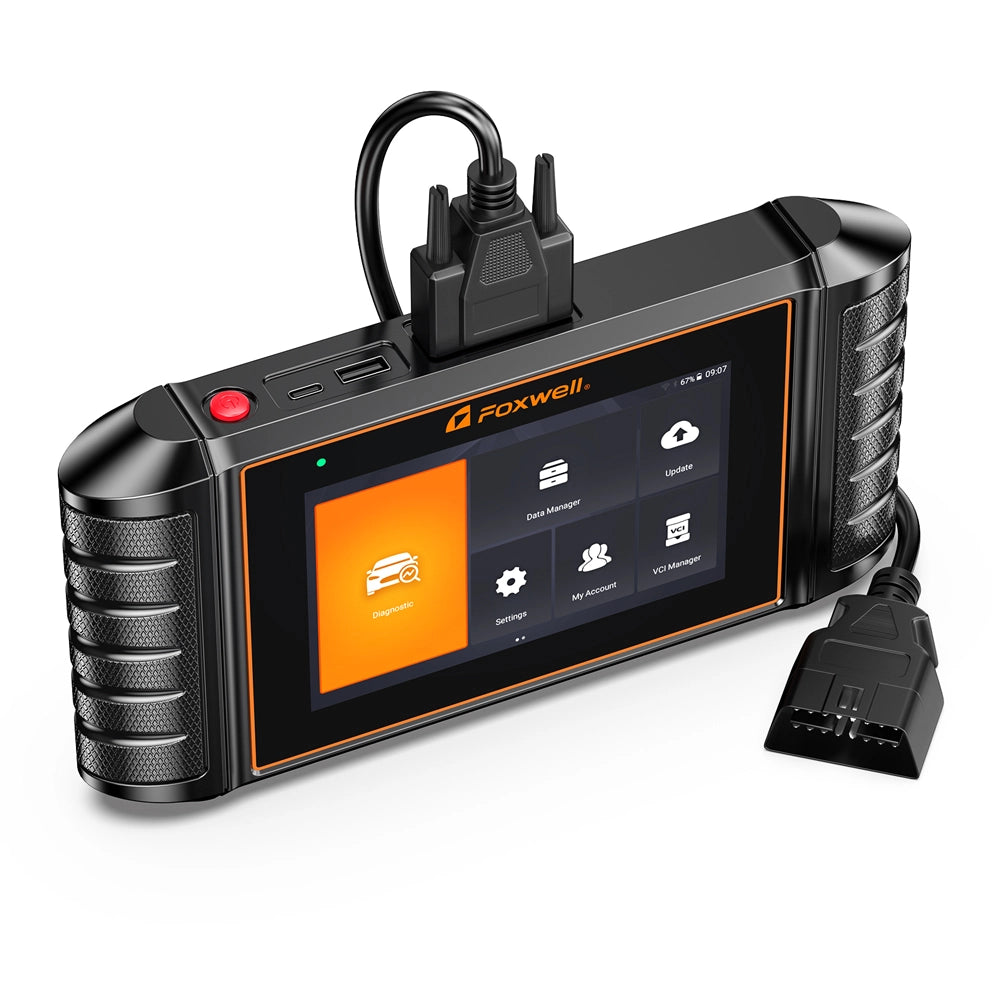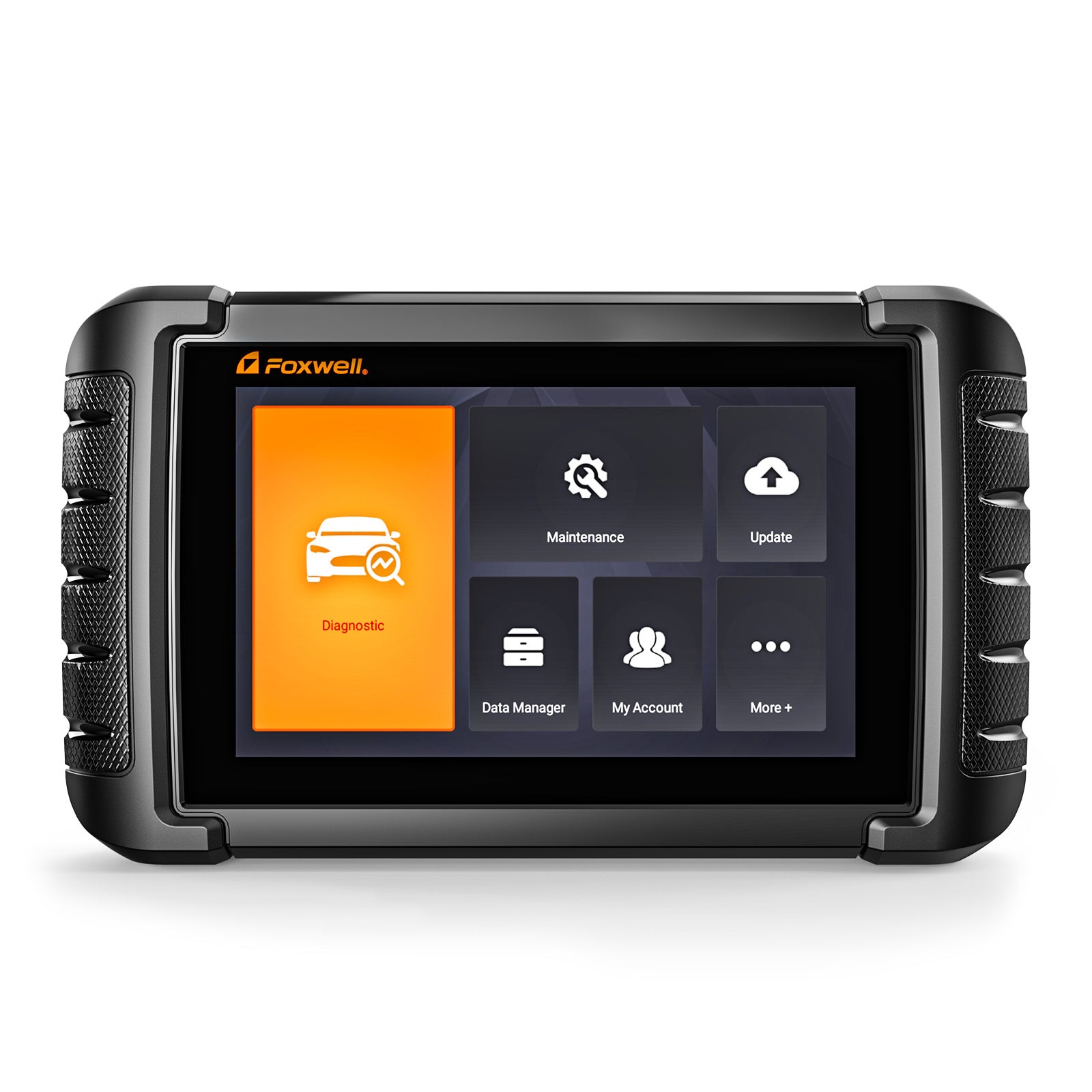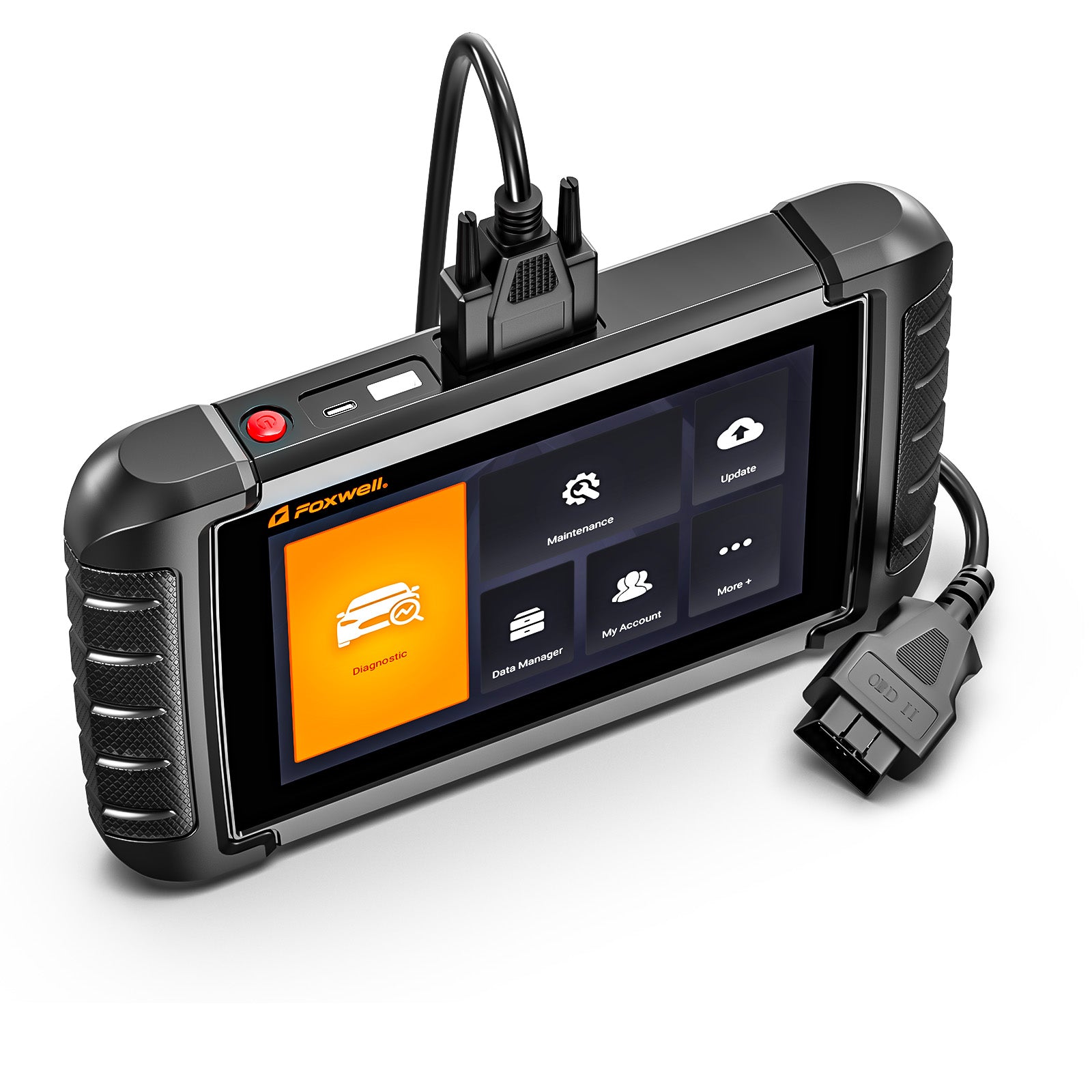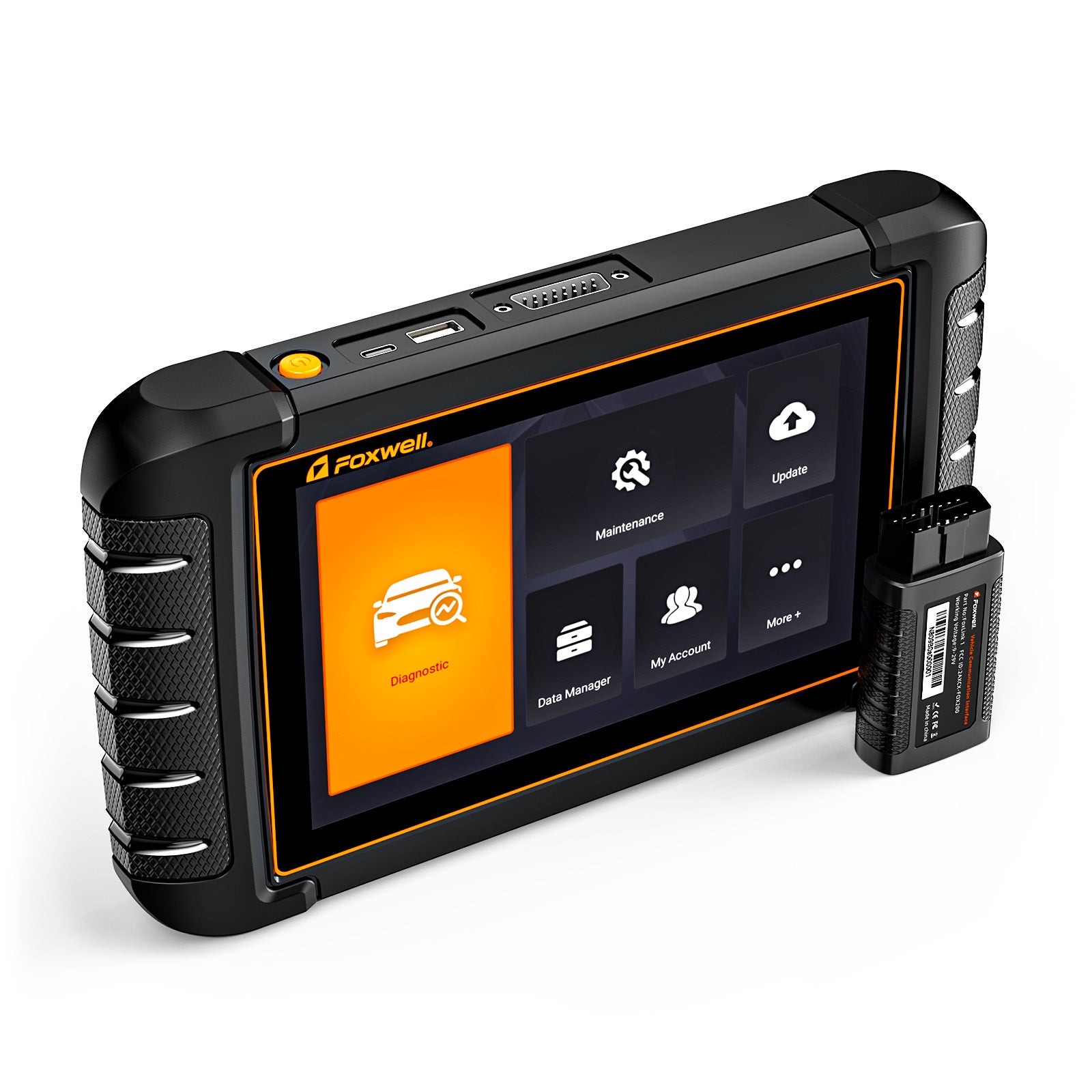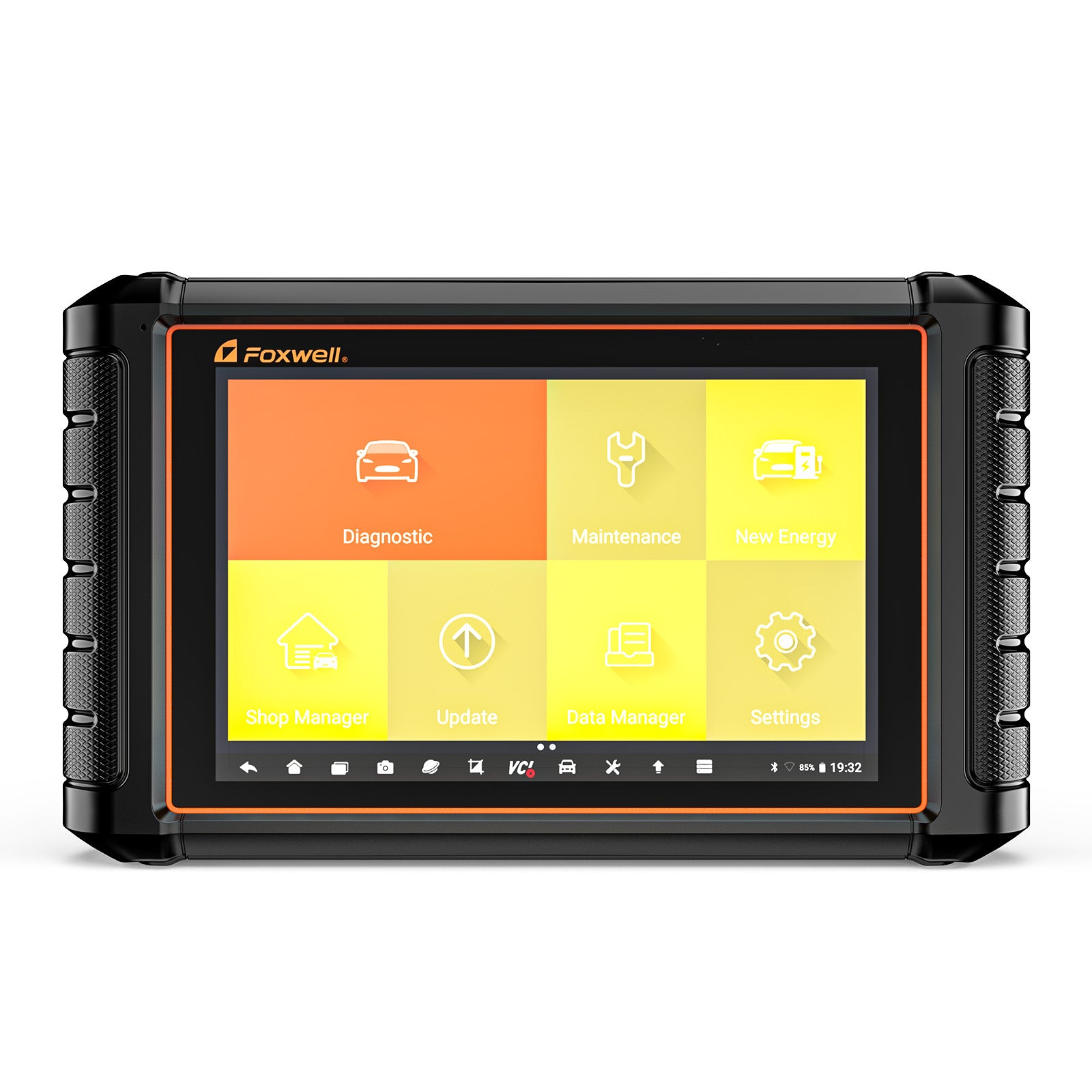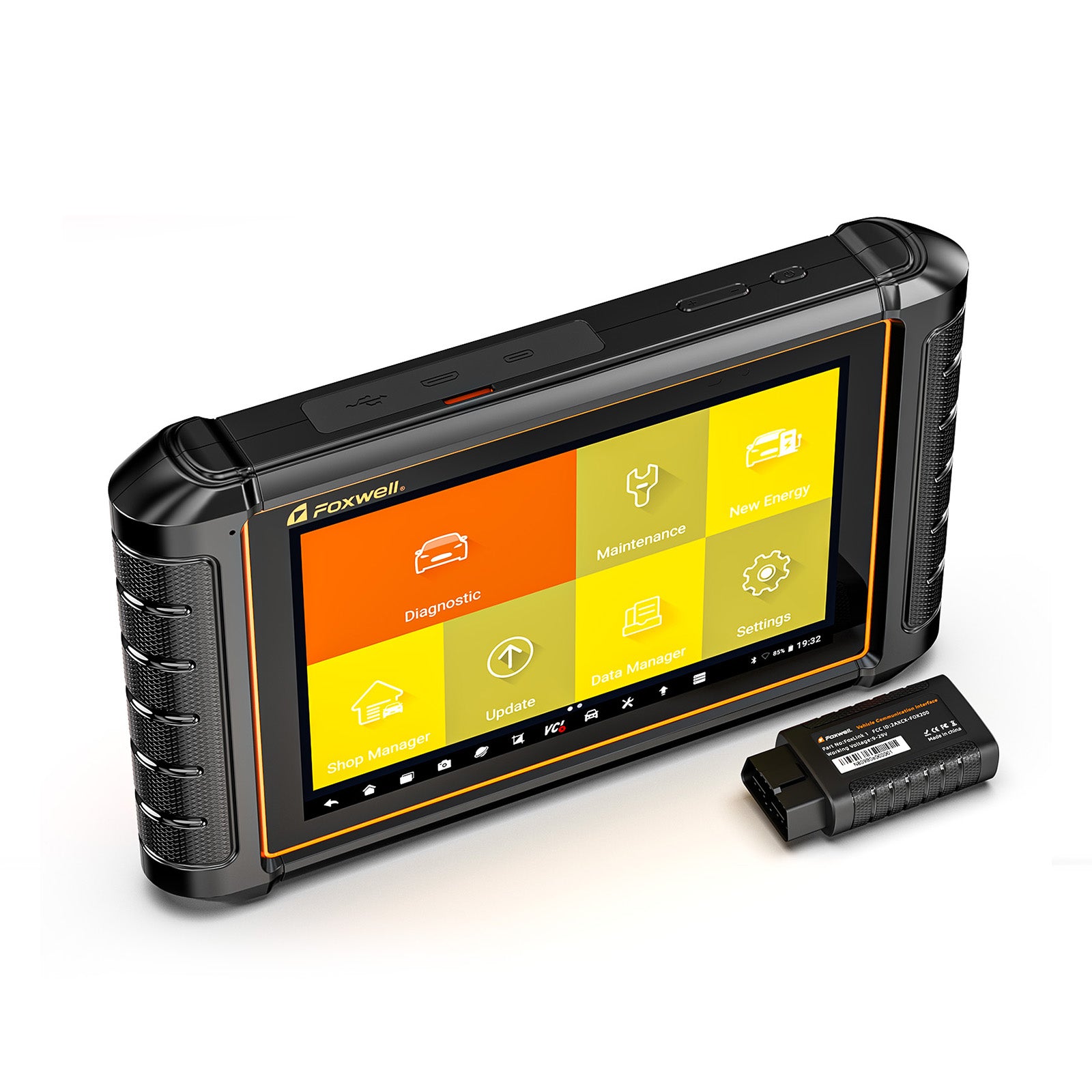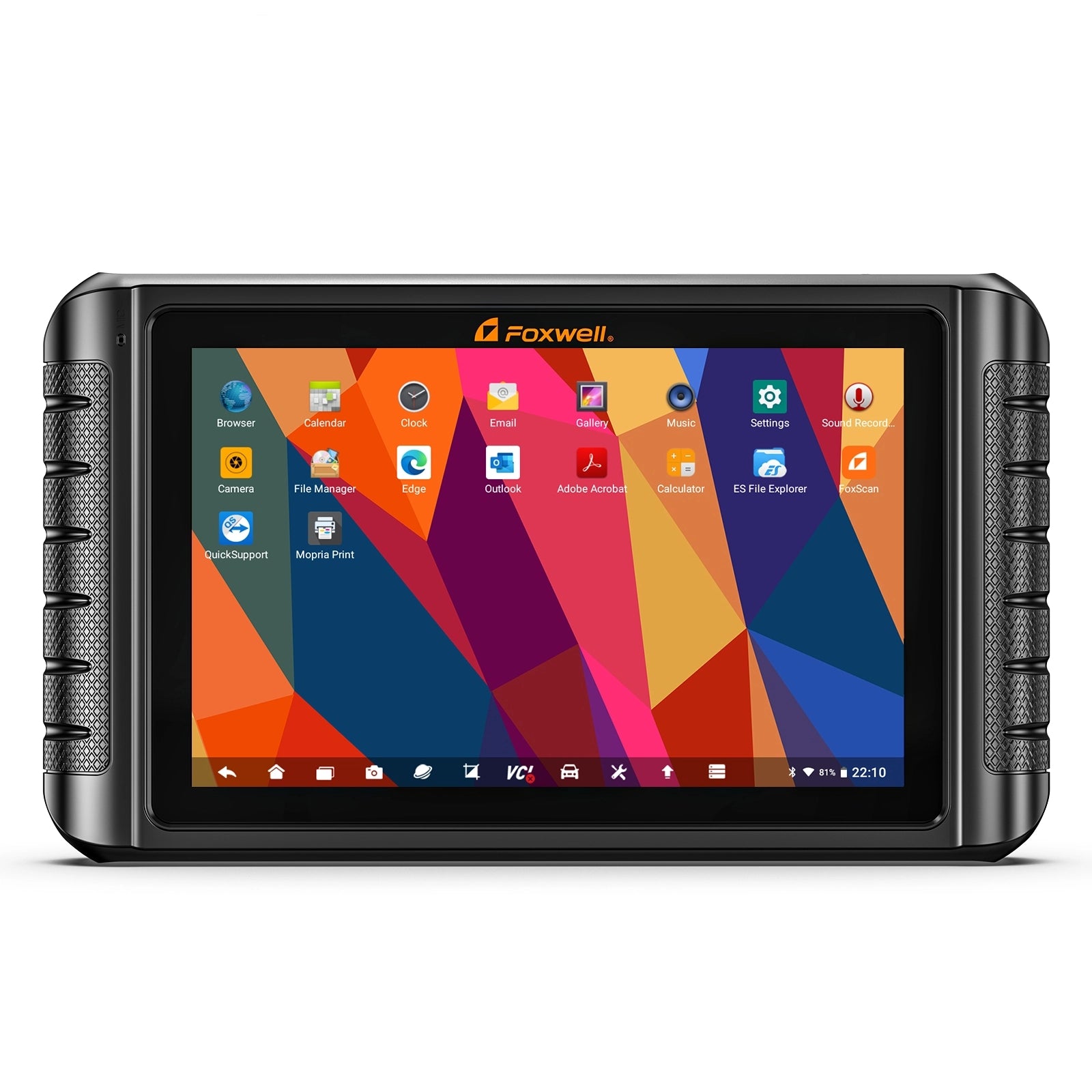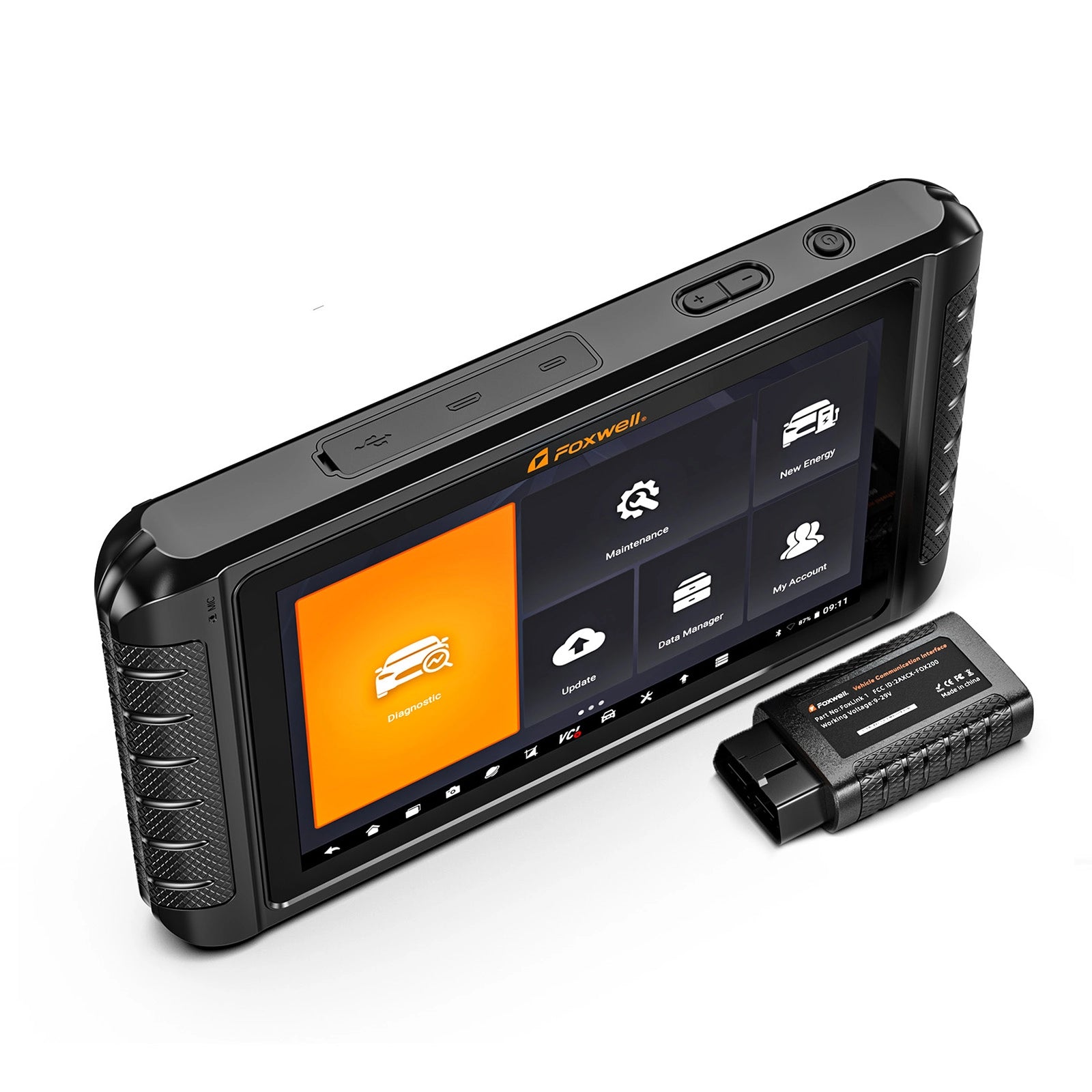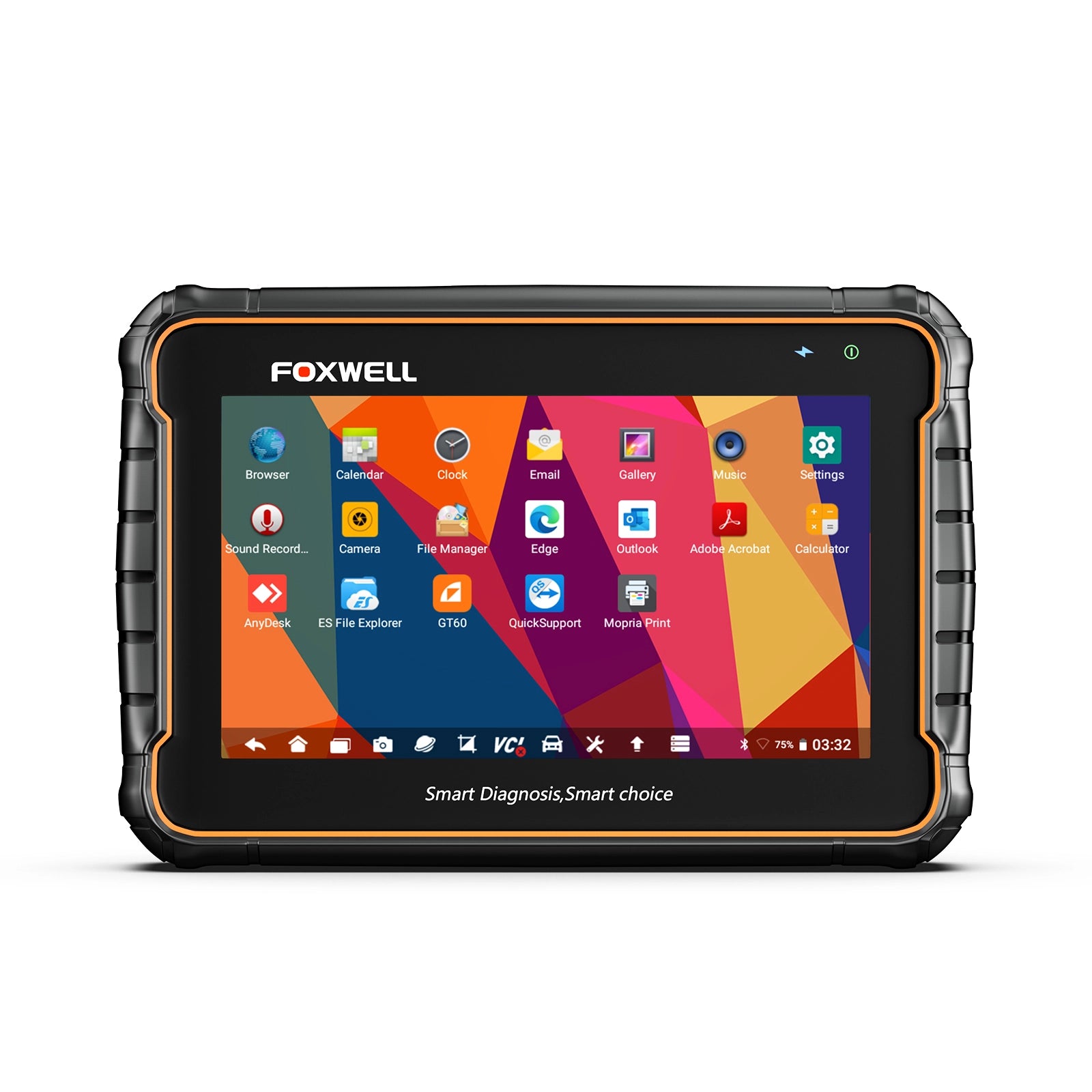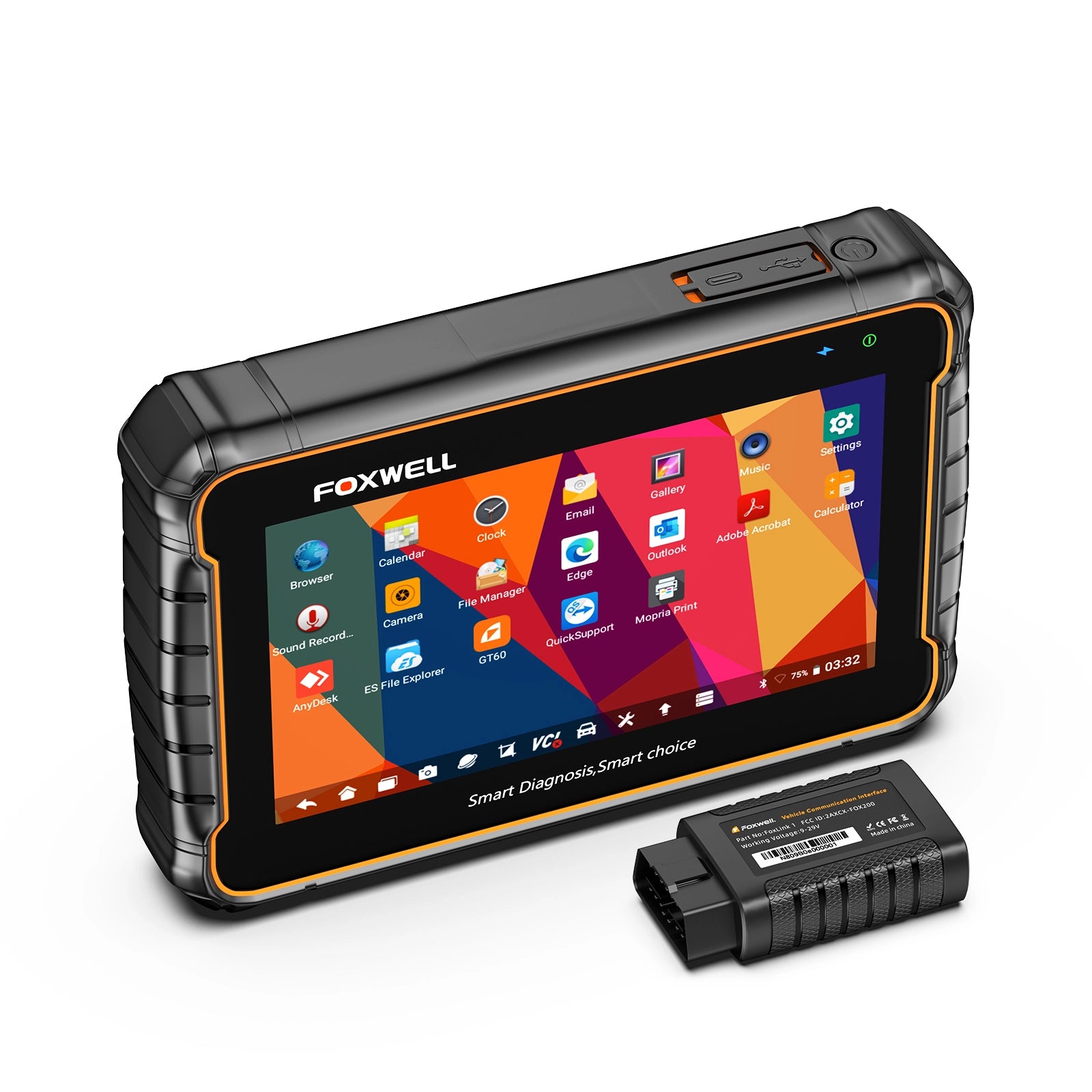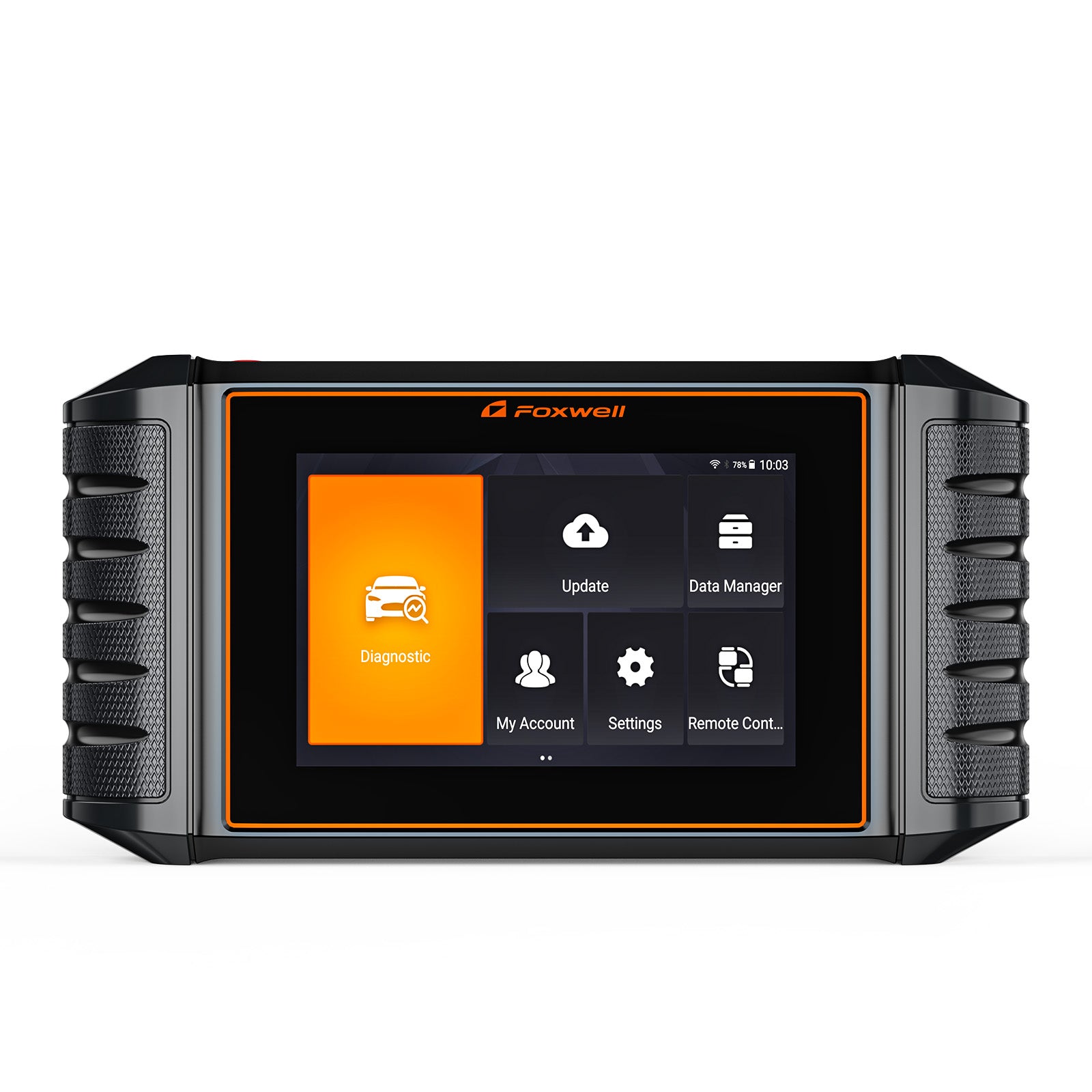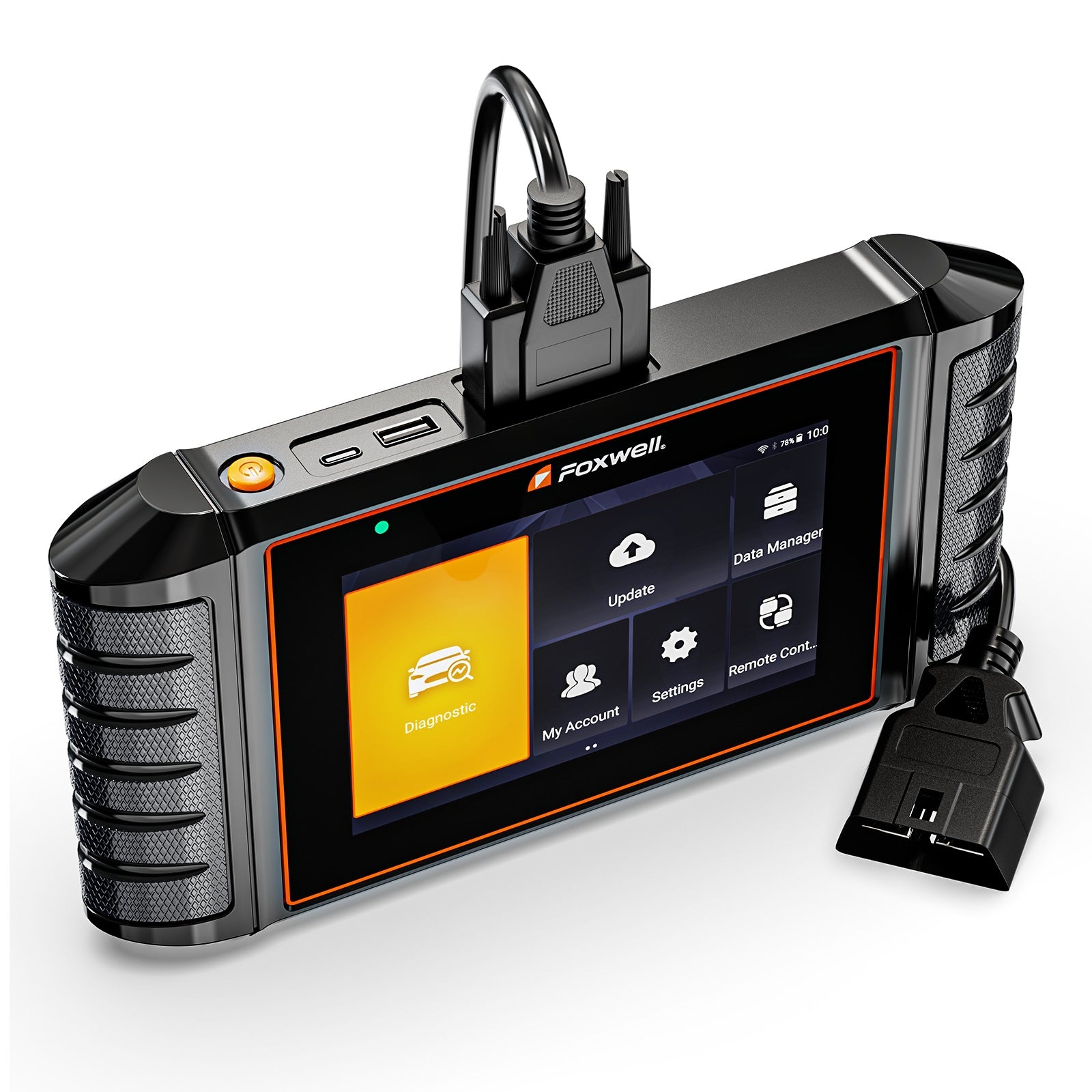


Foxwell NT809 TS
Bi-Directional OBD2 Diagnostic Scanner and TPMS Tool
💰 Extra 5% Discount — Code: 5DFOX


 One Year Warranty
 3 Years Free Update
 1-5 Days Shipping
 Lifetime Tech Support

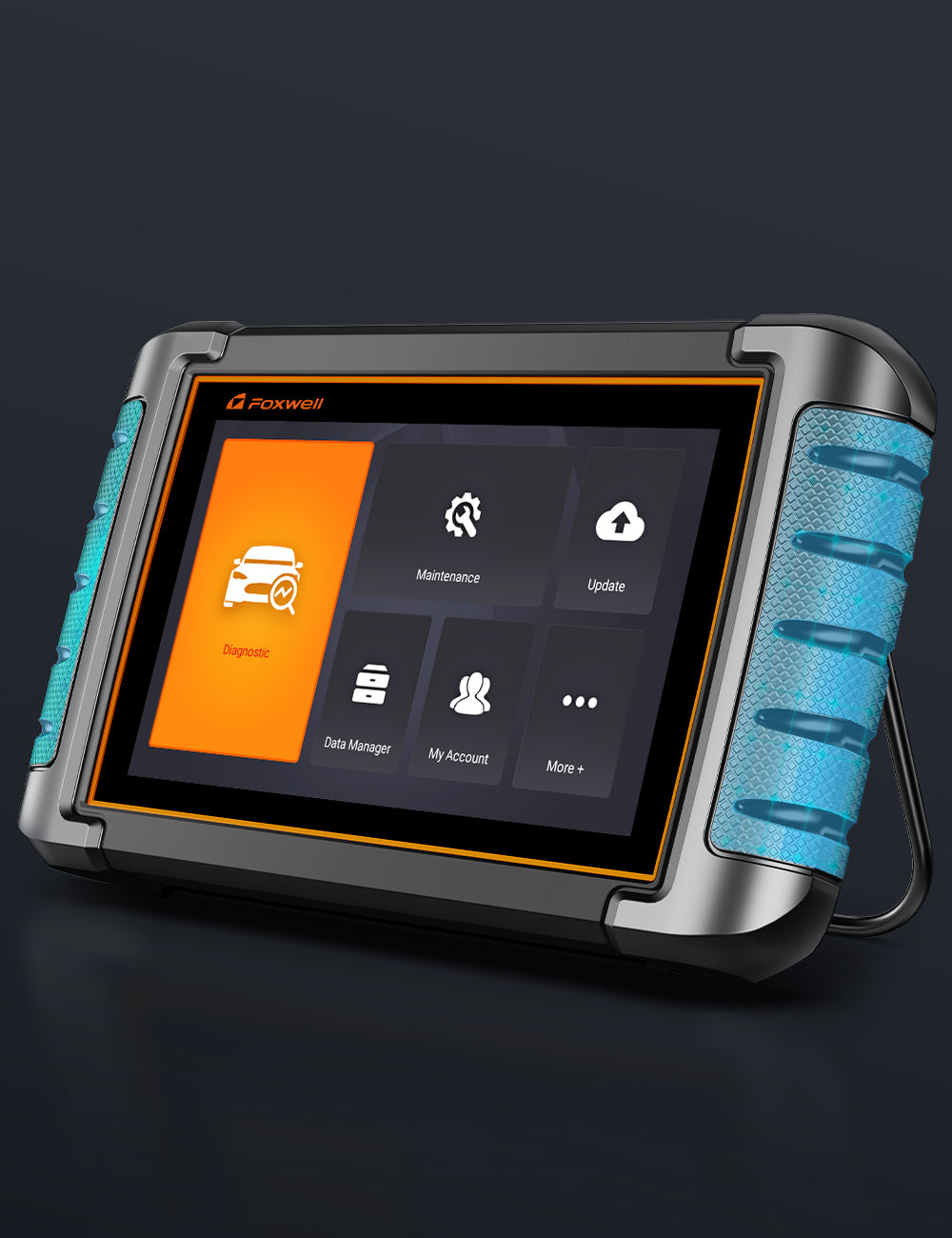
All System Diagnose and Full OBD2 Functions

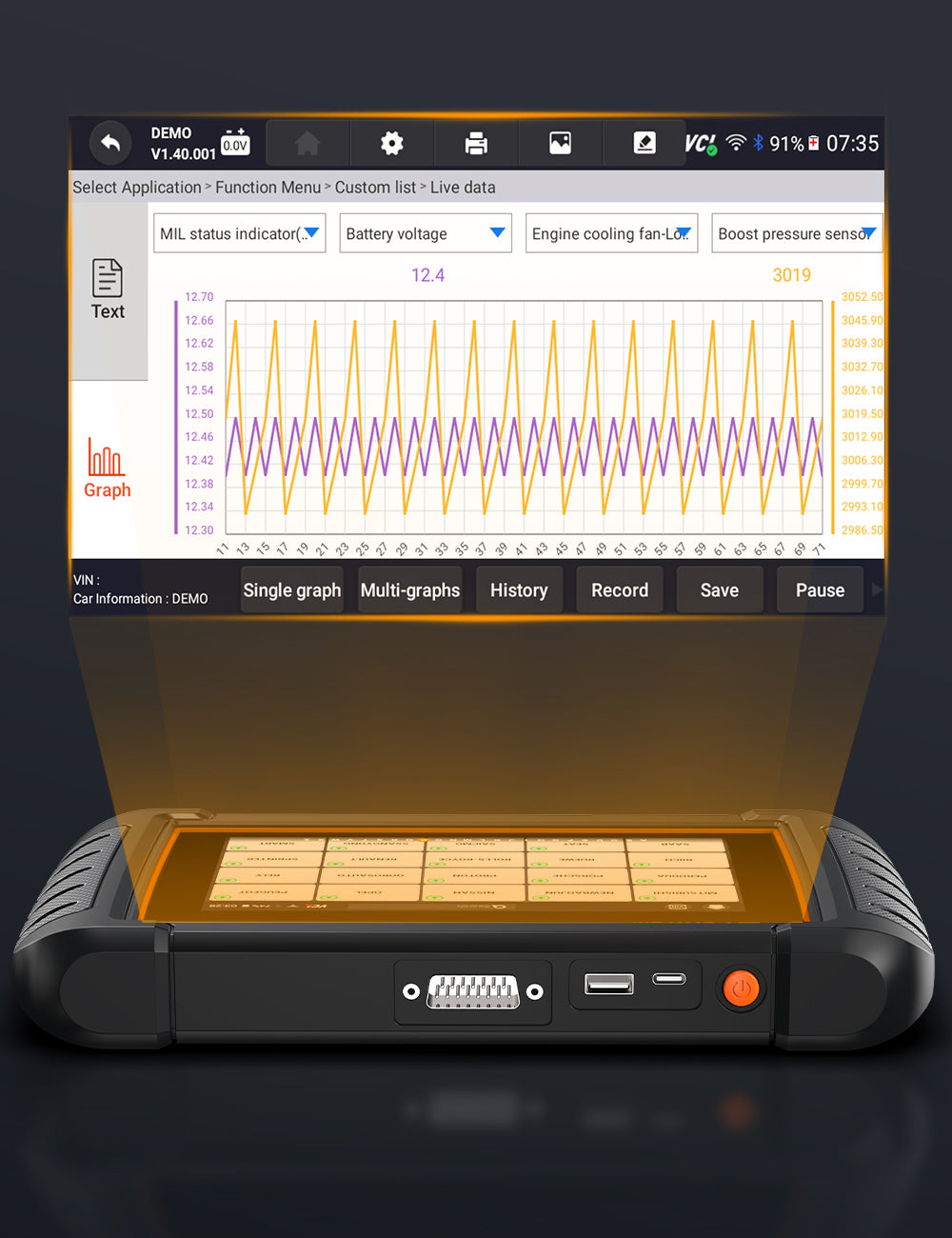
NT809 TS provides comprehensive OBD2 functionality with full system diagnostic capabilities for comprehensive electronic control module access and real-time powertrain data collection. Your system provides access to read/clear trouble codes, monitor system parameters, and run tests across many critical systems - Engine, ABS, SRS, Transmission, TPMS, IMMO DPF Battery etc. Combining OBD2 modes (Mode 01-10), the NT809 TS provides accurate diagnosis, swift issue identification and cost-efficient repair decisions to both drivers and professionals alike.

30+ Reset Service

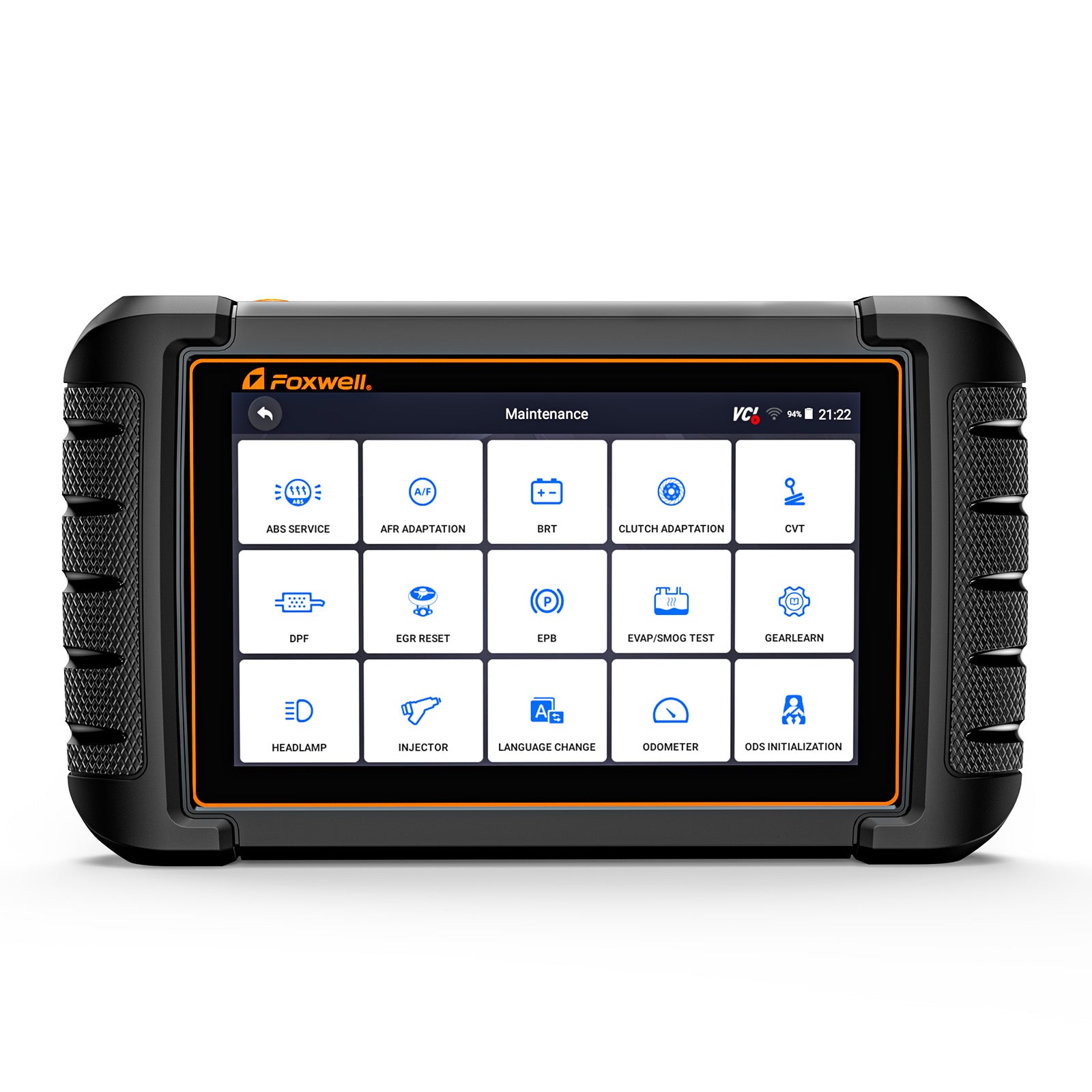
As the advanced car scanner tool , it provides 30+ reset maintenance functions to meet users various daily repairs or maintenance. Support Oil Light Reset, ABS Bleeding, Battery Matching, DPF Regeneration, SAS Match, Injector Coding, EPB Reset, TPS, Airbag(Replace Airbag ECU Module), Seat Match, A/F Reset, Language Change, TPMS Reset, EGR Adaption, Headlamp Reset, Cluster, Clutch Adaptation, CVT, EVAP Test, Gear Learn, ODS & OPDS, Oxygen Sensor Test, Prime Fuel Pump, TCM Oil, Transmission Adaptation, TURBO, Windows-door...

Cycling ABS Pump Motor

The Cycling ABS pump motor maintains brake pressure, prevents wheel lock-up, enhances vehicle control, circulates brake fluid, and releases excess pressure, ensuring safe and effective braking.


TPMS Diagnosis
Relearn TPMS Sensors
Activate 98% TPMS Sensors
Program Foxwell T10 Sensor

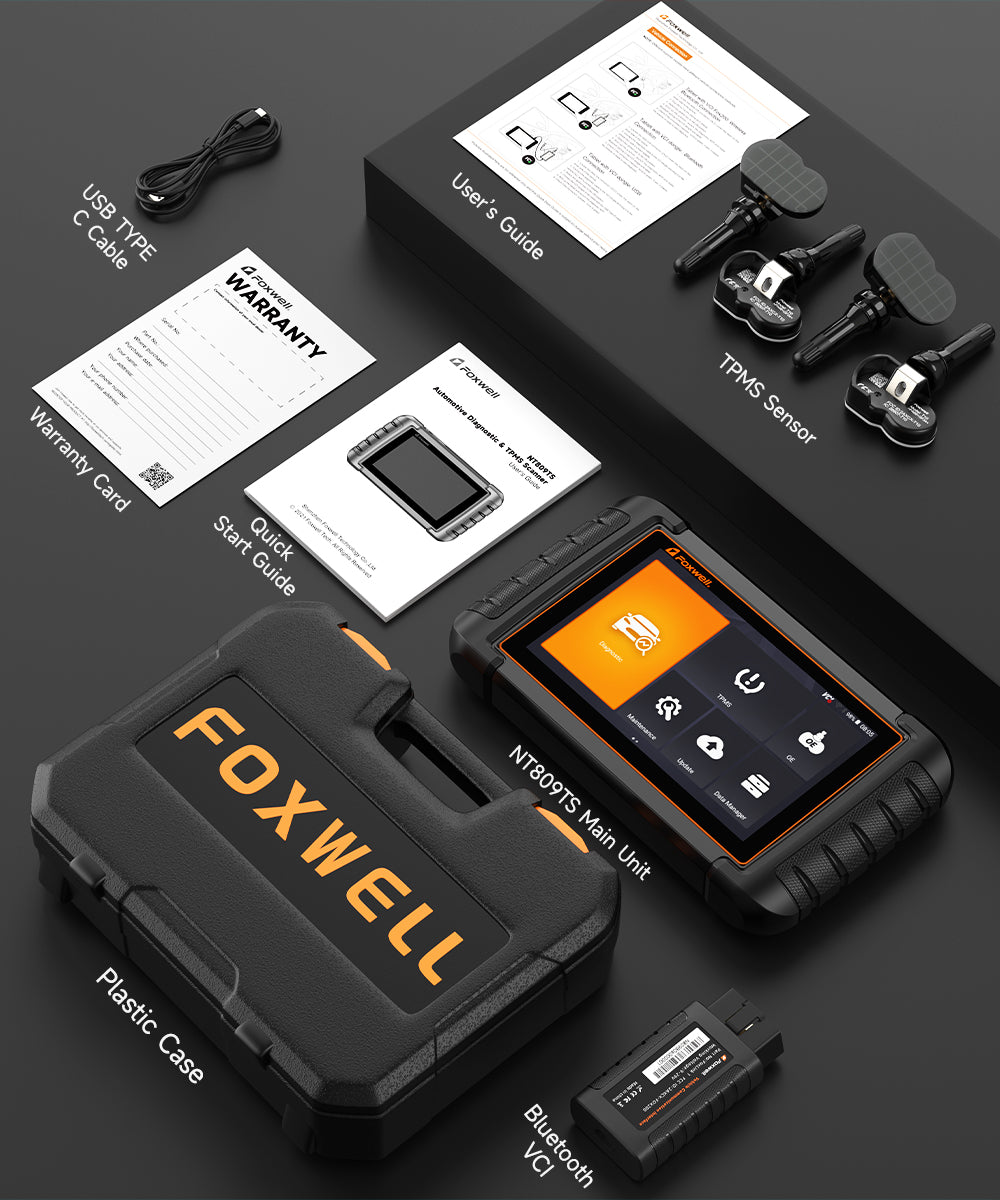
Foxwell NT809 TS offers complete TPMS service: Activate OEM/Universal sensors, read sensor data (ID, pressure, temperature, etc.), and replace faulty sensors with the included 4 FREE Foxwell T10 sensors—no extra cost!

After replacing, adjusting or modifying sensors, it's critical to relearn the sensors. The NT809 TS streamlines this process by allowing original sensor IDs to be written into the ECU of 99% of popular vehicles on the market. It provides options for Stationary Relearn, Automatic Relearn or OBD Relearn to ensure accurate sensor identification.

Enables activation of 98% of sensors on the market to monitor sensor data, including sensor ID, tire pressure, tire temperature, battery status, and sensor location.

This feature facilitates access to program sensor data for the T10 sensor within the NT809TS. Offering four different programming methods: Copy by Activation, Copy by OBD, Copy by Input, and Auto Create.

4 Programming Sensor Method

1. Copy by Activation
2. Copy by OBD
3. Copy by Manual input
4. Auto Create

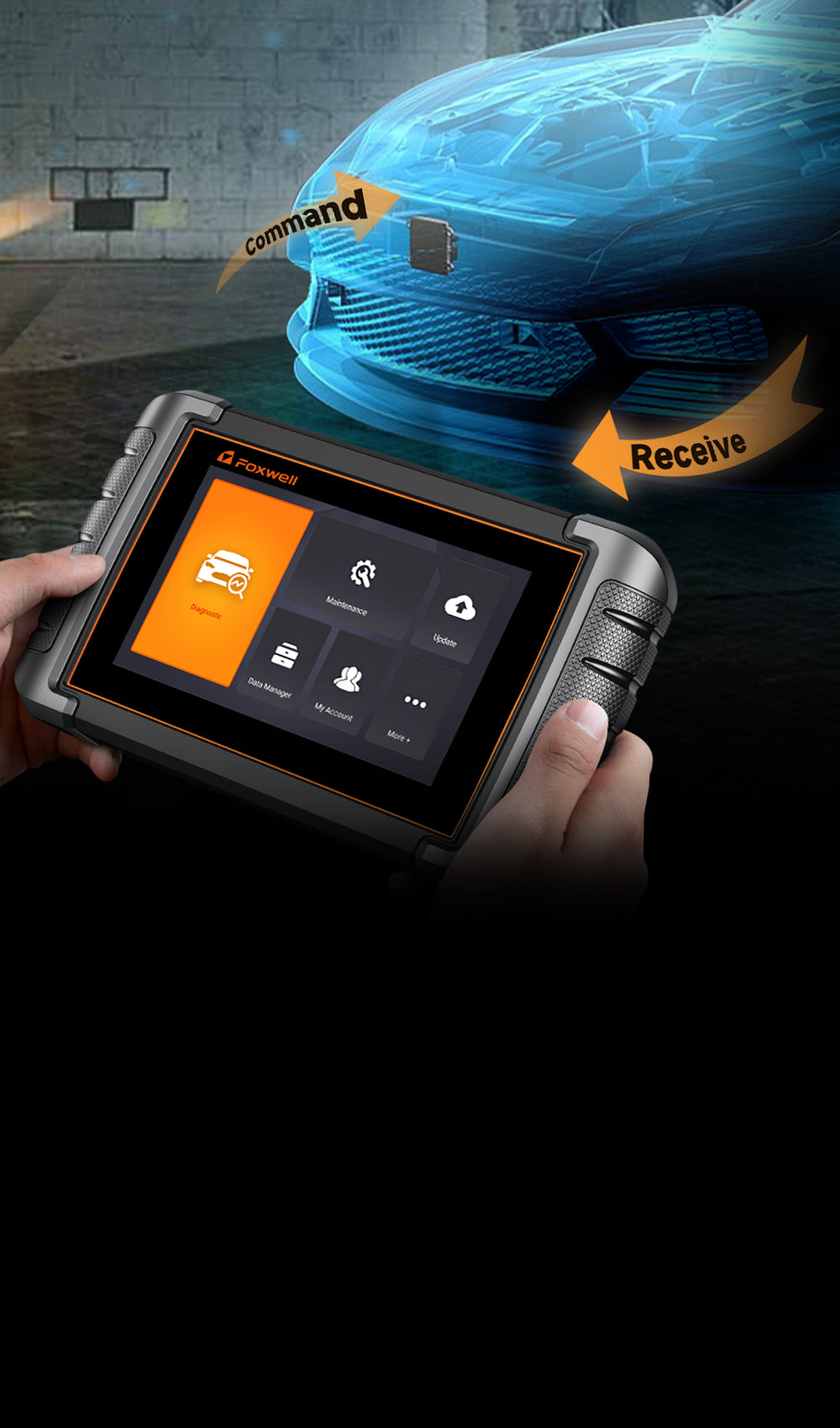
Lock/unlock door
Roll window up/down
Cycling A/C Clutch On/ Off
Cycling ABS Pump Motor
Turn the Fuel Pump On/Off
Open/Close the Sunroof
Turn on/off the radiator fan/interior & exterior lights
Operate Mirrors/Fuel Injector Balance/ Injector Buzz Test Light/ Headlamp Test, etc


Assists in verifying the operational status of air conditioning systems.


Detecting whether the fuel pump can suck the fuel from the fuel tank to the oil supply pipe.
Other Functions

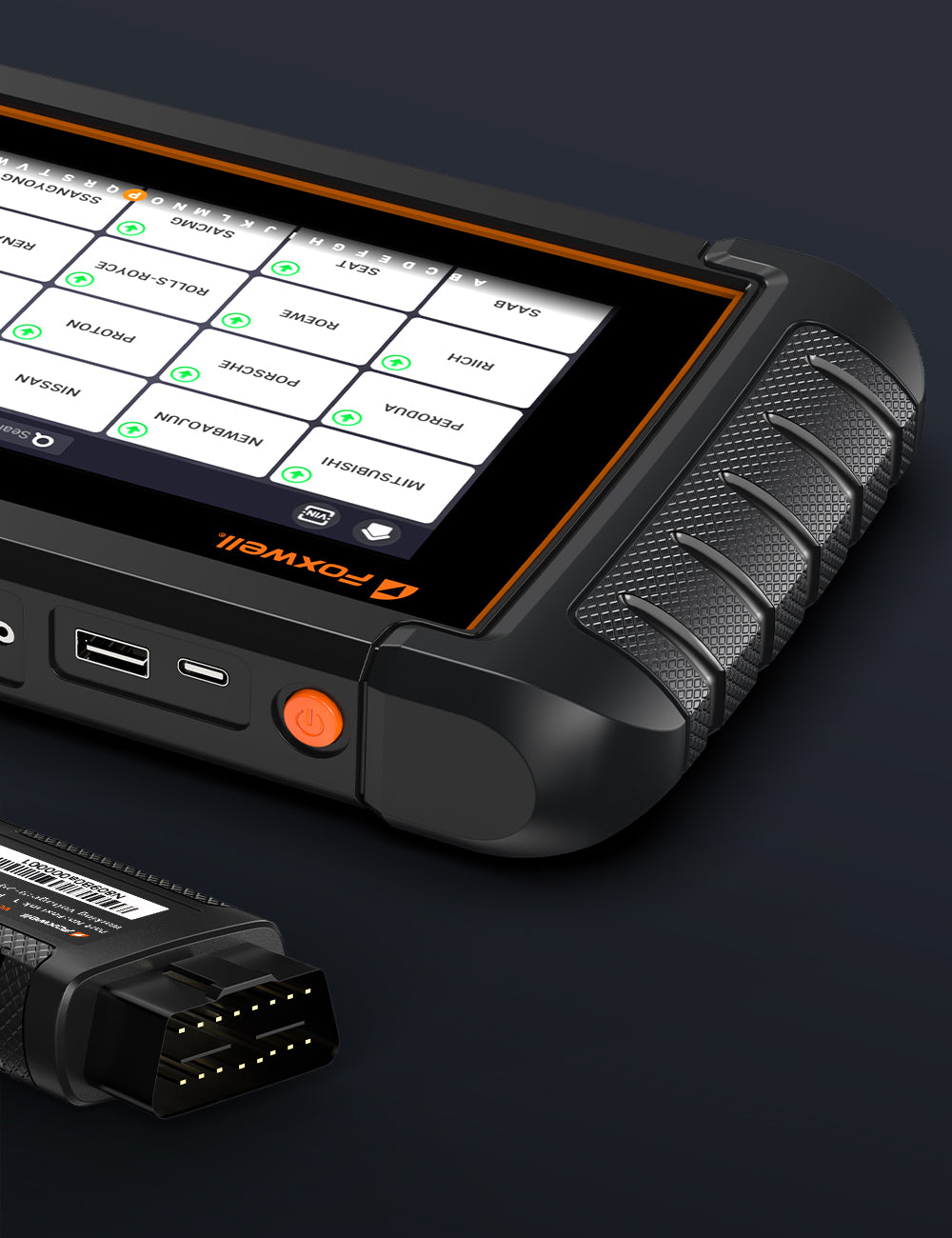
The NT809 TS offers support for over 90 makes and 20,000+ car models, even the latest vehicles on the road. Thanks to its Auto VIN feature, this diagnostics device instantly retrieves your ECU details like module type and software version so that diagnosis can begin immediately.

Connect to your car in seconds, download the latest software updates effortlessly and get real-time help whenever you need it. The NT809 TS is designed to solve most car problems quickly and easily, with full support.

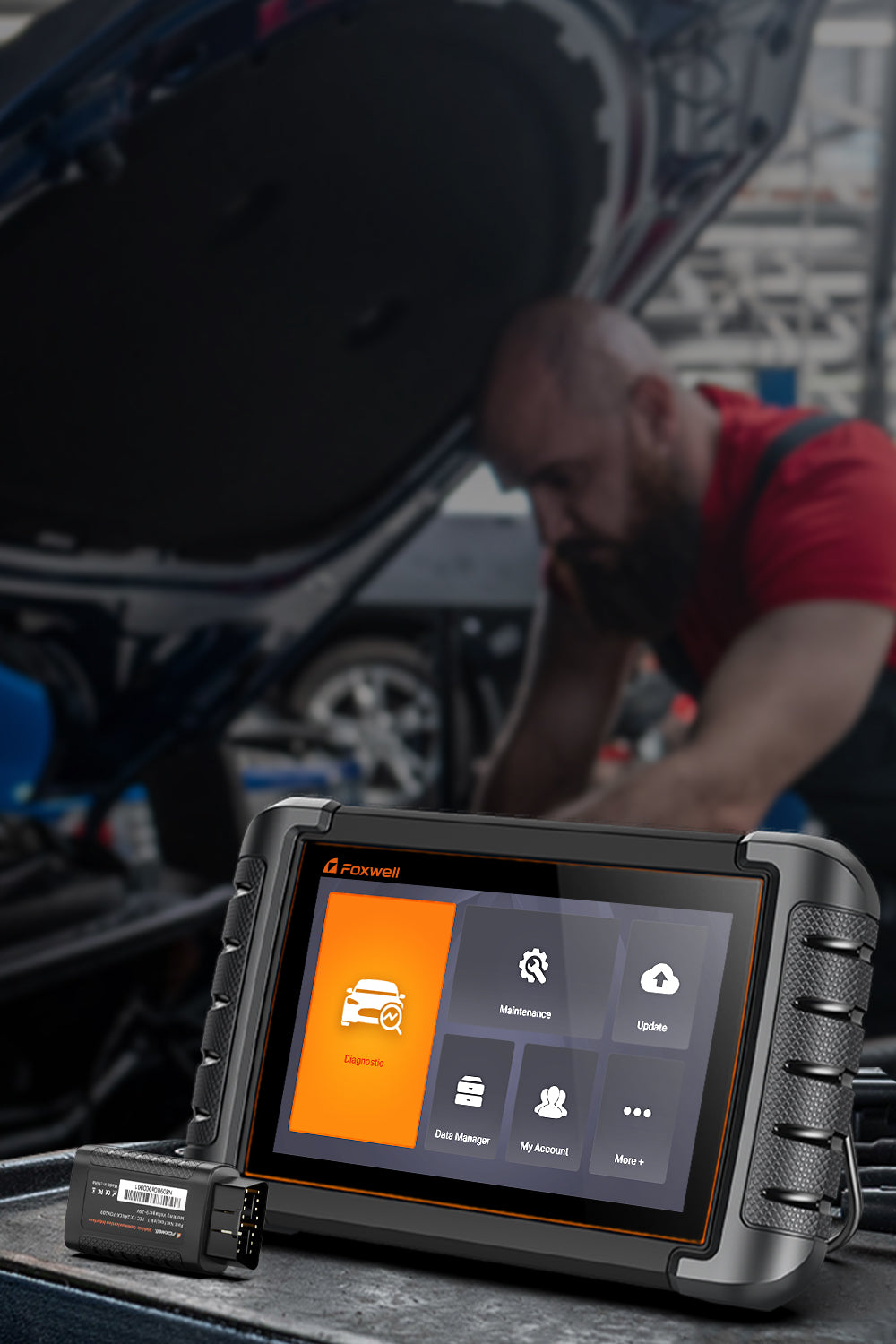
Whether you're a weekend DIYer, a seasoned mechanic, or run an auto repair shop, this tool is built to meet your diagnostic needs with ease.
Package List


Frequently Asked Questions
1. Who is the Foxwell NT809TS suitable for?
- DIY Car Enthusiasts
Supports reading and clearing trouble codes, maintenance reset services, battery matching, and TPMS service functions.
- Home Mechanics
Provides all-system diagnostics and helps identify deeper vehicle issues beyond basic OBD2 code reading.
- Independent Repair Shops
Supports Bi-directional Control, Active Tests, TPMS services, and daily diagnostic tasks.
- Beginner-Friendly
With Auto VIN identification, Quick Scan, and guided service menus, the NT809TS makes common diagnostic and maintenance operations easier to perform.
User Experience
- Basic functions are simple to use and suitable for beginners.
- For advanced functions such as Active Tests, Bi-directional Control, and deeper system diagnostics, users can gradually explore more capabilities as they become familiar with vehicle systems and repair processes.
2. Is the NT809TS suitable for high-volume professional repair shops?
The NT809TS is well suited for light to medium workloads and daily diagnostic tasks.
Suitable Applications
- DIY car enthusiasts
- Independent repair shops
- Small auto repair businesses
- Mobile mechanics
Performance Features
- Quickly completes common diagnostic and maintenance tasks
- Supports multi-system scanning and commonly used service functions
- Provides stable performance for everyday repair workflows
- For High-Volume Repair Facilities
For workshops handling extremely high vehicle volumes and continuous operations, some professional-grade diagnostic platforms may offer faster processing speeds and more optimized workflow solutions.
Summary
The NT809TS is designed for versatility and everyday practicality rather than industrial-level, ultra-high-volume workshop operations.
3. Can the NT809TS replace a basic OBD2 code reader?
The NT809TS can be considered an upgrade option for users who need more than basic OBD2 diagnostics. However, the right choice depends on your diagnostic needs.
Basic OBD2 Scanner
Suitable for users who mainly need:
- Reading and clearing engine trouble codes
- Checking basic vehicle fault information
- Simple DIY troubleshooting
Additional Capabilities of NT809TS: Compared with basic OBD2 scanners, the NT809TS adds more advanced diagnostic and maintenance functions:
- All-System Diagnosis (Engine, ABS, SRS, Transmission, etc.)
- Live Data monitoring
- Bi-directional Control (Active Tests)
- TPMS service functions (reset, relearn, and Foxwell TPMS Sensor programming)
- Maintenance reset services (Oil Reset, EPB Reset, Battery Matching, etc.)
Summary
For basic fault code checking and simple troubleshooting, a standard OBD2 diagnostic tool can be a practical choice.
4. If my main need is TPMS service, is the NT809TS worth buying?
Yes , if you need a versatile TPMS diagnostic tool that combines TPMS service with full vehicle diagnostics.
Why It Offers Great Value
- Program Foxwell TPMS Sensors (supports Foxwell T10, T20, etc.)
- TPMS Sensor Relearn and Reset functions
- All-System Diagnosis
- Bi-directional Control (Active Tests)
- Multiple maintenance service functions in one device
Suitable Users
- DIY car owners
- Home mechanics
- Independent repair shops
- Technicians who need both TPMS services and regular vehicle diagnostics
When Another Tool May Be Better
If your work focuses mainly on TPMS services and requires support for a wider range of third-party TPMS sensor brands, a dedicated TPMS tool may be more suitable because it usually provides broader sensor coverage.
5. Can I still use the NT809TS after the 3-year free update period ends?
Yes. Even after the free update period expires, the NT809TS will continue to work normally.
Functions You Keep
- All installed diagnostic functions
- Existing vehicle coverage
- TPMS programming and relearn functions
- Maintenance reset services
- Previously downloaded software and database
Updates Mainly Provide
- Additional vehicle coverage
- New diagnostic functions
- TPMS database updates
- Software optimization and compatibility improvements
Note:
If you mainly service vehicles already supported by the device, many users can continue using the NT809TS for years without renewing updates.
6. What should I confirm before purchasing?
Before purchasing, please confirm:
- Vehicle make and model
- Year
- Engine configuration
- Required functions (TPMS, Key Matching, Bi-directional Control, etc.)
Vehicle compatibility may vary depending on the vehicle model, year, and system configuration. Checking compatibility in advance helps ensure the NT809TS supports the functions you need.
7. Can the NT809TS perform ECU programming or performance tuning?
No. The NT809TS is designed for vehicle diagnostics and maintenance, not ECU tuning.
Functions Supported
- Read and clear trouble codes
- All-System Diagnosis
- Bi-directional Control (Active Tests)
- Maintenance reset services
- TPMS service functions (programming and relearn)
- Vehicle health checks and troubleshooting
Functions Not Supported
- ECU flashing
- ECU remapping
- Performance tuning
- Stage 1, Stage 2, or Stage 3 tuning
- RPM limiter modification
- Torque management adjustment
If your goal is vehicle diagnostics, maintenance, and TPMS service, the NT809TS is an appropriate choice. ECU performance tuning requires dedicated tuning hardware and software.
8. Can it program keys for all vehicles?
No. Key programming capability depends on the vehicle’s anti-theft system. Only certain makes and models are supported.
Some vehicles may require:
- PIN code
- Online authorization
- Dedicated equipment
Always confirm vehicle compatibility before purchase.
9. Can this tool read ABS, SRS/Airbag, and transmission faults?
Yes, the NT809TS supports All-System Diagnosis, not just engine trouble code reading.
It can access multiple control modules, including:
- Engine
- ABS
- SRS/Airbag
- Transmission
- TPMS
- Battery
- DPF
Compared with basic OBD2 scanners, it helps users identify deeper vehicle issues.
10. Can it help identify the cause of a problem, or does it only read trouble codes?
It does more than just read trouble codes.
The NT809TS supports:
- Live Data
- Bi-directional Control
- Active Tests
- All-System Scan
These functions help users further analyze potential issues and reduce unnecessary parts replacement.
However, final repair decisions should always be based on the actual vehicle condition.
Got more unanswered concerns about the NT809TS scanner? Head to our dedicated NT809TS FAQ page for comprehensive breakdowns.
You may also like